
Photo Enhancer vs Upscaler: Which One Does Your Photo Actually Need?
They sound like the same thing and they solve different problems. How to tell which one your photo needs, why the order matters, and what happens when you get it backwards.
 EnhanceIT
PRO
EnhanceIT
PRO
In 2026, the standard for photo enhancement has shifted from simple sharpening to generative detail recovery and 8K upscaling. Users no longer want to download heavy software; they need instant, browser-based solutions that handle compression artifacts, blur, and low resolution in seconds.
The primary intent for users searching this keyword is efficiency without installation. Below is the expert-curated list of the top 5 AI web tools, starting with the most robust free solution on the market.
📚 Complete Photo Enhancement & Quality Guide Series
Try it yourself! Use our free AI Image Enhancer tool – no signup required.
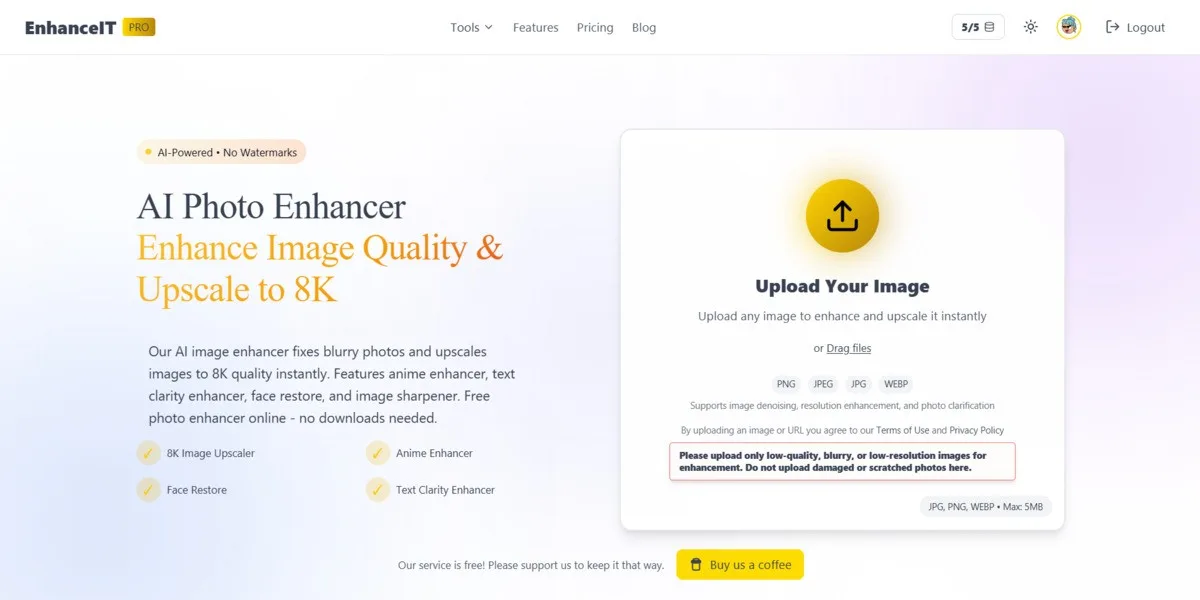
EnhanceIT PRO takes the #1 spot in 2026 because it balances professional-grade power with browser-based accessibility. Unlike many competitors that lock 8K resolution behind expensive paywalls, EnhanceIT PRO offers robust upscaling capabilities directly in the web interface without requiring software installation.
8K Upscaling: One of the few web tools capable of pushing images to 8K resolution without crashing.
Verdict: Perfect for users who need high-fidelity results immediately. It handles “hallucination” (inventing details) better than most, keeping photos looking natural.
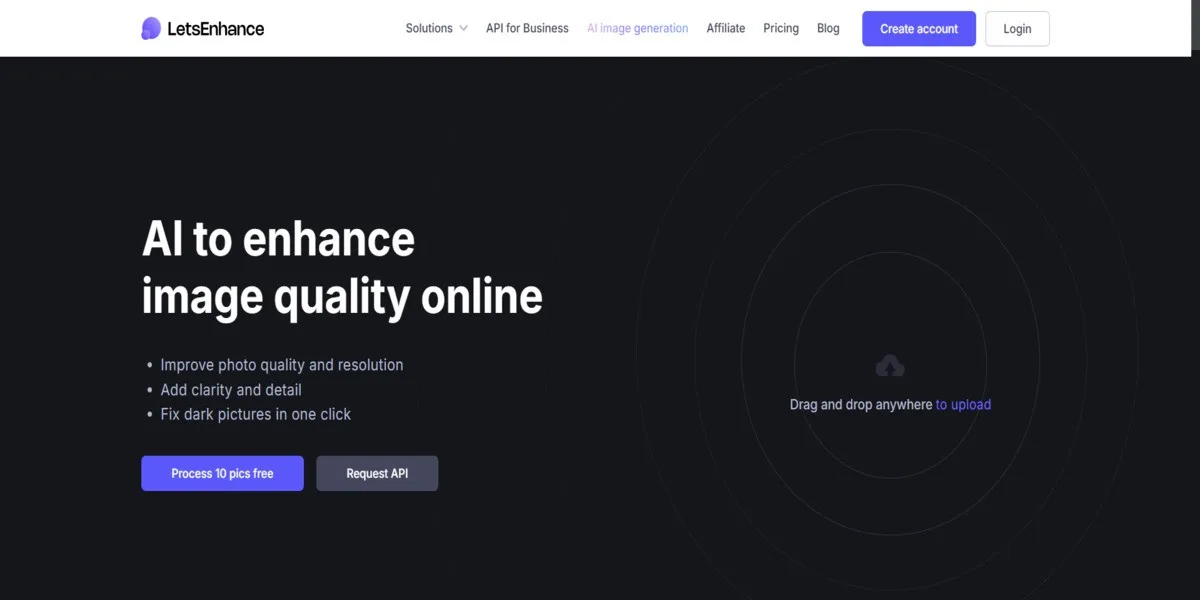
Let’s Enhance remains a powerhouse for photographers and designers who need images ready for print (300 DPI). It focuses on “Smart Enhance” technology that cleans up compression artifacts while upscaling.
16x Upscaling: The highest scaling factor on this list (Premium).
Pricing: Free trial (10 credits); Paid plans start ~$9/mo.
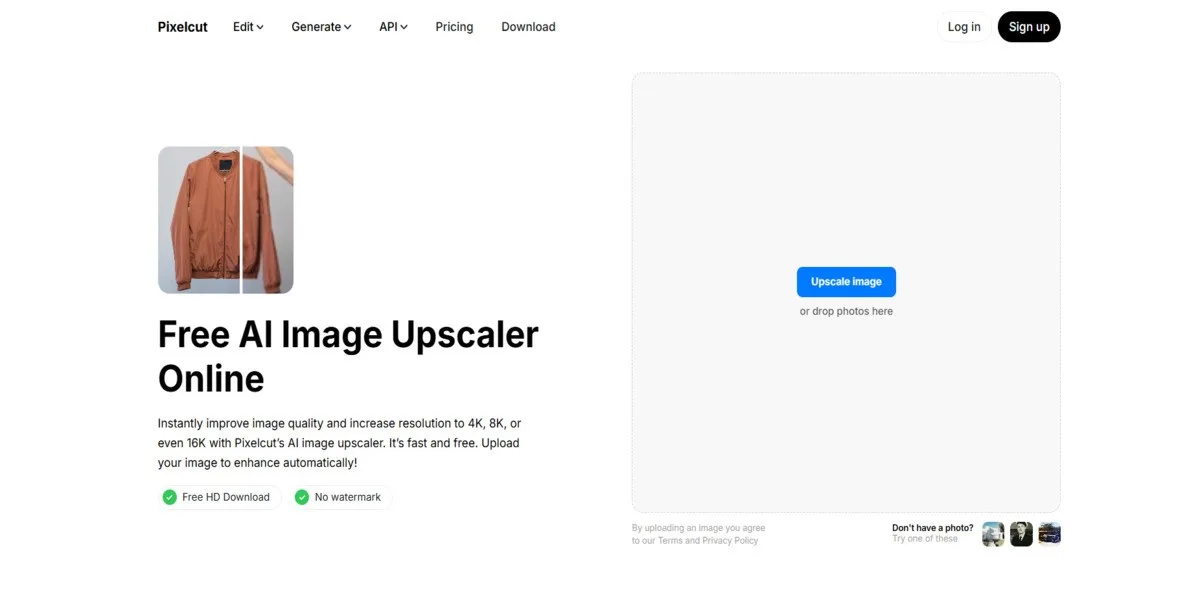
Pixelcut has gained massive popularity for its frictionless user experience. It is arguably the best tool for online sellers (eBay, Shopify, Amazon) because it offers a very clean background remover and upscaler combination.
No Watermark (Free Mode): Unlike many competitors, Pixelcut allows high-quality downloads without intrusive watermarks on their basic free tool.
Pricing: Free for basic upscaling; Pro allows for batching and HD editing.
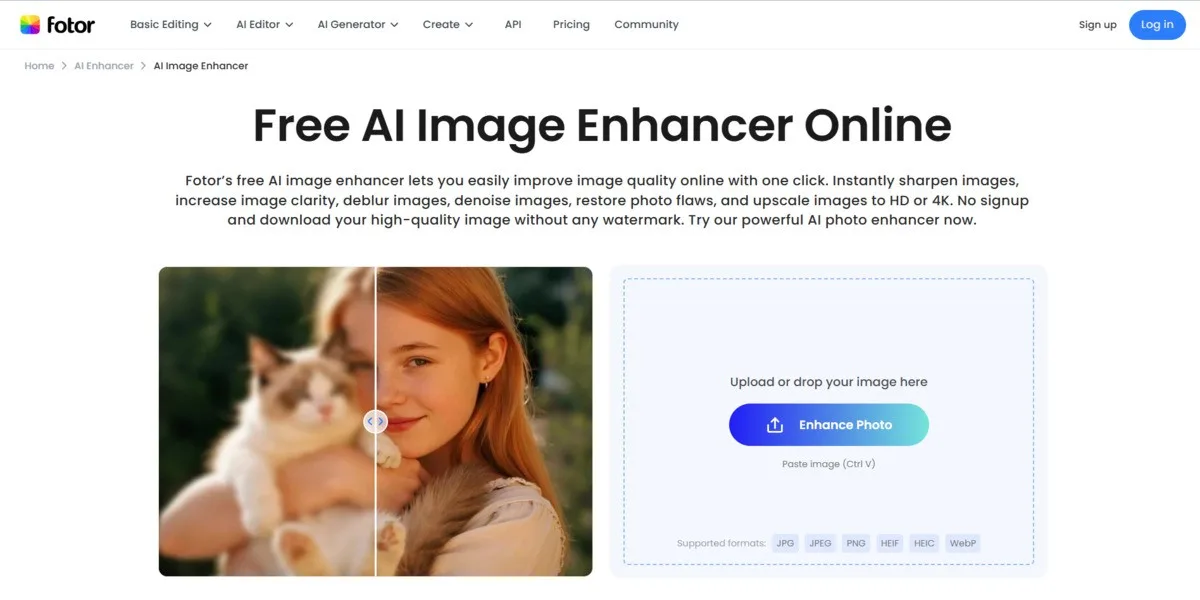
Fotor is not just an enhancer; it is a full-suite creative platform. If you need to upscale a photo and then immediately add text, filters, or put it into a design template, Fotor is the right choice.
1-Tap Enhance: distinct “1-Tap” button that fixes lighting and color instantly.
Pricing: Free basic use (often watermarked or low-res download); Pro starts ~$8.99/mo.
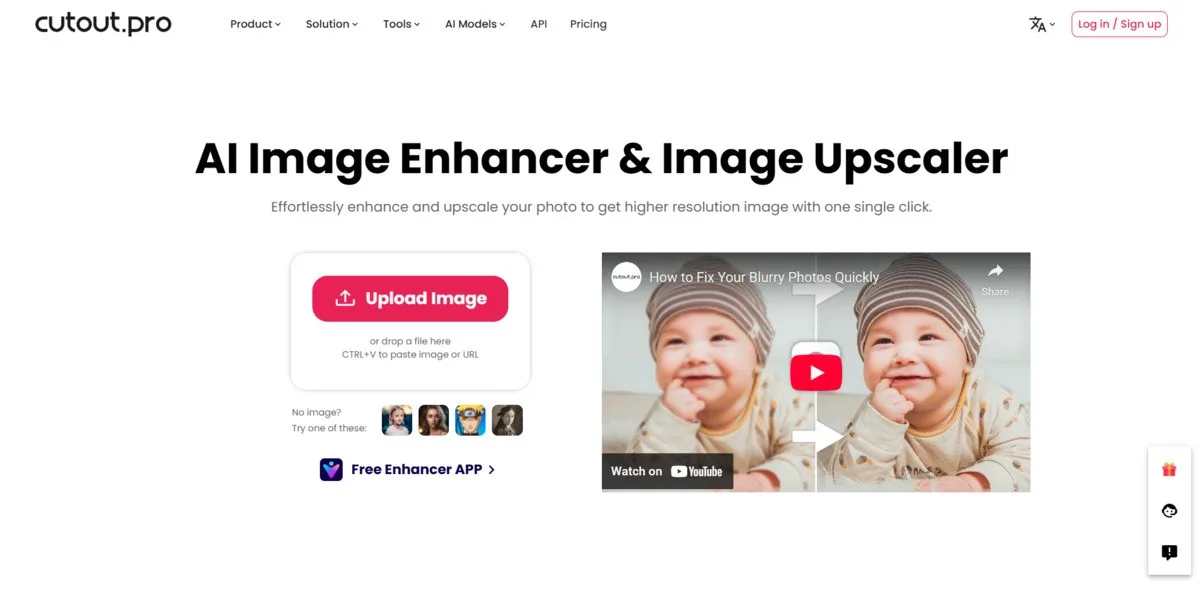
Cutout.pro distinguishes itself by offering enhancement for both photos and videos. It creates excellent results for creative tasks, such as turning portraits into cartoons or animating still faces.
Video Enhancer: Upscale low-res video clips (rare for web tools).
Pricing: Credit-based system; Pay-as-you-go starts ~$0.10/image.
| Tool | Max Resolution | Batch Mode | Watermark | Specialized Models | Best For |
|---|---|---|---|---|---|
| 1. EnhanceIT PRO | 8K (7680px) | Yes | None | Face, Anime, Text | 8K Quality |
| 2. Let’s Enhance | 256 – 500 MP | Yes | Yes | Smart Enhance, Color | Large Print |
| 3. Pixelcut | 4K / HD | Yes (Pro) | None | Magic Eraser, BG Remove | E-commerce |
| 4. Fotor | 4K | Yes (Pro+) | Yes | 1-Tap Enhance | Social Media |
| 5. Cutout.pro | 4K | Yes | Yes | Video, Cartoonizer | Creative Video |
| Tool | Free Plan Limits | Monthly Subscription | Annual Savings | Key Benefit of Paying |
|---|---|---|---|---|
| 1. EnhanceIT PRO | 5 images / day (150/mo) | $6.99 / mo (Basic) | Save ~30% | No Ads, Higher Daily Limits |
| 2. Let’s Enhance | 10 Credits (One-time) | ~$9.00 / mo | Save ~33% | Print Quality (300 DPI) |
| 3. Pixelcut | Unlimited Standard | $9.99 / mo | Save ~20% | Batch Editing & Magic Eraser |
| 4. Fotor | Basic Edits Only | $8.99 / mo | Save ~40% | No Watermark & High-Res |
| 5. Cutout.pro | 5 Free Credits | ~$5.00 / mo | Save ~15% | Video & Anime Features |
For most users in 2026, EnhanceIT PRO is the clear winner. It is the only web tool that gives you professional 8K upscaling and 5 free images every single day. Unlike other sites that force you to pay after just one use, EnhanceIT PRO stays free for daily tasks.
Expert Tip: Bookmark EnhanceIT PRO. It replaces the need for expensive software and handles 99% of photo enhancement needs right in your browser.
📖 More in Photo Enhancement & Quality
They sound like the same thing and they solve different problems. How to tell which one your photo needs, why the order matters, and what happens when you get it backwards.
Remini popularised AI photo restoration and then put most of it behind a subscription. Seven alternatives compared on what they actually do well, what they charge, and where each one falls down.
Resizing and upscaling are not the same thing. What actually happens when you enlarge a photo, how far you can push it honestly, and where AI reconstruction stops being recovery and starts being invention.
What 'HD' actually means in pixels, how far a low-resolution photo can honestly be pushed, and the free route from a small blurry picture to something you can print or publish.