
AI Tattoo Design Generator
Explore EnhanceIT PRO
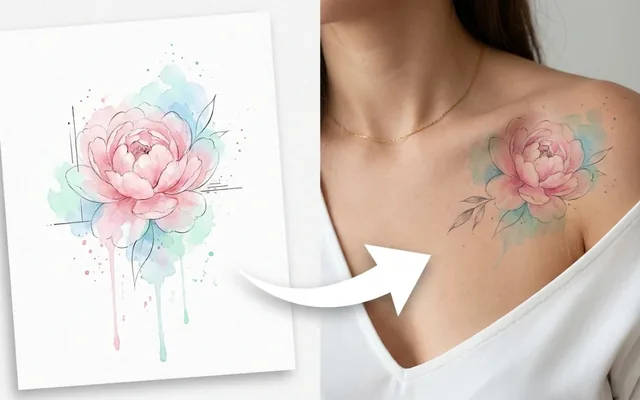
What people use it for
Exploring an idea
Seeing several interpretations of a concept before booking a consultation.
Style comparison
The same subject as blackwork, fine line, traditional and neo-traditional, side by side.
Talking to an artist
A reference sheet communicates far more than a paragraph of description.
Placement and scale
Understanding how a design changes as it gets larger or moves to a different part of the body.
Getting the best result
- Name the style explicitly — traditional, blackwork, fine line, dotwork, Japanese, chicano. It is the strongest lever in the prompt.
- Simple designs age better than complex ones. Fine detail closes up over years on skin, whatever the render looks like.
- Generate several and take them all to your artist rather than arriving with one fixed image.
- Treat the output as reference, not as a stencil. A design that works on a flat rectangle does not automatically work on a forearm.
You might also like
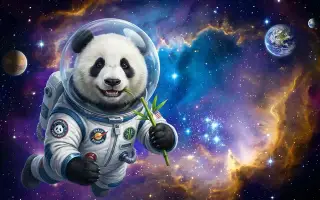
AI Image Generator
Create stunning images from text prompts.
1 credits · Free
Poster Generator
Create marketing and event posters from text.
1 credits · Free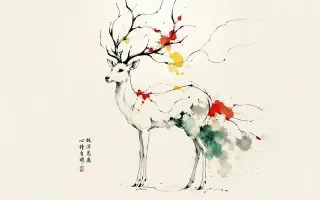
Wall Art Generator
Turn your ideas into display-ready wall art.
1 credits · Free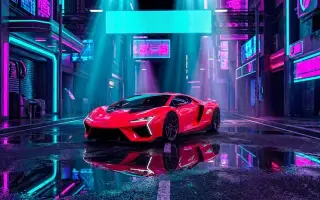
Product Scene
Place a cut-out product into a photographic setting.
3 credits · FreeFrequently asked questions
Can my artist tattoo this directly?
Not usually, and no good artist would want to. Generated designs do not account for how a design sits on a curved, moving body, how lines spread over time, or where the shading needs to go. It is excellent reference and a poor stencil.
Which style should I pick?
Traditional and blackwork age best because they use bold lines and solid fill. Fine line and micro-realism look sharpest on day one and blur most over a decade.
Can I generate a cover-up design?
You can generate ideas, but cover-ups are a specialist skill that depends entirely on what is already there. That conversation belongs with an artist looking at the existing piece.