
AI Poster Generator
Explore EnhanceIT PRO
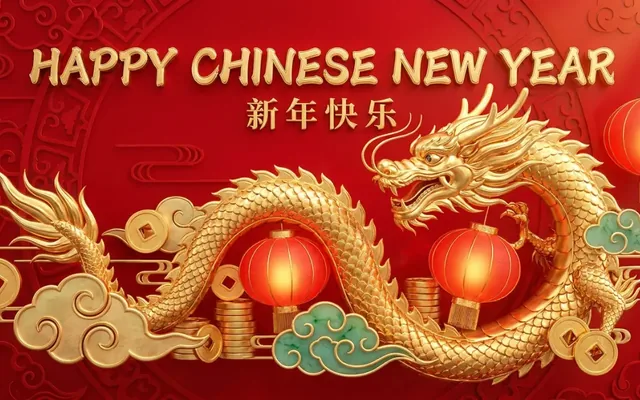
What people use it for
Events
Gigs, club nights, markets and fundraisers, where the design budget is nil and the deadline is Friday.
Business promotion
Sale and opening posters for a shop window, produced in the time it takes to write the copy.
Internal and community notices
Anything that needs to look considered without going through a design queue.
Decor
Poster-style art for a wall, where the composition matters more than the message.
Getting the best result
- Keep any text on the poster short. Image models render a few words well and a paragraph badly.
- Name the design tradition — Swiss, Bauhaus, mid-century, punk, art deco. It moves the output more than any adjective.
- Generate at poster ratio (2:3 or A-series) from the start rather than cropping later.
- For anything going to print, generate then upscale to 300 DPI at final size. A screen-resolution poster looks soft on paper.
You might also like
AI Image Generator
Create stunning images from text prompts.
1 credits · Free
Wall Art Generator
Turn your ideas into display-ready wall art.
1 credits · Free
Product Scene
Place a cut-out product into a photographic setting.
3 credits · Free
Product Shadow
Add a realistic drop or floating shadow under a product.
2 credits · FreeFrequently asked questions
Can it put my event details on the poster?
It renders short text reasonably, but for dates, times and addresses you are better off generating the artwork and adding type in any editor. Accuracy matters more than convenience for details people will act on.
What size should I generate?
Match your final print ratio. A2 and A3 are 1:√2; US poster sizes are usually 2:3. Getting this right first saves a crop that costs you the composition.
Is it print-ready?
After upscaling, yes for most home and local-print jobs. Commercial printers may ask for CMYK and bleed, which you would add in a layout application.