
Every AI Image Tool
Explore the complete EnhanceIT PRO AI photo tool suite. Free online tools to upscale images, restore old photos, remove backgrounds, erase objects, swap faces, and more.

Twenty-three tools, grouped by what they do rather than by how they work. Enhancement and upscaling recover what a photograph has lost. Removal takes something out and rebuilds what was behind it. Generation makes an image that did not exist. Stylisation turns a photograph into a drawing.
Each has its own page explaining what it is genuinely good at and where it falls down, which is more useful than a feature list — every tool here will produce something for any input, and knowing which one to reach for is most of the difference between a good result and a wasted credit.
Choosing the right tool
- If the photo is soft, sharpen. If it is soft, noisy and flat, enhance — doing all three at once works better than in sequence.
- Restore before upscaling and upscale last, after any cropping or colour work.
- Use the specialist tool where one exists. The object remover beats the general editor at removal because it only does that.
- For anything drawn — anime, manga, illustration — use the anime enhancer rather than the photographic upscaler.
All tools
 HOT
HOT
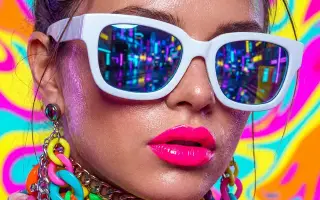
Image Enhancer
Instantly improve image quality.
1 credits · Free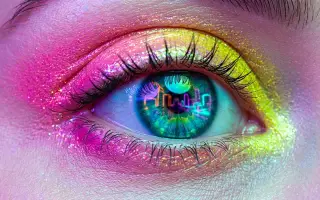 4K
4K
Image Upscaler
Upscale images up to 4K resolution.
1 credits · Free
Image Sharpener
Fix blurry and out-of-focus photos.
1 credits · Free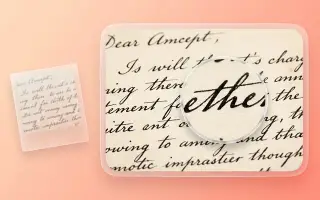
Text Clarifier
Make blurry text in photos and scans readable.
7 credits · Free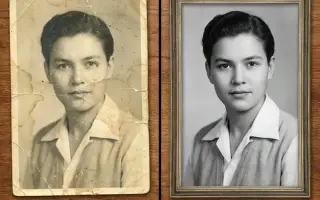
Photo Restore
Repair tears, creases, stains and fading in old photos.
2 credits · Free
AI Face Enhancer
Sharpen and restore faces in blurry or low-resolution photos.
1 credits · Free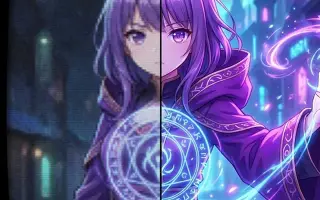
AI Anime Enhancer
Enhance and upscale anime images.
1 credits · Free HOT
HOT
Background Remover
Remove backgrounds automatically.
1 credits · Free