
Photo Enhancer vs Upscaler: Which One Does Your Photo Actually Need?
They sound like the same thing and they solve different problems. How to tell which one your photo needs, why the order matters, and what happens when you get it backwards.
 EnhanceIT
PRO
EnhanceIT
PRO
Have you seen some beautiful and enhanced images on social media and want to create these types of images by yourself? First, you can create such images with our Photo Enhancer tool, and if you want to do it manually, then creating such images with software can be tough only if your selection is wrong. So, we’ve gathered a list of user-friendly tools with advanced functionality for you.
This software is for both Mac and PC, so you can use it on any device. These tools are well-researched and tested. They help you improve your image quality, color grading, and more.
Click Here to watch video!
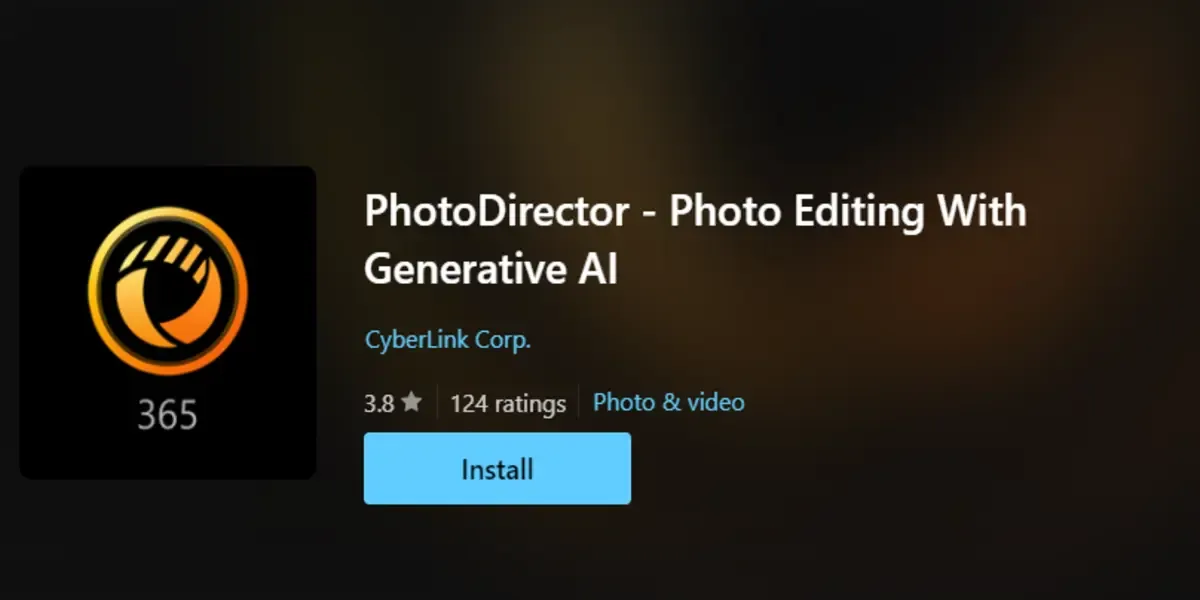
It is the best editing tool for Mac and PC, and it has the functionality of Lightroom and Adobe Photoshop. This tool includes a function that helps to decrease the editing curve. This object and background removal feature helps to remove unwanted objects from your images and clear your bg if you want.
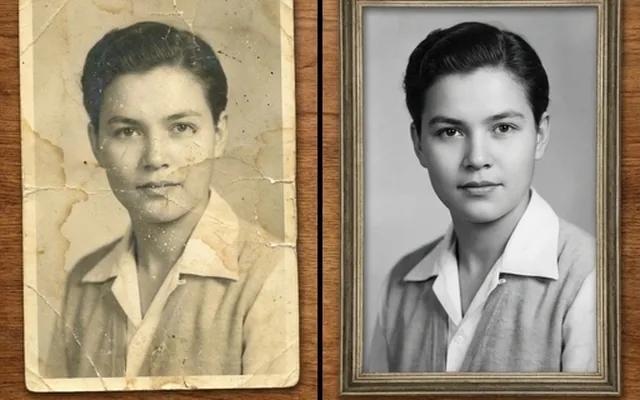
This old photo restoration function helps to enhance your old images and create the latest version with advanced automatic color greetings, smooth effects, and more. Moreover, if you want edited stock images you can get these too in their browser.
Photo director Features
| Pros | Cons |
|---|---|
| User-friendly | Limited features then EnhanceIT PRO |
| AI-based editing | No compatible with low devices |
| Raw files supported |
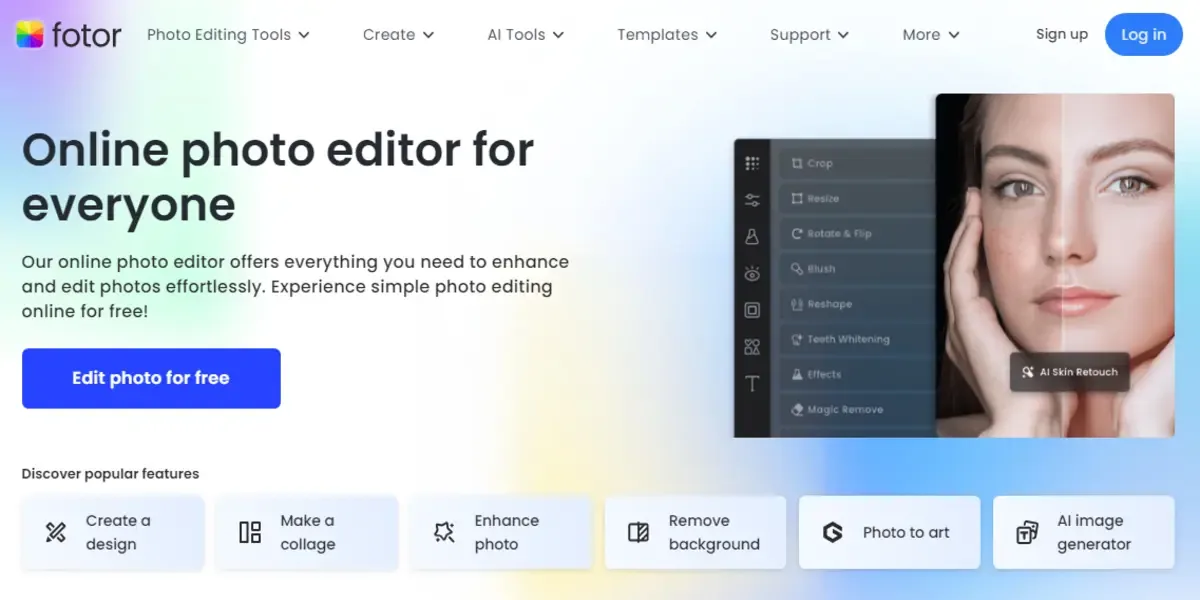
This is known by its air effects. You can transform your profile pic into a cartoon, anime, sketch, and more.
To create a black-and-white image, use the color splash effect. It is best if you want to create some eye-catching images for your social media.
For users, they offer some changeable interfaces like a designer, photo editor, collage maker, and creator. This free photo editing software for pc has some unique features like text remover, image expansion, and a face generator.
It is a paid tool but has some valuable features in its free version too. Enjoy those features, and if you need the pro version, just upgrade via your card.
Fotor Features
Fotor provides a variety of features, and some of those noticeable features details are the following:
| Pros | Cons |
|---|---|
| Pre-made templates | Ads included |
| Best for quick edits | Lag issues |
| Supports RAW Processing | |
| Cloud Storage |
Note: There is a price plan, if you want to buy for pro you have to pay about $20 per month.
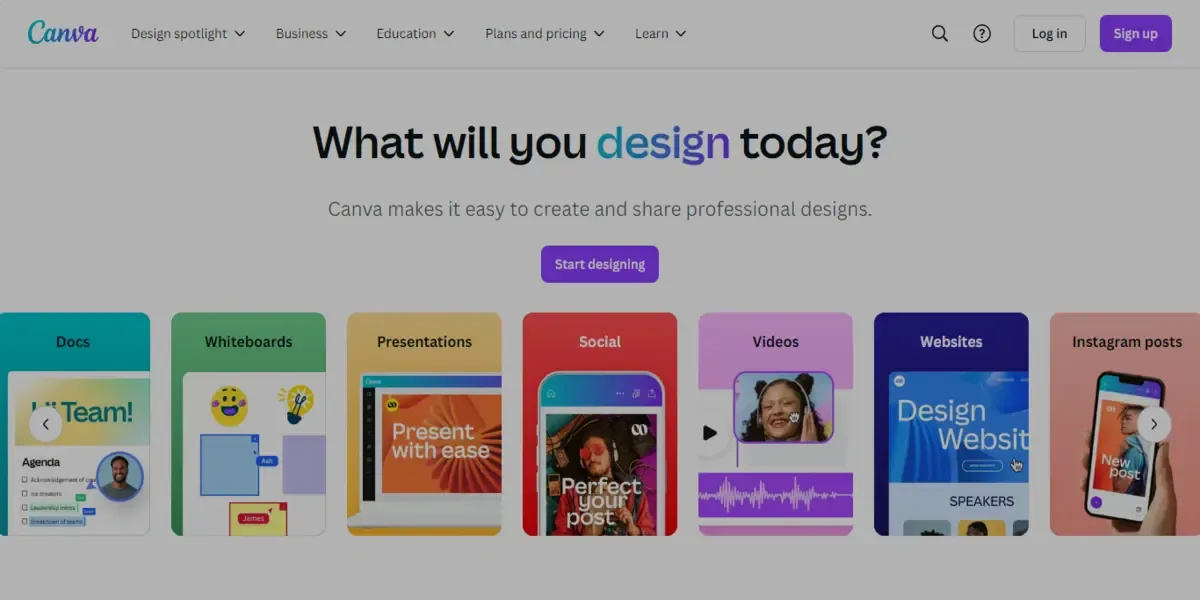
It is known for its premade templates. So if you’re not a graphic designer, you can create things of need with Canva templates. Moreover, this includes the photo enhancing tool as well that helps you to increase your image resolution.
Canva Highlighted Features
| Pros | Cons |
|---|---|
| Best for beginners | Lack of enhancement tools |
| Large library and templates | Paid |
| Can be used for both photo and graphic editing |
Adobe Photoshop isn't the perfect tool for beginners, but professionals can use it as it provides you with advanced editing features. You can use these tools to edit every part of your image. The most knowable features of it are retouching quick fixes and more.
The developers add features in Adobe regularly which makes it stand out till now. You can do row editing in it as well as apply some premade effects that make your image more charming.
Adobe Photoshop Features
| Pros | Cons |
|---|---|
| Best for professionals | Hard to understand for beginners |
| Advance editing | Paid |
| Regular updates |
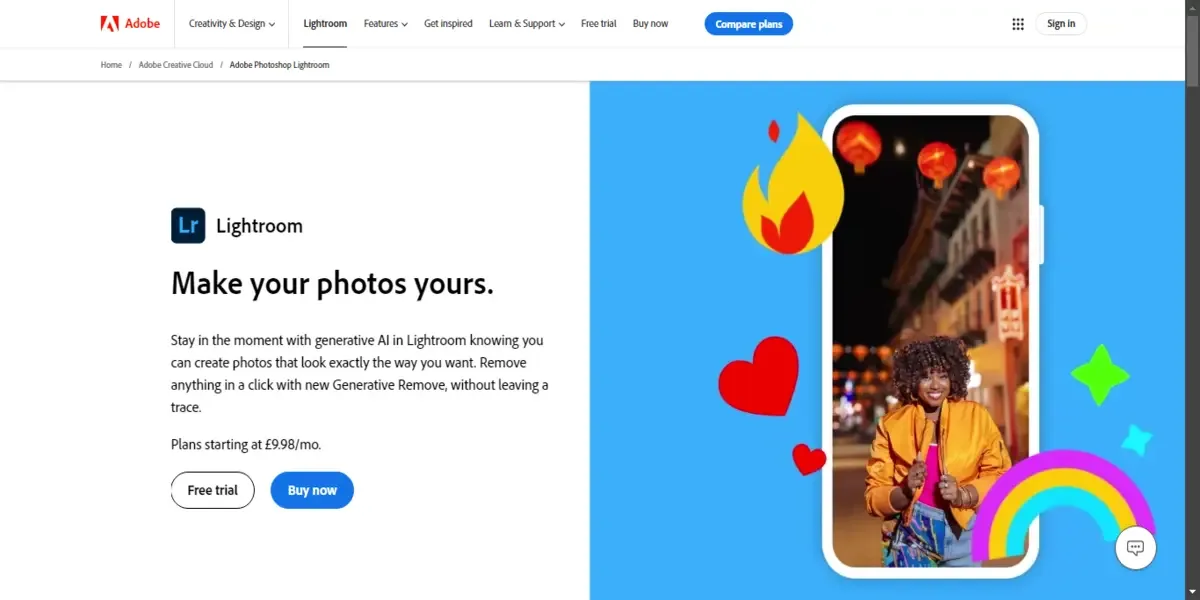
Adobe Lightroom is a masterpiece of free photo editing software. It organizes your images automatically, which helps to work on 100 images at once. You store images on your device as well as transfer images to Lightroom when captured.
Also Read: How to Make a Blurry Picture Clear Step-by-Step Guide
It also offers multiple features but the best feature is an advanced colour greeting, its desktop classic version is perfect too.
Adobe Lightroom Features
| Pros | Cons |
|---|---|
| Best for photographers | Paid |
| Cloud storage | Lack of composition tools |
| Easy-to-use interface |
Adobe Photoshop is best for professionals, and Canva is best for beginners.
You can use the photo enhancer tool to enhance automatically, and if you want to do it by yourself, then try out the Best editing software.
Yes, all this software includes is AI features to enhance your images.
Yes, you can increase your image quality from low to high without image-enhancing tools.
They sound like the same thing and they solve different problems. How to tell which one your photo needs, why the order matters, and what happens when you get it backwards.
Remini popularised AI photo restoration and then put most of it behind a subscription. Seven alternatives compared on what they actually do well, what they charge, and where each one falls down.
Resizing and upscaling are not the same thing. What actually happens when you enlarge a photo, how far you can push it honestly, and where AI reconstruction stops being recovery and starts being invention.
What 'HD' actually means in pixels, how far a low-resolution photo can honestly be pushed, and the free route from a small blurry picture to something you can print or publish.