Top 10 D&D AI Art Generators for Character Design in 2026
Top 10 D&D AI Art Generators for Character Design in 2026 Tabletop roleplaying games have always relied heavily on the theater of the mind, but…
 EnhanceIT
PRO
EnhanceIT
PRO
Remember when editing a photo meant spending hours wrestling with complicated software?
Those days might be ending faster than you think. Google’s new AI tool, Nano Banana, is making waves in the photo editing world, and people are asking: Could this be the Photoshop killer we’ve been waiting for?
If you’ve ever felt intimidated by Photoshop’s endless menus and complex tools, you’re not alone.
But what if I told you there’s now an AI that can edit your photos with just a few simple commands?
Let’s dive into this exciting showdown between traditional photo editing and the new AI revolution.
📚 Complete AI Image Generation Guide Series
Try it yourself! Use our free AI Image Generator tool – no signup required.
Think of Nano Banana as your smart photo editing assistant that actually understands what you want. Developed by Google, this AI-powered tool lets you edit images using simple, everyday language instead of hunting through dozens of menus and toolbars.
Want to remove that photobomber from your vacation pic? Just tell Nano Banana: “Remove the person in the background.” Need to change the sky in your landscape photo? Type: “Make the sky more dramatic with storm clouds.” It’s that simple.
The magic happens through advanced machine learning. Nano Banana has been trained on millions of images, so it understands context, objects, and even artistic styles. It’s like having a professional photo editor who never gets tired and works at lightning speed.
Adobe Photoshop has been the king of photo editing since 1988. It’s the tool that professionals reach for when they need pixel-perfect control and unlimited creative possibilities.
Photoshop built its reputation on precision. Every brush stroke, every filter, every adjustment can be fine-tuned to perfection. It’s the Swiss Army knife of image editing – complex, powerful, and capable of handling anything you throw at it.
But here’s the thing: that power comes with a steep learning curve. Most people only use about 10% of Photoshop’s features because the other 90% require serious training to master.
Before we dive into features, let’s talk money – because that’s what most of us care about first.
Let’s break this down with actual use cases:
Casual User (10 edits/month):
Small Business (100 edits/month):
Heavy User (500+ edits/month):
| Feature | Nano Banana AI | Adobe Photoshop |
|---|---|---|
| Learning Curve | Minutes to learn | Months to master |
| Speed | Instant results | Depends on skill level |
| Starting Cost | Free | $9.99/month |
| Professional Cost | $19.99/month | $22.99/month |
| Ease of Use | Natural language commands | Complex interface |
| Professional Features | Basic to intermediate | Advanced professional tools |
| Precision Control | Limited | Pixel-level accuracy |
| File Support | Common formats | Extensive format support |
| Offline Access | Requires internet | Works offline |
| Collaboration | Built-in cloud sharing | Requires Creative Cloud |
| Mobile Experience | Optimized for mobile | Limited mobile functionality |
| Free Trial | Yes (limited usage) | 7 days full access |
Annual Cost Comparison
$0 $120 $240 $360 $480 $600
Free
$240
$360
$480
Nano Banana Free Nano Banana Pro Photoshop Basic Photoshop Pro
Nano Banana
Adobe Photoshop
Time to Proficiency
Nano Banana
Photoshop
Time (weeks)
Skill Level
0 4 8 12
The internet is buzzing with reactions to Google’s new AI image editor. Here’s what real users are sharing:
@DigitalArtist_Amy “Just tried Nano Banana for the first time. Removed my ex from 20 vacation photos in under 5 minutes. Photoshop would’ve taken me hours. This is actually magic ✨ #NanoBanana #AIEditing”
💬 1.2K 🔄 847 ❤️ 5.6K
@PhotoPro_Mike “Hot take: Nano Banana is great for quick fixes, but if you’re doing professional retouching for clients, Photoshop is still king. The precision just isn’t there yet. Both have their place! 🤷♂️”
💬 892 🔄 1.1K ❤️ 3.2K
@StartupSarah “As a small business owner, Nano Banana just saved me $300/month on photo editing services. My product photos look amazing with just simple text commands. Game changer! 🚀”
💬 445 🔄 623 ❤️ 2.8K
@CreativeStudio_LA Story Highlight: “AI Magic ✨” “Before vs After using Nano Banana AI. Swipe to see the magic ➡️ No more spending hours on simple edits!”
👀 45.2K views 💾 2.1K saves
@InfluencerLife_Kate Reel: “POV: You discover AI can edit your photos better than you. Nano Banana just changed my content game 💅”
❤️ 23.4K 💬 1.8K 📤 5.2K
Sarah Martinez – Marketing Director “AI tools like Nano Banana are democratizing design. Our junior marketers can now create professional-looking visuals without extensive training. However, our senior designers still rely on Photoshop for complex campaigns.”
👍 847 💬 156 🔄 234
r/PhotoshopRequests u/DesignNewbie23: “Should I still learn Photoshop in 2025?”
Top comment: “Learn both! Nano Banana for speed, Photoshop for precision. Future-proof your skills 💪”
⬆️ 2.3K 💬 445
😍 68% 😐 22% 😤 10%
Top themes: “Game changer” 🚀, “So easy to use” ✨, “Saving money” 💰
Main concerns: Professional quality, job displacement fears
Users sharing before/after transformations
127K posts • 45M views
User Satisfaction by Category
Ease of Use Speed Cost Value Results Quality Learning Curve Professional Use
9/10
9.5/10
8.5/10
7/10
10/10
5/10
4/10
6/10
3/10
10/10
2/10
10/10
Nano Banana
Photoshop
Scale: 1 (Poor) to 10 (Excellent)
Predicted Market Adoption (2025-2028)
2025 Photoshop 85% AI Tools 15%
2026 Photoshop 70% AI Tools 30%
2028 AI Tools 55% Photoshop 45%
Growth Trend
Adobe Photoshop
AI Editing Tools
*Predictions based on current adoption trends and industry analysis
• Professional design will likely remain Photoshop-dominant • Consumer and small business markets shifting rapidly to AI tools
Nano Banana’s biggest advantage is speed. What takes 30 minutes in Photoshop can happen in 30 seconds with AI. Need to remove a person from a group photo for your holiday card? Nano Banana handles it instantly, while Photoshop requires careful selection tools and content-aware fill techniques.
Remember trying to learn Photoshop? The tutorials, the YouTube videos, the frustration when you couldn’t figure out how to do something simple? Nano Banana eliminates all that. If you can describe what you want in plain English, you can edit photos.
AI tools like Nano Banana encourage experimentation. Since changes happen instantly, you can try wild ideas without committing hours of work. Want to see your dog as a Renaissance painting? Just ask. Curious about how your landscape would look in different seasons? Nano Banana can show you in seconds.
Not everyone has hundreds of dollars to spend on software or months to invest in learning. Nano Banana democratizes photo editing, making advanced techniques available to anyone with a smartphone and internet connection.
When a magazine cover needs to be pixel-perfect, professionals still turn to Photoshop. The level of control and precision you get with traditional tools is unmatched. Nano Banana might get you 90% there, but Photoshop delivers that crucial final 10%.
Multi-layered compositions, detailed retouching work, and complex graphic design projects still need Photoshop’s advanced features. AI is great for quick fixes and creative exploration, but it can’t replace human artistic judgment in complex scenarios.
The creative industry runs on Photoshop. Print shops, advertising agencies, and design studios all expect PSD files. Until AI tools become industry standards, Photoshop maintains its professional dominance.
Internet connectivity isn’t always guaranteed. Photoshop works anywhere, anytime, without depending on cloud servers or internet speeds.
Here’s the plot twist: the future probably isn’t about choosing between AI and traditional tools. Adobe is already integrating AI features into Photoshop through their “Adobe Firefly” technology. Soon, we might see the best of both worlds – AI-powered speed with professional precision.
Imagine starting your edit with Nano Banana’s quick AI magic, then fine-tuning the details in Photoshop. Or using AI to generate creative ideas that you then refine with traditional tools. The future of photo editing isn’t replacement – it’s collaboration between human creativity and AI efficiency.
For most people, AI tools like Nano Banana will handle 80% of their photo editing needs. Quick social media posts, family photos, and creative experiments don’t require Photoshop’s complexity. But for that special project or professional work, traditional tools still have their place.
Choose Nano Banana if you:
Stick with Photoshop if you:
We’re witnessing a revolution in photo editing. AI tools like Nano Banana are making image editing more accessible than ever, while traditional software like Photoshop continues to evolve with its own AI features.
The real winner? You. Whether you choose the lightning-fast simplicity of AI editing or the detailed control of professional software, you now have more powerful tools at your fingertips than ever before.
The democratization of photo editing means anyone can create stunning images without years of training. That’s pretty exciting, don’t you think?
So, what’s your take? Would you try Nano Banana for your next photo project, or are you sticking with the tried-and-true power of Photoshop? Let us know in the comments below!
📖 More in AI Image Generation
Top 10 D&D AI Art Generators for Character Design in 2026 Tabletop roleplaying games have always relied heavily on the theater of the mind, but…
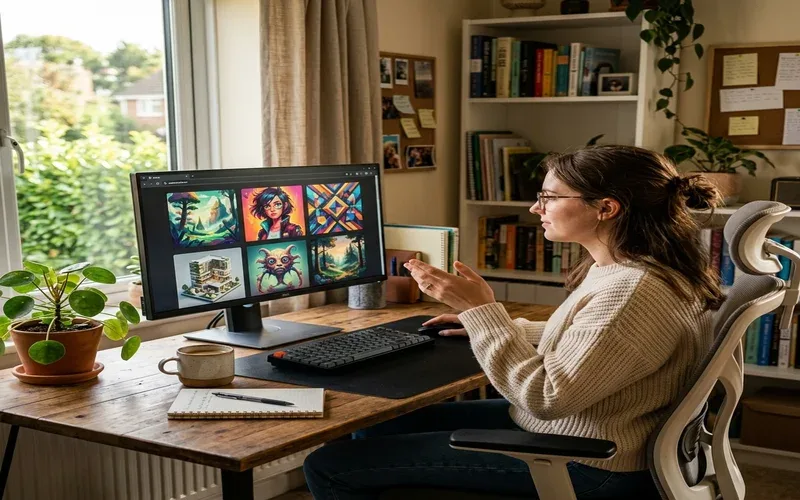
Free AI image generators have gotten genuinely good this year. Not “free with a watermark” good — actually good. I spent several weeks working through…
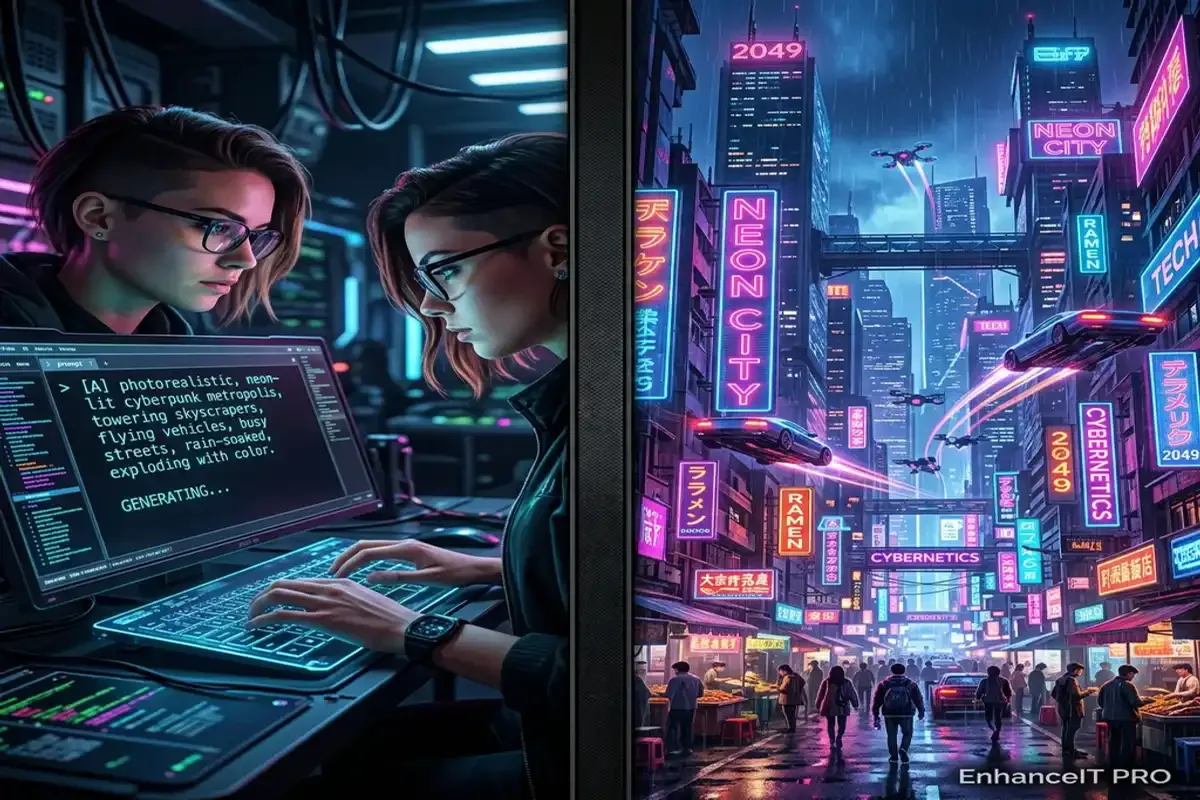
Artificial intelligence has completely revolutionized how we create digital art over the past few years. You no longer need expensive graphic design software or years…
Midjourney completely revolutionized the world of digital art. It allowed absolutely anyone to generate breathtaking, highly detailed images using simple text prompts. However, as the…