Top 10 D&D AI Art Generators for Character Design in 2026
Top 10 D&D AI Art Generators for Character Design in 2026 Tabletop roleplaying games have always relied heavily on the theater of the mind, but…
 EnhanceIT
PRO
EnhanceIT
PRO
📚 Complete Guide: The Complete Guide to AI Image Generation in 2026
Try it yourself! Use our free AI Image Generator tool – no signup required.
“Nano Banana” is the nickname for Google’s new image tools. The real name is Gemini.
There are two versions you can use:
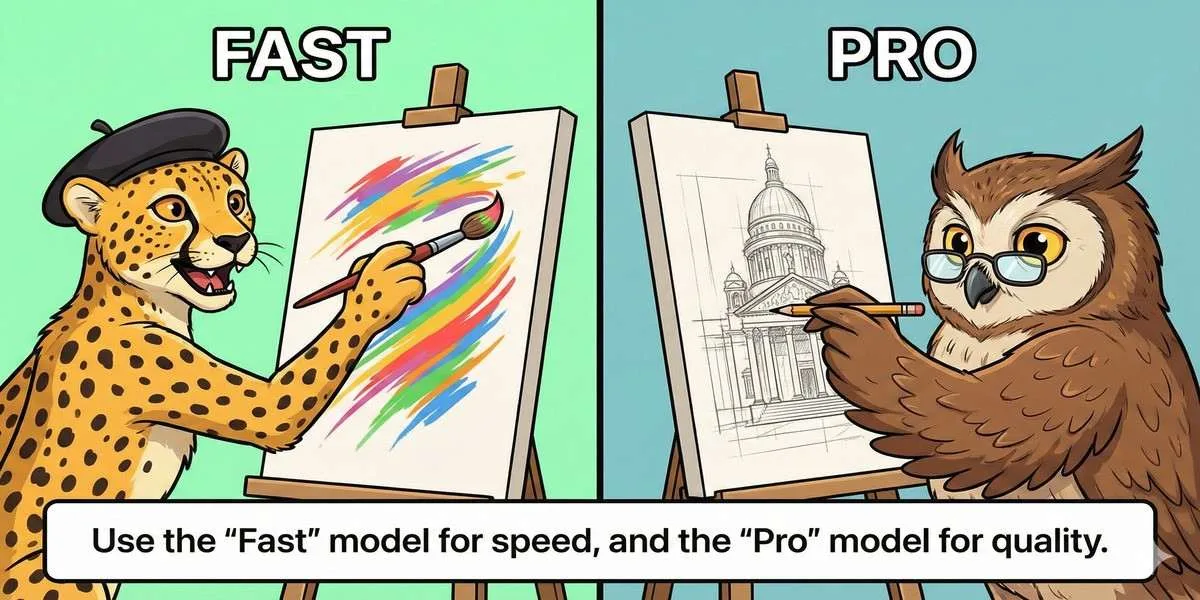
Prompt to Generate: A split screen. Left side: A stick figure drawing fast (labeled ‘Fast’). Right side: A detailed artist painting slowly (labeled ‘Pro’). Caption: Use the Pro model for the best quality.
Don’t just list words. Describe the picture like a story.
Include these four things in your prompt:
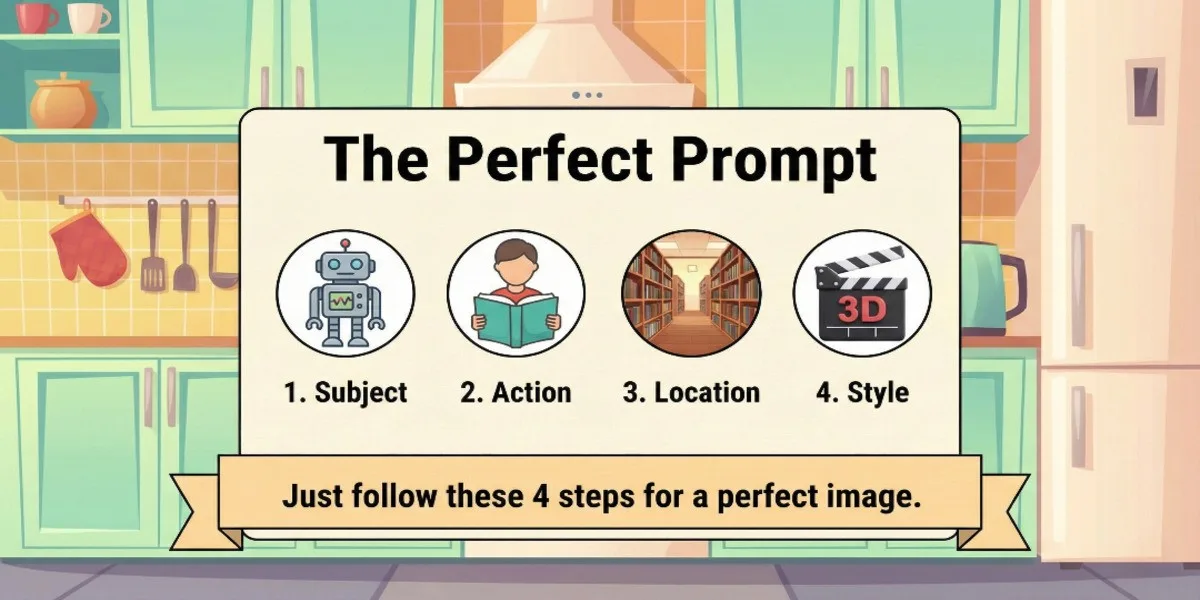
Prompt to Generate: A simple recipe card illustration listing 4 ingredients: Topic, Action, Location, Style. Caption: Follow this recipe for perfect images.
Save money on photographers. Upload a photo of your product and tell the AI where to put it.
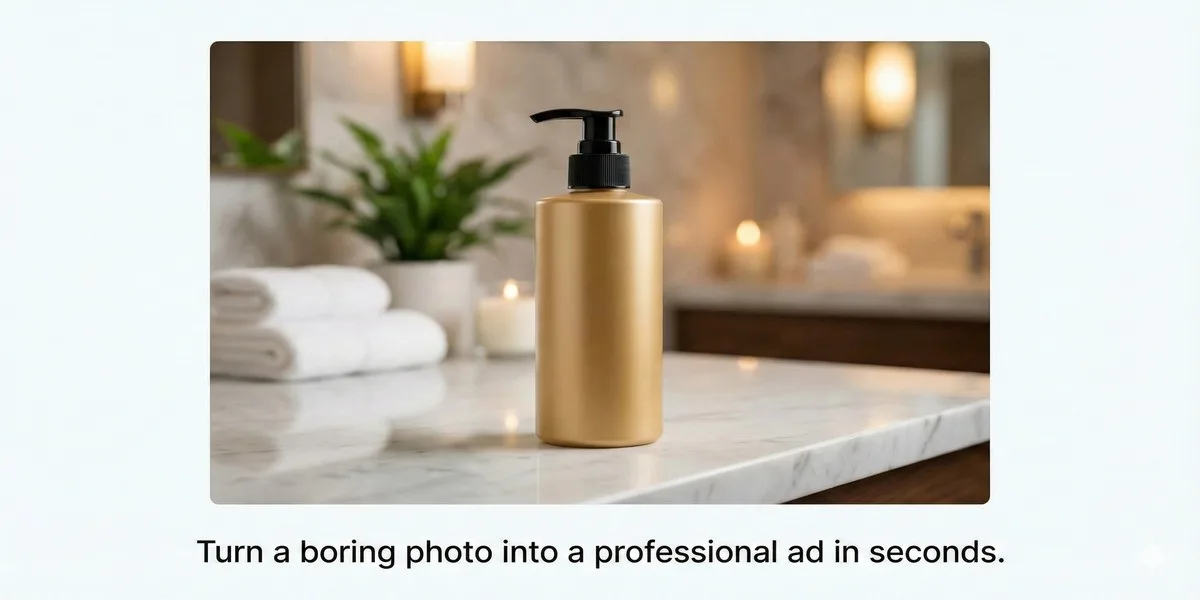
Prompt to Generate: A professional photo of a “Your Product” bottle sitting on a white marble table. Sunlight illuminates the scene. Flowers add a touch of nature. Caption: The AI can put your product in any setting.
This AI can spell correctly, so it is great for charts and posters.
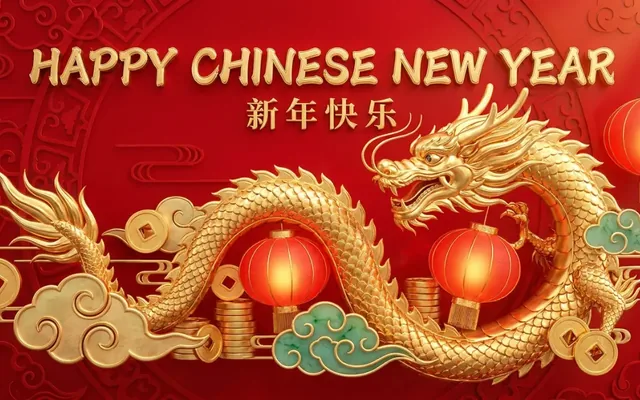
You can create ads with text.
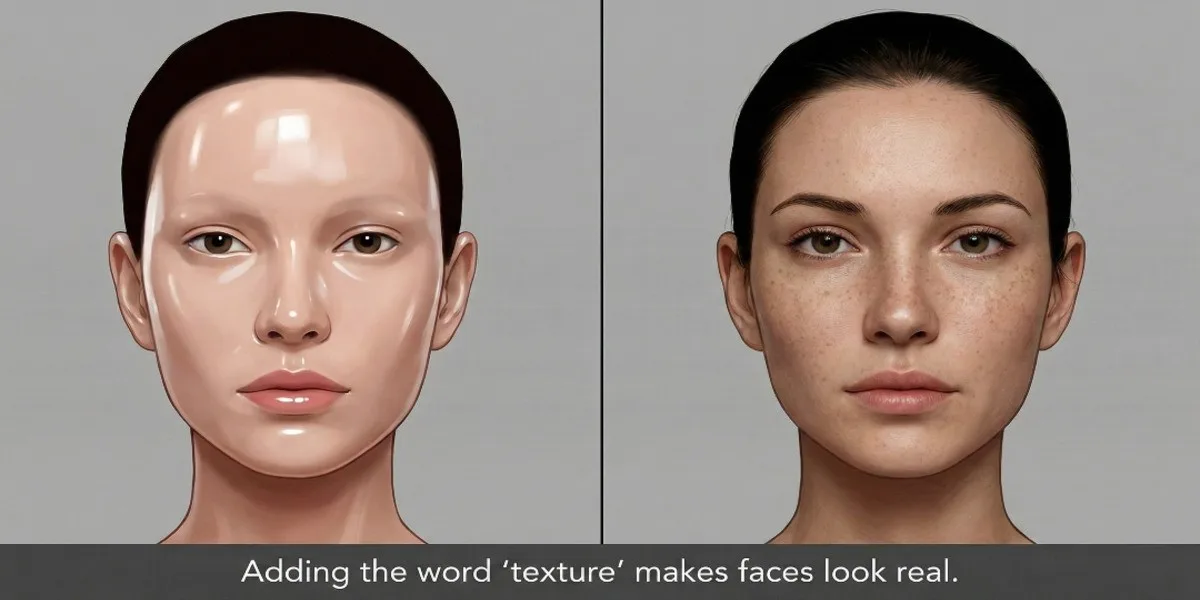
The Fix: If people look too shiny or fake, ask for texture.
Prompt to Generate: A close-up of a face. One half is smooth plastic, the other half is realistic skin with pores. Caption: Adding “texture” makes faces look real.
The Fix: Google blocks editing real photos of people for safety.
The Fix: Keep it short.
📖 More in AI Image Generation
Top 10 D&D AI Art Generators for Character Design in 2026 Tabletop roleplaying games have always relied heavily on the theater of the mind, but…
Free AI image generators have gotten genuinely good this year. Not “free with a watermark” good — actually good. I spent several weeks working through…
Artificial intelligence has completely revolutionized how we create digital art over the past few years. You no longer need expensive graphic design software or years…
Midjourney completely revolutionized the world of digital art. It allowed absolutely anyone to generate breathtaking, highly detailed images using simple text prompts. However, as the…