Top 10 D&D AI Art Generators for Character Design in 2026
Top 10 D&D AI Art Generators for Character Design in 2026 Tabletop roleplaying games have always relied heavily on the theater of the mind, but…
 EnhanceIT
PRO
EnhanceIT
PRO
Free AI image generators have gotten genuinely good this year. Not “free with a watermark” good — actually good. I spent several weeks working through every major tool on this list, and the results from the top few are things you would have paid a freelancer to produce just two years ago.
This guide covers 10 tools that are genuinely free to start with, along with a feature comparison table and pricing breakdown so you can see exactly what you get before you sign up for anything.
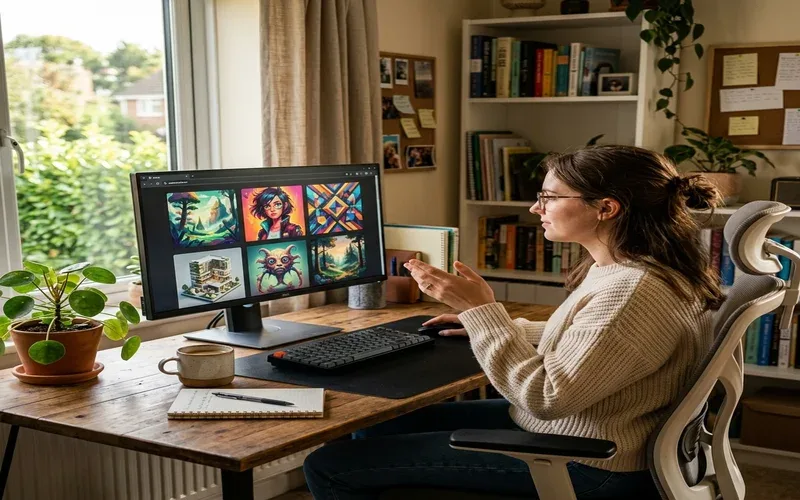
*Testing 10 free AI image generators side by side in 2026*
EnhanceIT PRO is the most complete free option on this list because it gives you image generation alongside a full editing suite in the same browser tab. There is nothing to download and no account required to try it.
The AI Image Generator supports both text-to-image and image-to-image modes. You can upload an existing photo and describe a transformation in plain text — change the style, swap the background, add or remove objects — and the model applies it. Exports have no watermarks, which puts it ahead of most free tools immediately.
The Background Remover, Object Remover, and Image Upscaler all live in the same session. When I used it for a batch of product photos last month, the generate-then-upscale workflow took about half the time of jumping between separate tools.
Free tier: No watermarks, no signup to try, browser-based. Best for: Anyone who needs generation and editing in one place.
If the image needs readable text — a poster headline, a logo, a sign — Ideogram is the only free tool that gets it reliably right. Every other generator on this list struggles with text; Ideogram is built around it.
Free users get 10 slow credits per day. Each credit can produce up to four variations, so you can get roughly 40 images per day with the variation setting maxed out. All free-plan generations are public in the Ideogram gallery — private generation requires a paid plan starting at $8/month.
Free tier: 10 credits/day, generations are public. Best for: Posters, logos, event graphics, anything with text baked in.
Leonardo gives free users 150 fast tokens per day — roughly 30 standard images. The real strength is the model library: switch between fine-tuned models built for photorealism, anime, oil painting, architectural renders, and more, all in the same dashboard.
The real-time generation mode, where you type and see results update as you go, makes iteration genuinely fast. Free generations are public and commercial use rights are restricted, so it is better for personal projects than client work.
Free tier: 150 tokens/day (~30 images), generations are public. Best for: Artists, game designers, anyone who wants deep style customization.
Microsoft Designer runs on a boost system: about 15 fast boosts per day for near-instant images, then unlimited slow-queue generation after that. The slow queue takes 2–5 minutes per image, but it never locks you out. It uses the same model family as GPT Image 2 under the hood.
Free tier: ~15 fast boosts/day, then unlimited slow queue. Best for: Casual users, anyone who wants zero credit tracking.
Firefly was trained exclusively on licensed and public-domain content. That means you can use Firefly outputs in commercial work without legal ambiguity. The free plan includes a limited monthly credit pool. If you are already inside Photoshop or Illustrator, Firefly integrates directly — that is its biggest practical advantage over any standalone generator.
Free tier: Limited monthly credits (check adobe.com/firefly). Best for: Designers who need commercially safe images for professional work.
Gemini’s built-in image generation uses Imagen 3, Google’s most capable image model. The results lean toward photorealism and handle complex compositions well. The free plan gives you a dynamic daily limit — typically enough for personal use before you are prompted to wait or upgrade. Access requires a Google account.
Free tier: Dynamic daily limit (varies by demand). Best for: Photorealistic images, users already in the Google ecosystem.
OpenAI deprecated DALL-E 3 in May 2026 and replaced it with GPT Image 2, integrated directly into ChatGPT. The advantage is iteration: say “make the background darker” or “move the subject left” and the model understands the instruction in context. The free plan allows around 2–3 images per 24-hour rolling window — tight, but useful for refinement work.
Free tier: 2–3 images per 24h window. Best for: Iterative editing through natural language conversation.
Canva’s AI image generation sits inside its design editor, so you can generate an image and immediately place it into a social post, presentation, or banner without switching tools. The free plan gives roughly 20 Premium AI uses per month, shared across all Canva AI features — that pool runs out quickly if you use Canva heavily.
Free tier: ~20 shared Premium AI credits/month, resets on the 1st. Best for: Users who already design inside Canva.
NightCafe gives you access to Stable Diffusion, FLUX, and several other models through a single interface. Free users get 5 daily login credits and can earn more by completing daily challenges and maintaining participation streaks. The community features — daily art challenges, a public gallery — are more developed here than anywhere else on this list.
Free tier: 5 daily login credits + community-earned credits. Best for: Hobbyists who want multi-model access and community features.
Craiyon requires no signup, no account, no credit card. Type a prompt and get a result. Output quality is below every other tool on this list, and the free tier includes watermarks and ads. It is not a production tool — but if you want to test an idea in 30 seconds without any friction, nothing on this list is faster to reach.
Free tier: Unlimited (with ads and watermarks, no account needed). Best for: Zero-friction brainstorming, explaining AI generation to someone new.
| Tool | Text-to-image | Image-to-image | Text in images | Watermark-free | No account to try | Built-in editor |
|---|---|---|---|---|---|---|
| EnhanceIT PRO | ✓ | ✓ | Partial | ✓ (no watermark) | ✓ | ✓ Full suite |
| Ideogram 3.0 | ✓ | Limited | ✓ Best in class | ✓ | ✗ | Basic only |
| Leonardo AI | ✓ | ✓ | Partial | ✓ | ✗ | Basic canvas |
| Microsoft Designer | ✓ | Limited | Partial | ✓ | ✗ | Basic editor |
| Adobe Firefly | ✓ | ✓ | Partial | ✓ | ✗ | Adobe suite only |
| Google Gemini | ✓ | ✗ | Partial | ✓ | ✗ | ✗ |
| ChatGPT GPT Image 2 | ✓ | ✓ | ✓ Good | ✓ | ✗ | ✗ |
| Canva Magic Media | ✓ | Limited | Partial | ✓ | ✗ | ✓ Design editor |
| NightCafe | ✓ | Limited | ✗ | ✓ | ✗ | ✗ |
| Craiyon | ✓ | ✗ | ✗ | ✗ Watermarked | ✓ | ✗ |
| Tool | Free tier limit | Reset | Paid plan starts at | Commercial use on free? |
|---|---|---|---|---|
| EnhanceIT PRO | Free to use, no hard cap | N/A | See enhanceit.pro | ✓ |
| Ideogram 3.0 | 10 credits/day (~40 images) | Daily | $8/month | Limited |
| Leonardo AI | 150 tokens/day (~30 images) | Daily | $12/month | ✗ |
| Microsoft Designer | ~15 fast boosts then slow unlimited | Daily | $6.99/month (M365) | ✓ |
| Adobe Firefly | Limited monthly credits | Monthly | $9.99/month | ✓ |
| Google Gemini | Dynamic daily limit | Daily | $19.99/month (AI Pro) | ✓ |
| ChatGPT GPT Image 2 | 2–3 images per 24h | Rolling 24h | $20/month (Plus) | ✓ |
| Canva Magic Media | ~20 Premium AI credits/month (shared) | Monthly (1st) | $15/month (Pro) | Limited |
| NightCafe | 5 credits/day + community earnings | Daily | ~$4.79/month (100 credits) | ✓ |
| Craiyon | Unlimited (ads + watermark) | N/A | $5/month | ✗ |
For most people starting today, EnhanceIT PRO is the clearest first stop — generation and editing without a watermark, no account required, no day-one limit to hit. Once you know what you need, the specialist tools slot in naturally.
If you are combining generated images with existing photos, our full guide on the best AI photo editing tools in 2026 covers the tools built for working with real photos rather than starting from a text prompt.
Top 10 D&D AI Art Generators for Character Design in 2026 Tabletop roleplaying games have always relied heavily on the theater of the mind, but…
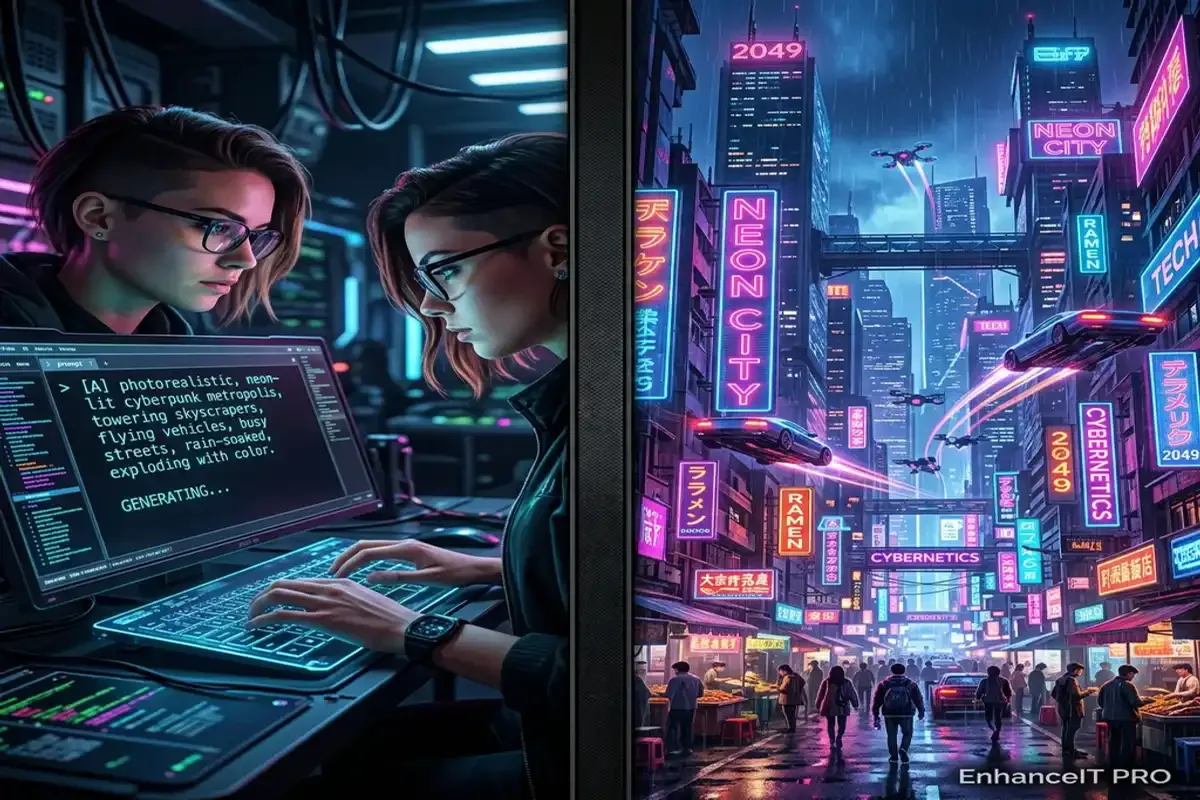
Artificial intelligence has completely revolutionized how we create digital art over the past few years. You no longer need expensive graphic design software or years…
Midjourney completely revolutionized the world of digital art. It allowed absolutely anyone to generate breathtaking, highly detailed images using simple text prompts. However, as the…
Creating beautiful images with AI requires clear instructions. If you type a single word into a generator, you get a random result. The AI guesses…