Top 10 D&D AI Art Generators for Character Design in 2026
Top 10 D&D AI Art Generators for Character Design in 2026 Tabletop roleplaying games have always relied heavily on the theater of the mind, but…
 EnhanceIT
PRO
EnhanceIT
PRO
Midjourney completely revolutionized the world of digital art. It allowed absolutely anyone to generate breathtaking, highly detailed images using simple text prompts. However, as the tool became incredibly popular, the company removed its free trial. Today, you must pay a monthly subscription to access their powerful servers.
If you are just exploring digital art or need to create a few quick graphics, paying a monthly fee is frustrating. Fortunately, the artificial intelligence industry moves incredibly fast. There are now several powerful, entirely free alternatives that can match or even beat the quality of expensive paid tools.
You do not need an expensive gaming computer or a complicated Discord account to create stunning art. The best modern alternatives run entirely in your web browser.
You can use a free AI image generator to create highly detailed photos, clean corporate illustrations, or wild fantasy concept art in a matter of seconds. These web tools handle all the heavy processing on remote servers. You simply type what you want to see, hit generate, and wait a few moments for the final result.
When searching for an alternative, you will encounter two main types of technology.
Proprietary models belong to massive tech companies. These tools are often easy to use but strictly limit what you can create. They apply heavy safety filters and often block specific artistic styles or requests.
Open source models, like Stable Diffusion, belong to the public community. These models provide absolute freedom. You can generate any style, adjust complex lighting parameters, and fine-tune exactly how the machine interprets your text. Many of the best free web tools actually use highly optimized versions of these open source models in the background.
Free tools are incredibly powerful, but you must learn how to communicate with them properly.
A paid tool might generate a great image from a basic, lazy prompt like “a cool car.” A free tool often requires more specific instructions. You need to describe the lighting, the camera angle, and the exact artistic style. For example, typing “a vintage red sports car driving through a neon cyberpunk city, cinematic lighting, 8k resolution, photorealistic” will yield a massively better result.
If your generated image looks slightly blurry or lacks sharp edges, you do not need to discard it. You can simply run the final image through an AI image sharpener to instantly crisp up the fine details.
Stop paying expensive monthly fees for tools you rarely use. Explore the massive world of free, browser-based generators and start bringing your creative ideas to life today.
Top 10 D&D AI Art Generators for Character Design in 2026 Tabletop roleplaying games have always relied heavily on the theater of the mind, but…
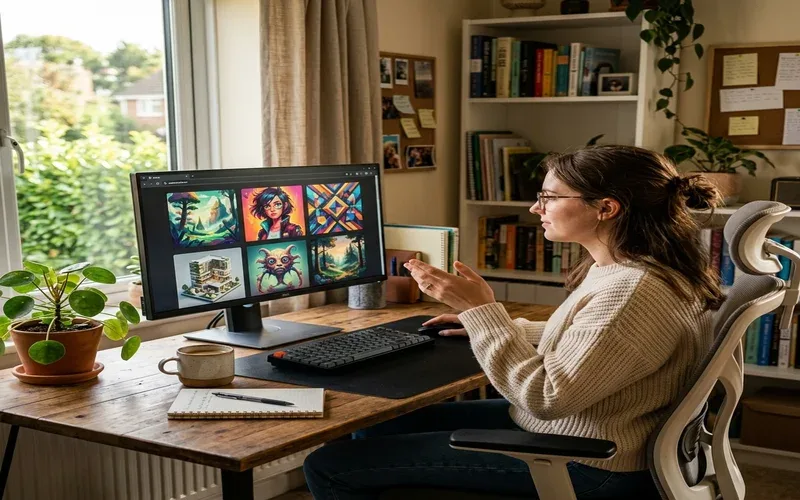
Free AI image generators have gotten genuinely good this year. Not “free with a watermark” good — actually good. I spent several weeks working through…
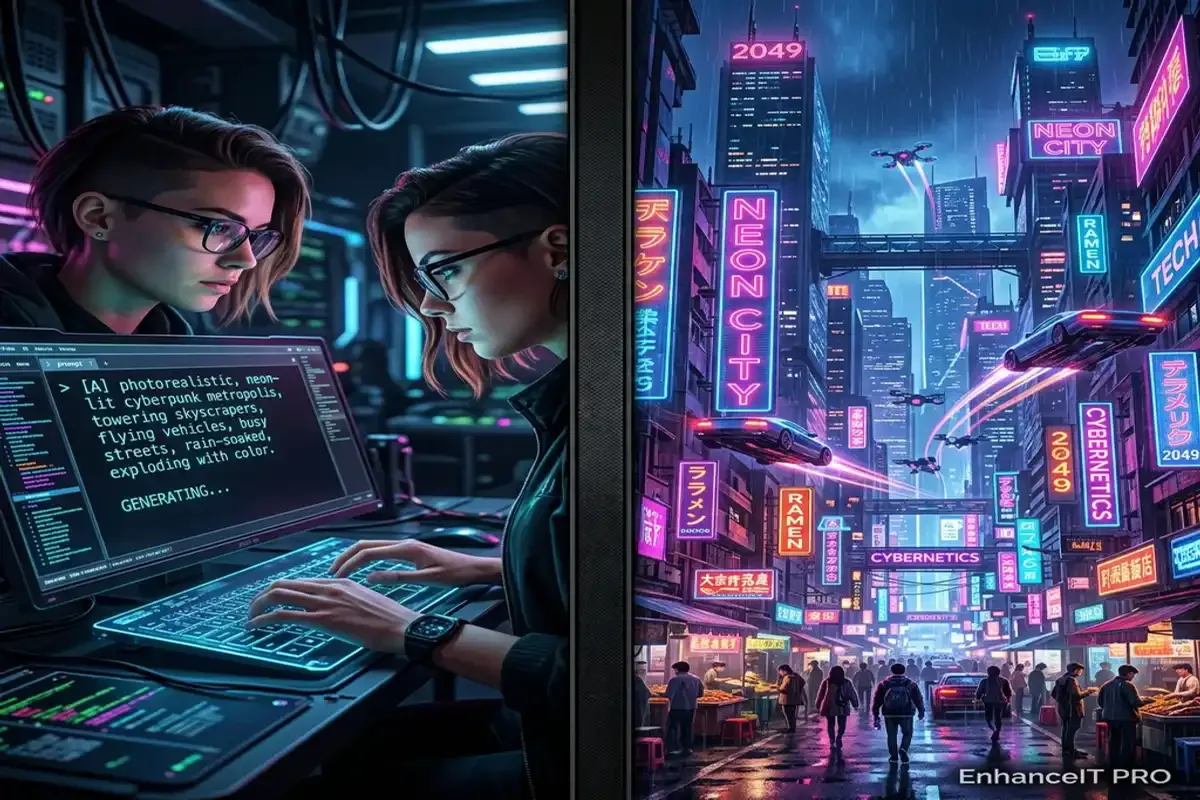
Artificial intelligence has completely revolutionized how we create digital art over the past few years. You no longer need expensive graphic design software or years…
Creating beautiful images with AI requires clear instructions. If you type a single word into a generator, you get a random result. The AI guesses…