How to Convert Photos into Authentic Pencil Sketches Online
How to Convert Photos into Authentic Pencil Sketches Online The aesthetic appeal of a handcrafted pencil sketch never goes out of style. Whether you are…
 EnhanceIT
PRO
EnhanceIT
PRO
The internet is flooded with AI art generators, but if you want to turn a real photograph into a high-quality anime illustration, general-purpose tools often fall short. They tend to ignore your actual facial structure and simply generate a random anime character that looks vaguely similar.
In 2026, the technology has specialized. The best photo to anime converters now use advanced likeness preservation and specific stylistic models (like Studio Ghibli, Shonen, or Chibi) to ensure the final output actually looks like *you*.
After testing dozens of applications, we have compiled the top 10 photo to anime converters available today. We compared them based on output quality, style variety, likeness preservation, and pricing.
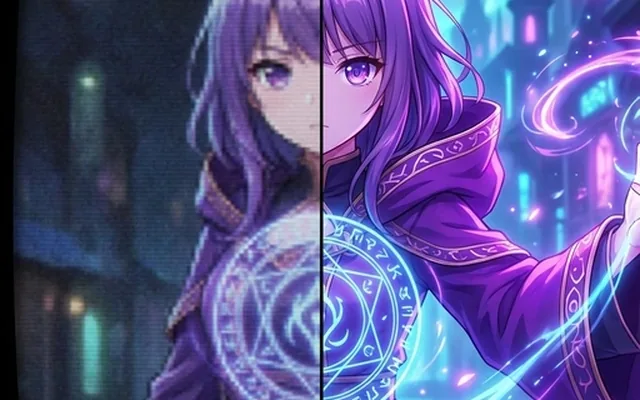
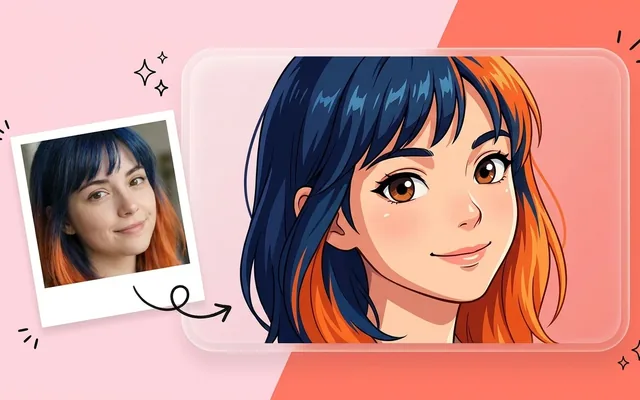
When it comes to turning photos into anime characters, EnhanceIT PRO is the clear winner for 2026. Rather than relying on a single generic filter, it offers a dedicated AI Photo to Anime tool built specifically for high-fidelity character translation.
The biggest advantage is how well it preserves your facial features. It maps your jawline, eye spacing, and nose structure before applying the anime aesthetic. You can choose from multiple distinct styles, including 90s retro anime, modern 3D anime, and soft watercolor aesthetics.
Because it operates as a full suite, you can immediately take your generated anime portrait into the AI Image Upscaler to enlarge it for printing, or swap the background if you want your character standing in a cyberpunk city instead of your living room.
Key Features:
– Superior likeness preservation.
– Multiple authentic anime sub-styles.
– Integrated upscaling and background editing.
– No watermarks on exports.
Pricing: Free to use, with premium credits for high-volume or commercial work.
If you want your photo to look like it was drawn by a specific animation studio, Tooncraft.ai is an excellent choice. It features over 50 specific stylistic models.
Instead of typing long prompts, you simply upload your selfie and click a preset. The results are highly stylized. The downside is that because the styles are so aggressive, the final image often loses a bit of your original resemblance compared to EnhanceIT PRO.
Pricing: Free trial available; paid plans start at $7.99/month.
AutoWeeb takes a different approach. Rather than turning you into a cartoonish caricature, it aims for a “realistic anime” aesthetic. The lines are softer, and the shading closely mimics 2D digital painting.
It is highly favored by VTubers and digital creators who need consistent avatars. It supports advanced features like LoRA tuning, meaning if you upload 10 photos of yourself, it learns your exact face and can generate you in any anime scenario.
Pricing: Freemium model with limited daily generations.
MindPic AI is built for speed. It requires no login and no credit card to start testing. You upload a photo, wait 15 seconds, and download the result.
While it lacks the deep customization options of the top three, the baseline quality is surprisingly good. It handles hair texture particularly well, converting realistic strands into defined anime shapes. It is perfect for casual users who just want a new profile picture.
Pricing: Completely free, supported by on-site advertisements.
ZSky AI offers unlimited generation without asking you to create an account. The interface is slightly more complex, offering sliders for “Anime Strength” and “Line Weight.”
If you are willing to spend a few minutes tweaking the sliders, the output rivals paid applications. However, during peak hours, the free servers can slow down significantly, leading to wait times of several minutes per photo.
Pricing: Free with optional priority queue subscription.
If you are already creating banners, social media posts, or posters inside Canva, using their integrated Animeify app makes the most sense.
You do not need to export your photo, process it elsewhere, and re-import it. You simply apply the anime transformation directly on the canvas. The stylistic range is limited to three basic presets, but the convenience factor is unmatched for social media managers and marketers.
Pricing: Included in Canva Pro ($15/month).
Midjourney is famous for its breathtaking artistic quality, and its dedicated anime model (Niji) is no exception. If you want a highly detailed, painterly anime illustration, nothing beats it.
However, using it for photo-to-anime translation is difficult. You have to use your photo as an image prompt, and Midjourney frequently alters your facial features drastically to fit its artistic vision. It is less of a converter and more of an “inspiration” generator.
Pricing: Subscriptions start at $10/month.
WeShop AI is tailored for a specific niche: turning real clothing models into anime or stylized avatars while keeping the clothing exactly the same.
If you run an online store and want to market your apparel with an anime aesthetic, this tool masks out the clothing, retains the fabric details, and only applies the anime transformation to the model’s face and background.
Pricing: Credit-based system starting at $9/month.
Fotor is a powerhouse photo editor with a very strong mobile app. Their photo-to-anime feature is incredibly user-friendly. You just tap a filter, and the app handles the rest.
The outputs are bright, saturated, and highly optimized for Instagram and TikTok. The free version does apply a watermark, which can be frustrating, but the results are consistent.
Pricing: Free with watermarks; Pro starts at $8.99/month.
Leonardo AI gives you deep control over the generation process. You can choose specific anime checkpoints, adjust the guidance scale, and use their real-time canvas to paint over mistakes.
It is heavily geared toward game developers and professional illustrators. If you are just looking for a quick anime selfie, the learning curve is steep. But if you want total control over every pixel, Leonardo is incredibly powerful.
Pricing: 150 free fast tokens per day; paid plans from $12/month.
Choosing the right tool depends entirely on your needs. For the vast majority of users who want high likeness preservation, no watermarks, and built-in editing features, EnhanceIT PRO is the definitive choice for 2026.
If you are interested in seeing how AI is changing other aspects of image editing, check out our recent breakdown of the best free AI image generators in 2026, which covers tools built for creating images entirely from scratch.
How to Convert Photos into Authentic Pencil Sketches Online The aesthetic appeal of a handcrafted pencil sketch never goes out of style. Whether you are…
How to Turn Your Selfie into an Anime Character: A Complete Guide Turning a standard selfie into a high-quality anime illustration is easier today than…
📚 Complete Guide: AI Photos for Business: The 2026 Guide Are you struggling to find a comfortable men’s sneaker brand in Pakistan? Then you’re at…
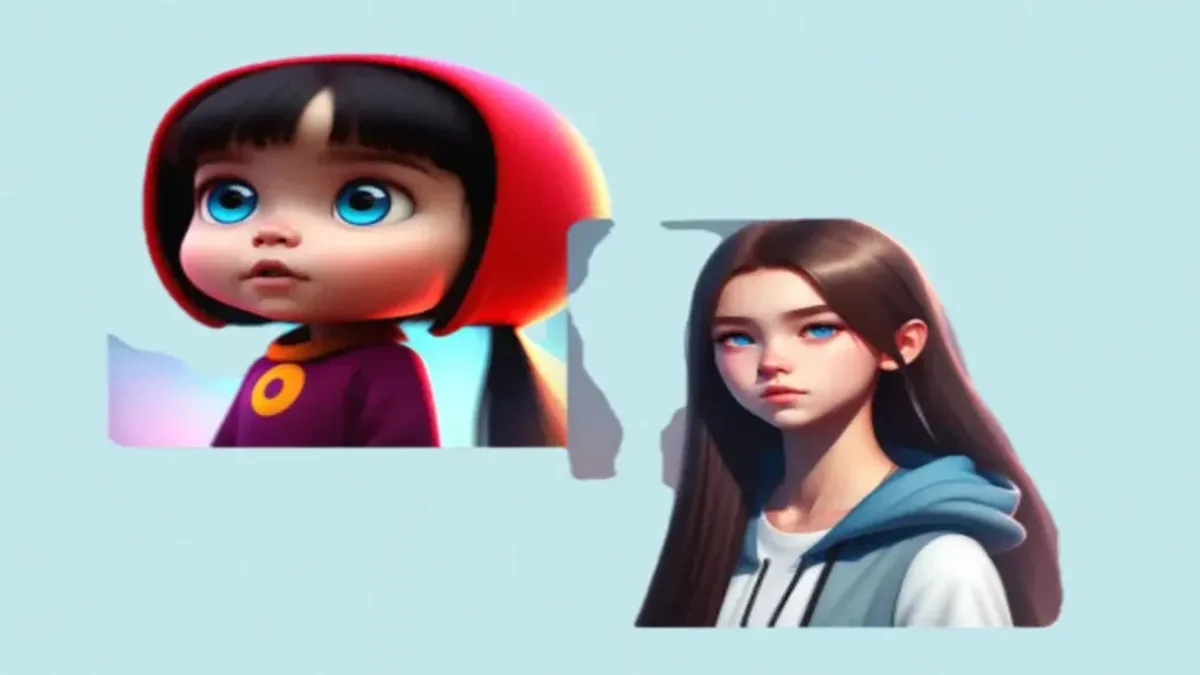
Cartoon photos are the best way to share images for fun purposes, but software like Photoshop requires lots of complex editing, which may not be…