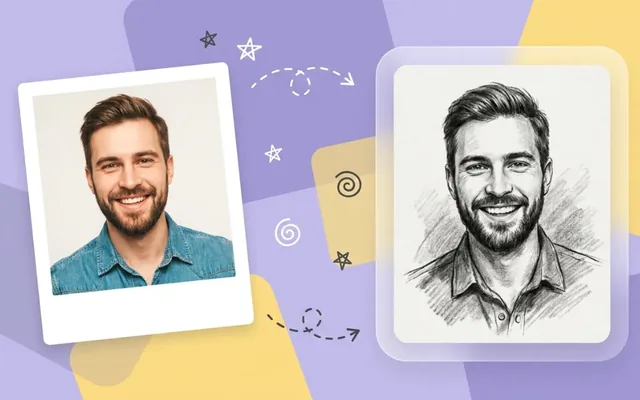
How to Convert Photos into Authentic Pencil Sketches Online
How to Convert Photos into Authentic Pencil Sketches Online The aesthetic appeal of a handcrafted pencil sketch never goes out of style. Whether you are…
 EnhanceIT
PRO
EnhanceIT
PRO
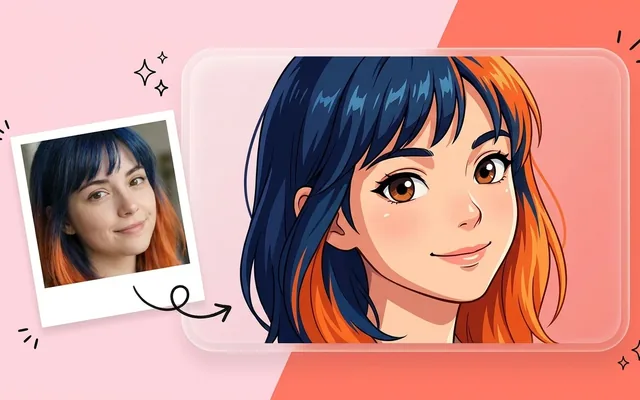
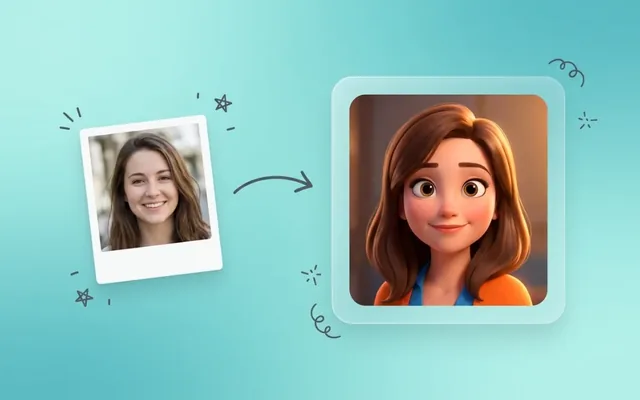
Cartoon photos are the best way to share images for fun purposes, but software like Photoshop requires lots of complex editing, which may not be possible for everyone. For those, there is a solution called AI tools. Now, this area has become the area of AI technology, and it has become a part of our editing industry.
AI Photo to cartoon maker, create a funky version of you; you can save this image in albums or share it with your friends or groups for fun purposes. The reason for their most use is that they are available online, and you don’t have to install separate software to use them; in this article, we are going through the top 14 AI photo to cartoon makers.
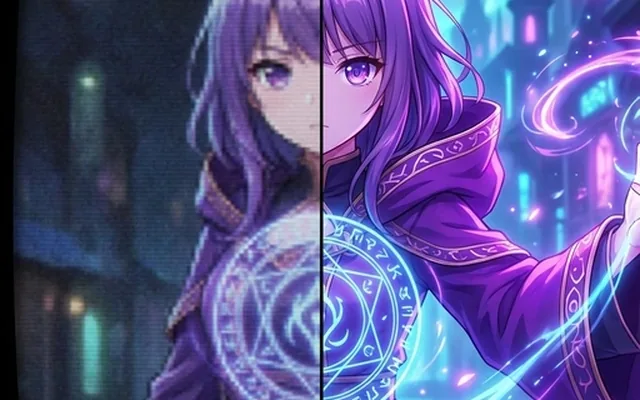
Try it yourself! Use our free AI Anime Enhancer tool – no signup required.
Here’s a quick list of the best AI online photos for cartoon makers:
EnhanceIT PRO has an online AI Photo for cartoon makers. That can change any ordinary image into an enhanced cartoon image in which AI will apply filters, and AI will also make other adjustments to colors, situations, vibrancy, etc. EnhanceIT PRO’s AI has a clean and user-friendly interface where any user can change their images; they have to follow the three steps below:
In EnhanceIT PRO’s AI, many filters and effects are applied automatically to the image.
Features
Vindnoz is an AI online cartoon maker that can easily transform ordinary images into attractive cartoon images. The tool has gained popularity among marketers, advertisers, and even content creators use this tool. The website interface is easy to navigate, and users can easily transform their images in seconds.
Also Read: Top 12 Best Free AI Background Changer Apps in 2026
Vindnoz AI uses advanced AI technology, which selects the related filter for your image and applies it.
Features
BasedLabs can be best for artists seeking inspiration and enthusiasts eager to craft original anime characters and scenes. This tool lets its audience create illustrations just by typing prompts.
Moreover, it offers multiple art styles, including cyberpunk, Ghibli, etc. After the prompt and art style direction, the user can choose the direction to finalize the results.
Features
Photoleap by Lightrick is an instant cartoon photo maker with advanced algorithms and transitions. The tool also includes a cartoon image generator, allowing you to use your imagination to create beautiful artwork.
Features
Fotor is an online brand tool, and Cartoon Maker is one of them. The tool is designed to make it easier for users to change their ordinary images into unique, vibrant cartoon images with one Fotor. Fotor’s resource library includes thousands of copywrite-free stickers and graphics. Fotor has separate filters for pets.
Features
Vance AI is developed to add fun and creative effects to your images and to create cartoon images and illustrations. The main function of Vance AI is as a cartomizer.
With an easy-to-navigate interface users can transform their images in simple steps 1) Uploading images, 2) Start AI processing, and 3) previewing and downloading. It can also ediimage’simage’s basic needs.
Features
Pho. to is an online AI cartoon image maker that can transform ordinary images into attractive cartoon images. With its user-friendly design, you can convert pictures for fun and project purposes. This tool can be used for both beginners and professionals. It isn’t free and is quick to respond.
Features
Brfunkey is an online AI tool that makes it easy to change photos into cartoon images. This tool can be best for people who are interested in adding artistic and playful layers to their pictures.
The tool is simple and free for everyone, and due to its being online, it can be accessed worldwide. BeFunkey also can be used to enhance image quality and make them clearer and sharper.
Features
Toonme’s main focus is on making normal pictures into impressive cartoon images. It gains popularity due to its AI-driven hand-drawn images. Toonme owns AI algorithms to make stunning cartoon images. The tool also has an app version, which comes with a unique filter and effects.
Features
PicsArt offers a wide range of filters and effects to transform your images into cartoon images. This is a go-to solution where users can transform their images in simple steps. Users have to upload their images, then select the filter, and, after downloading, the final result.
Features
Toonify offers a unique technology called Generative Adversarial Networks (GAN). The tool is a simple and effective way to transform simple images into cartoon images. Due to its AI algorToonify’sonify’s transformation process is simple. Users upload images and, after the process, preview and download the final result.
Features
Wondershare AILab is one of the best free AI cartoons for image makers, and it comes with a straightforward method of cartooning. These steps include 1) image uploading, 2) starting the process, and 3) previewing and downloading the image. Moreover, you can change the subject’s reaction to happy, angry, sad, etc.
Features
Photocartoon.net is an online photo-to-cartoon maker that can easily transform any image into a cartoon image in seconds without facing the complex processes of Photoshop. It comes with the most famous filters, such as pencil drawing, painting, sketching, etc.
Features
Prisma is an online cartoon maker. With its easy-to-navigate process, everyone can change their normal image into a cartoon image by following the three simple steps: 1) uploading the image, 2) starting the process, and 3) previewing and downloading the image. In Prisma, you can add filters and control their intensity.
Features
ycj8L6mNKvu8eNHmUzTytjORWa6J4q2ZTgzWzoKv JavaScript needs to be enabled in order to be able to download.
How do I change photos to cartoons with AI?
To change your photo into a cartoon with an AI, you can follow these three steps:
How do you turn a photo into a cartoon character?
Try using online AI tools or Apps to change your image into a cartoon character.
What is the best website for cartooning a photo?
EnhanceIT PRO.net is the best website for making a photo cartoon.
Is the ToonMe app free?
Yes, you can use their app or their online version, and both are free to use.
📖 More in Anime, Cartoon & Stylization
How to Convert Photos into Authentic Pencil Sketches Online The aesthetic appeal of a handcrafted pencil sketch never goes out of style. Whether you are…
How to Turn Your Selfie into an Anime Character: A Complete Guide Turning a standard selfie into a high-quality anime illustration is easier today than…
Top 10 Best AI Photo to Anime Converters in 2026 (Free & Paid) The internet is flooded with AI art generators, but if you want…
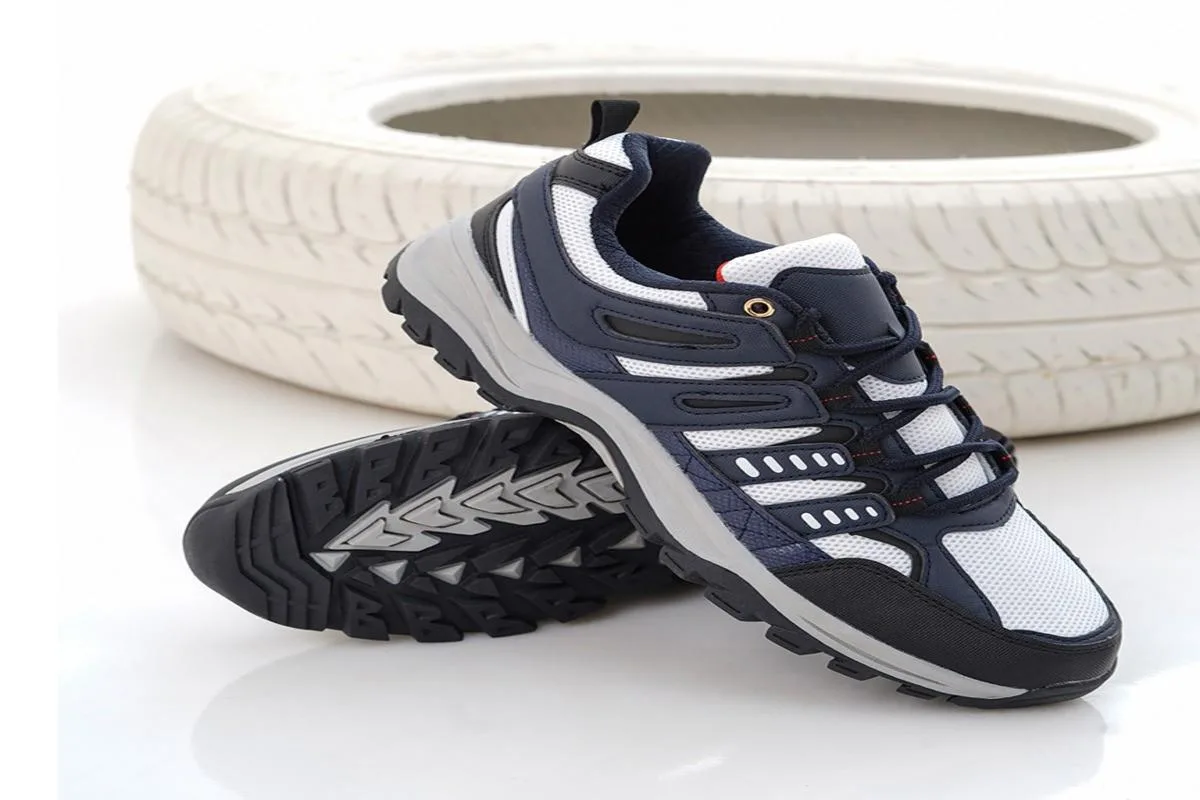
📚 Complete Guide: AI Photos for Business: The 2026 Guide Are you struggling to find a comfortable men’s sneaker brand in Pakistan? Then you’re at…