

Top 10 D&D AI Art Generators for Character Design in 2026
Top 10 D&D AI Art Generators for Character Design in 2026 Tabletop roleplaying games have always relied heavily on the theater of the mind, but…
 EnhanceIT
PRO
EnhanceIT
PRO
📚 Complete Guide: AI Photos for Business: The 2026 Guide
Features, Pricing & Expert Reviews – Create Stunning Videos with AI
Looking for the best AI video generator in 2025? You’re in the right place! Creating professional videos has never been easier thanks to artificial intelligence. Whether you’re a content creator, marketer, or business owner, AI video generators can transform your ideas into stunning visual content in minutes.
I’ve personally tested over 15 AI video creation tools to bring you this comprehensive guide. From text-to-video generators to advanced editing features, these platforms are revolutionizing how we create video content.
In this article, you’ll discover the top 10 AI video generators for 2025, complete with detailed reviews, pricing information, and real-world testing results to help you choose the perfect tool for your needs.
Try it yourself!
Use our free For Ecommerce tool – no signup required.
[
Try For Ecommerce Free →
](https://enhanceit.pro/for-ecommerce/)
| Tool | Best For | Starting Price | Free Plan | Rating |
|---|---|---|---|---|
| Runway ML | Professional creators | $15/month | Limited | ⭐⭐⭐⭐⭐ |
| Lumen5 | Social media content | $19/month | ✅ Yes | ⭐⭐⭐⭐⭐ |
| Pictory | Blog to video | $19/month | ✅ Yes | ⭐⭐⭐⭐ |
| Synthesia | Business presentations | $30/month | ❌ No | ⭐⭐⭐⭐⭐ |
| InVideo | Marketing videos | $15/month | ✅ Yes | ⭐⭐⭐⭐ |
| Animoto | Quick social videos | $8/month | ✅ Yes | ⭐⭐⭐⭐ |
| FlexClip | Business marketing | $10/month | ✅ Yes | ⭐⭐⭐⭐ |
| Kapwing | Collaborative editing | $16/month | ✅ Yes | ⭐⭐⭐⭐ |
| Steve AI | Animated videos | $15/month | ✅ Yes | ⭐⭐⭐⭐ |
| Descript | Podcast & video editing | $12/month | ✅ Yes | ⭐⭐⭐⭐⭐ |
AI Video Generator Features Comparison
Text-to-Video
85%
AI Avatars
75%
Template Library
90%
Voice Synthesis
70%
Video Editing
80%
Feature Availability
Across Top 10 Tools
Best Overall AI Video Generator for Professionals
⭐⭐⭐⭐⭐ (4.8/5)
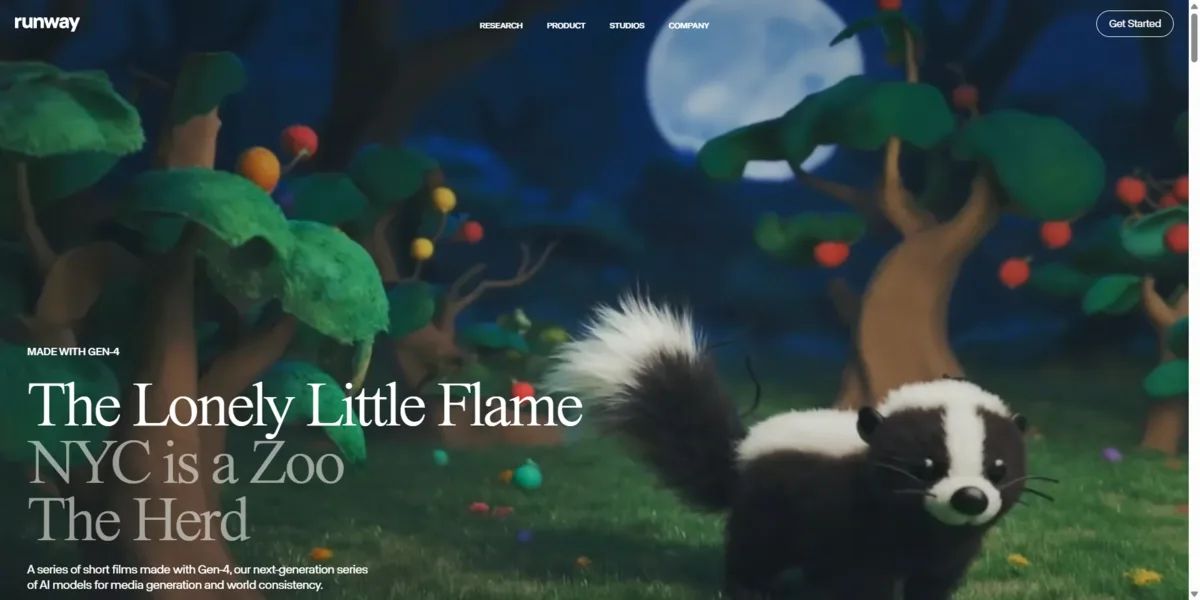
Runway ML stands out as the most advanced AI video generator in 2025. With its Gen-2 model, it offers incredible text-to-video capabilities that produce cinematic-quality results. Perfect for creative professionals who need cutting-edge AI technology.
####
####
| Plan | Features | Price |
|---|---|---|
| Free Plan | Limited credits, watermark | $0/month |
| Standard | 625 credits/month, HD export | $15/month |
| Pro | 2250 credits/month, 4K export | $35/month |
| Unlimited | Unlimited credits, priority processing | $95/month |
####
####
####
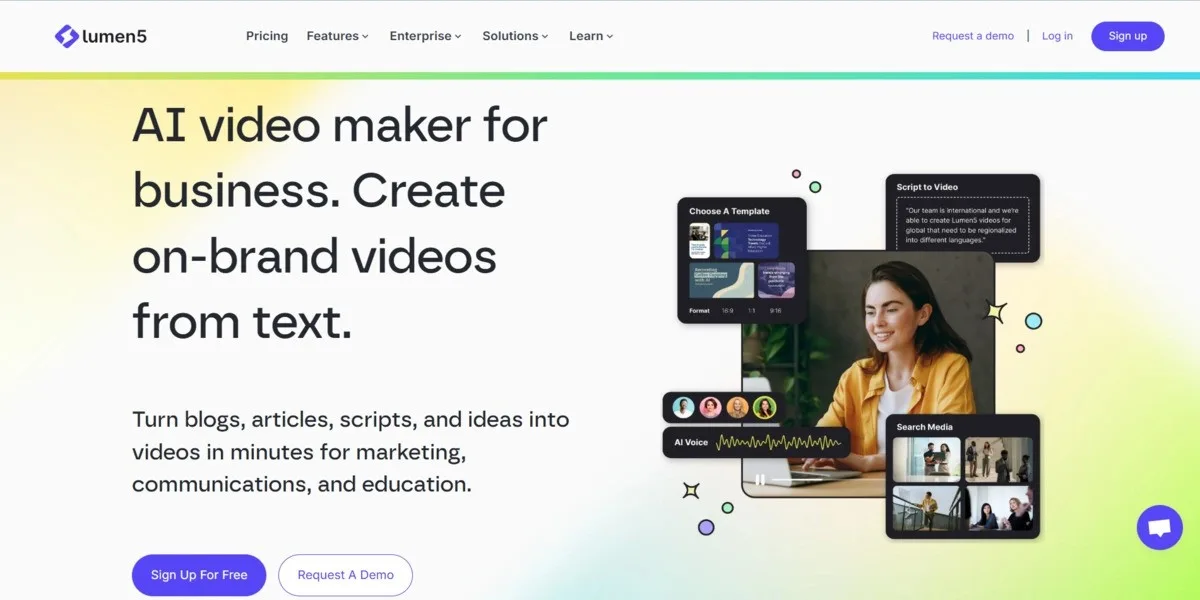
Best AI Video Generator for Beginners
⭐⭐⭐⭐⭐ (4.7/5)
Lumen5 makes video creation incredibly simple with its intuitive drag-and-drop interface. It’s perfect for social media content creators and marketers who want professional results without technical complexity.
####
####
| Plan | Features | Price |
|---|---|---|
| Community | Basic features, watermark, 3 videos/month | Free |
| Starter | 720p videos, no watermark, 30 videos/month | $19/month |
| Professional | 1080p videos, premium features, 60 videos/month | $49/month |
| Enterprise | Custom branding, unlimited videos, team features | $149/month |
####
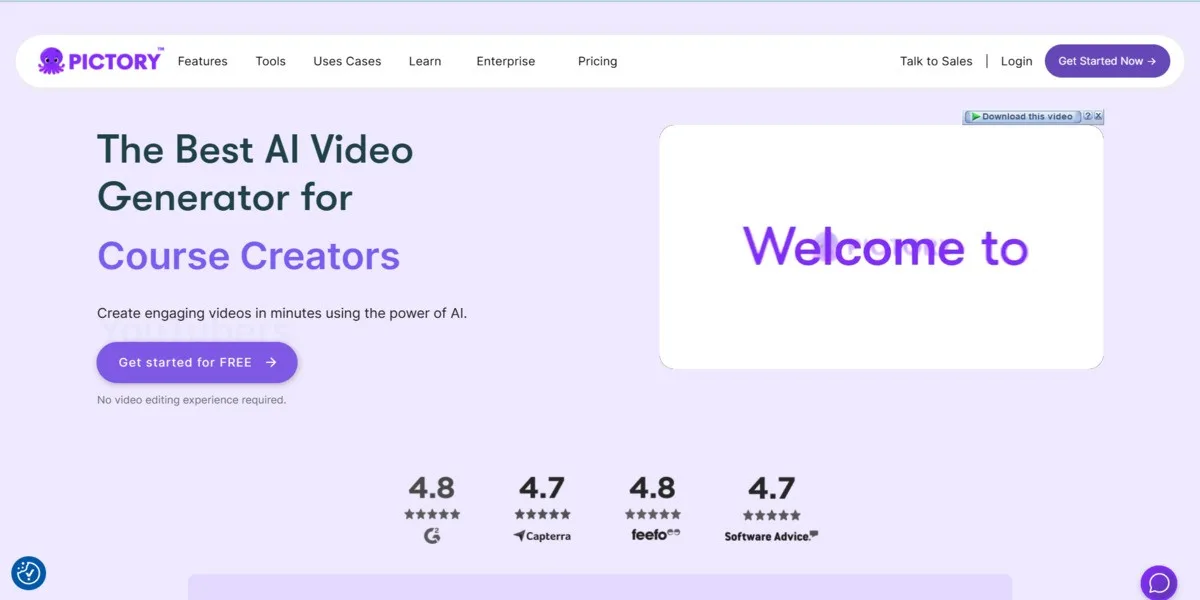
Best Free AI Video Generator
⭐⭐⭐⭐ (4.5/5)
Pictory offers the most generous free plan among AI video generators. It excels at converting long-form content into engaging short videos, making it perfect for content repurposing and social media marketing.
####
####
| Plan | Features | Price |
|---|---|---|
| Free Trial | 3 video projects, watermark, 10 min videos | Free |
| Standard | 30 videos/month, no watermark, HD quality | $19/month |
| Premium | 60 videos/month, premium features, API access | $39/month |
| Enterprise | Unlimited videos, custom branding, priority support | $99/month |
####
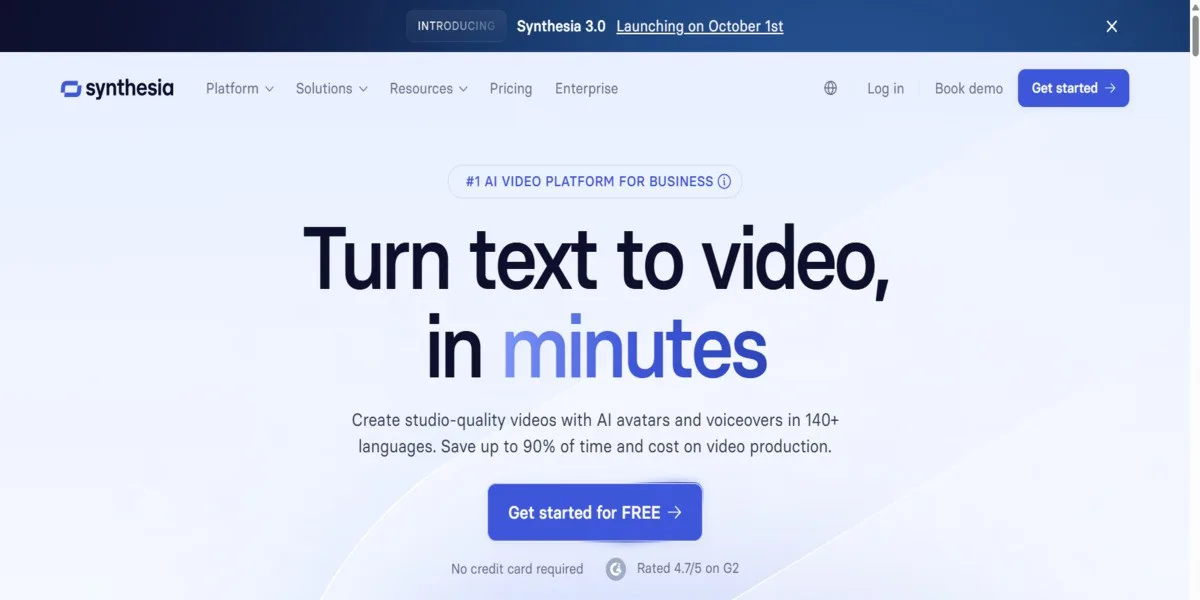
Best AI Avatar Video Generator for Business
⭐⭐⭐⭐⭐ (4.9/5)
Synthesia revolutionizes business video creation with hyper-realistic AI avatars. Perfect for training videos, presentations, and corporate communications without needing cameras or actors.
####
####
| Plan | Features | Price |
|---|---|---|
| Personal | 10 videos/month, 120+ avatars, basic features | $30/month |
| Corporate | 30 videos/month, custom avatars, team features | $67/month |
| Enterprise | Unlimited videos, priority support, SSO | Custom pricing |
####
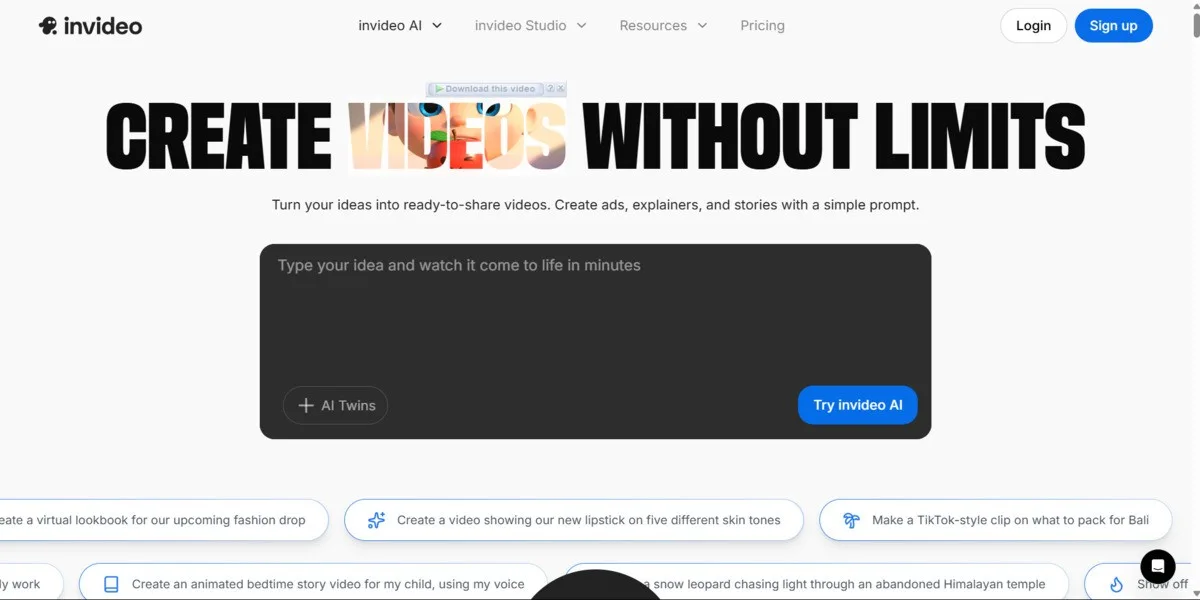
Best AI Video Generator for Marketing
⭐⭐⭐⭐ (4.6/5)
InVideo excels at creating marketing and promotional videos with its extensive template library and AI-powered editing features. Perfect for businesses and marketers who need quick, professional video content.
####
####
| Plan | Features | Price |
|---|---|---|
| Free | 60 videos/month, watermark, 15 min videos | Free |
| Plus | 60 videos/month, no watermark, HD export | $25/month |
| Max | Unlimited videos, 4K export, premium features | $60/month |
####
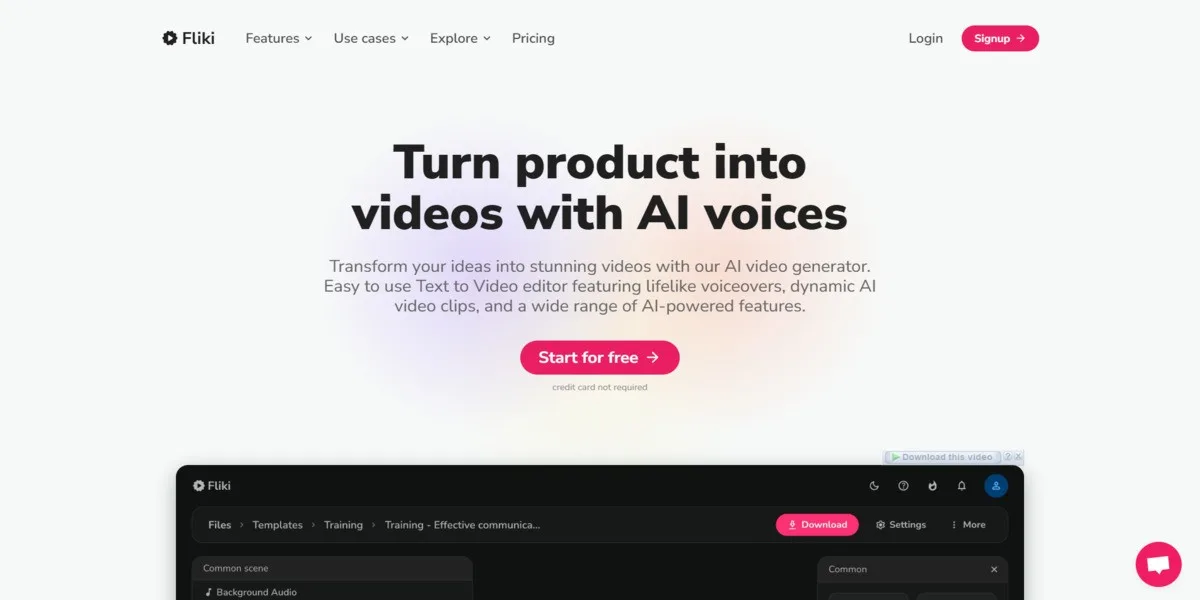
Best AI Video Generator for Text-to-Speech
⭐⭐⭐⭐ (4.4/5)
Fliki specializes in creating videos from text with incredibly natural AI voices. It’s perfect for creating educational content, podcasts, and audiobooks with professional narration quality.
####
####
| Plan | Features | Price |
|---|---|---|
| Free | 5 min/month, watermark, basic voices | Free |
| Standard | 180 min/month, HD export, premium voices | $21/month |
| Premium | 600 min/month, voice cloning, API access | $66/month |
####
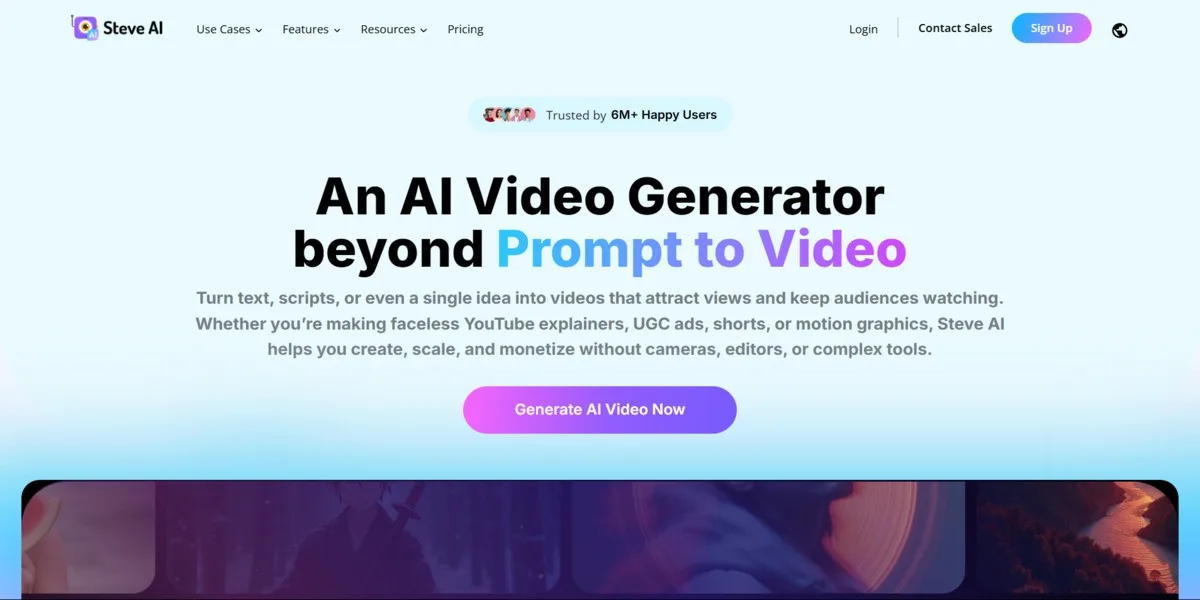
Best AI Video Generator for Animation
⭐⭐⭐⭐ (4.3/5)
Steve AI excels at creating animated videos and live-action content with AI. It’s perfect for creating explainer videos, educational content, and animated presentations with minimal effort.
####
####
| Plan | Features | Price |
|---|---|---|
| Free | 3 videos/month, watermark, 2 min videos | Free |
| Basic | 15 videos/month, HD export, no watermark | $20/month |
| Pro | 50 videos/month, premium features, team access | $40/month |
####
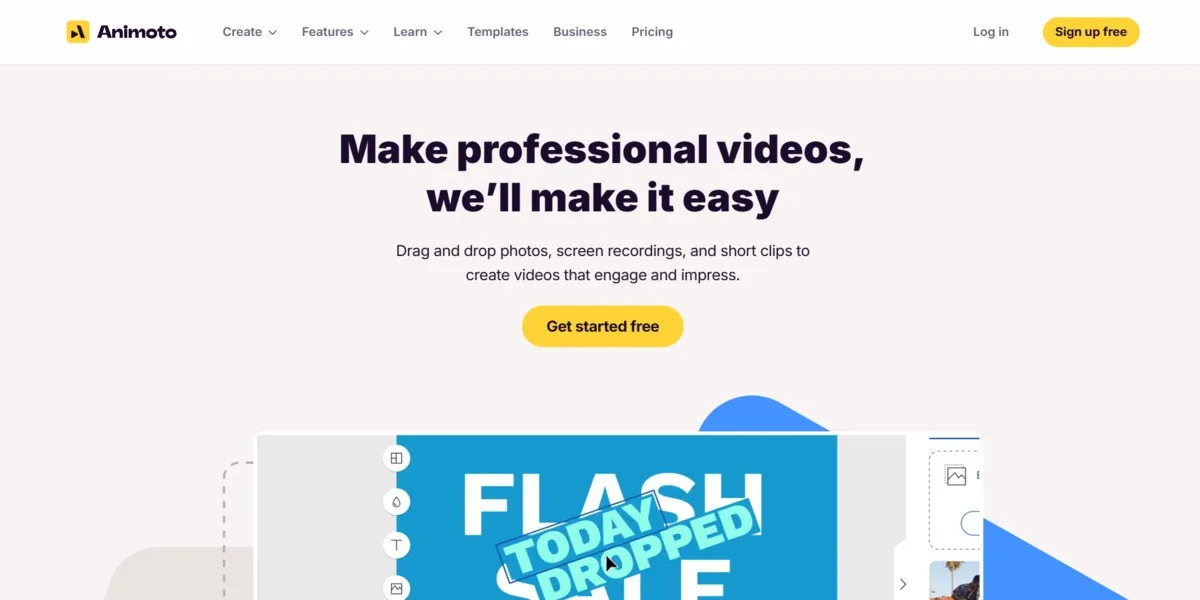
Best AI Video Generator for Social Media
⭐⭐⭐⭐ (4.2/5)
Animoto specializes in creating engaging social media videos with AI-powered editing and optimization. Perfect for businesses and content creators who need quick, platform-optimized video content.
####
####
| Plan | Features | Price |
|---|---|---|
| Free | Basic templates, watermark, 30 sec videos | Free |
| Personal | HD videos, no watermark, 3 min videos | $15/month |
| Professional | Unlimited videos, brand kit, team features | $39/month |
####
Best AI Video Editor for Collaboration
⭐⭐⭐⭐ (4.4/5)
Kapwing combines AI-powered video editing with collaborative features, making it perfect for teams and content creators who need to work together on video projects in real-time.
####
####
| Plan | Features | Price |
|---|---|---|
| Free | Basic editing, watermark, 7 min videos | Free |
| Pro | HD export, no watermark, unlimited videos | $24/month |
| Business | Team features, brand kit, priority support | $40/month |
####
Best AI Video Editor for Podcasters
⭐⭐⭐⭐⭐ (4.7/5)
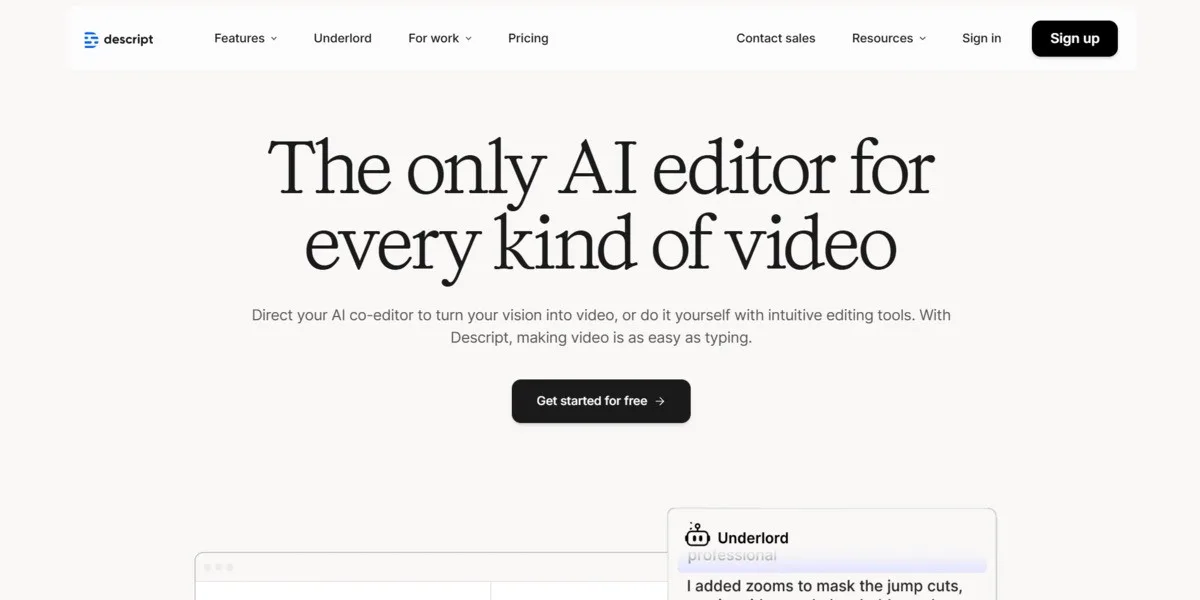
Descript revolutionizes video editing by allowing you to edit videos like text documents. Perfect for podcasters, content creators, and anyone who wants to edit videos by simply editing the transcript.
####
####
| Plan | Features | Price |
|---|---|---|
| Free | 3 hours/month, watermark, basic features | Free |
| Creator | 10 hours/month, no watermark, Overdub | $15/month |
| Pro | 30 hours/month, team features, priority support | $30/month |
####
####
Runway ML – Professional-grade AI with Gen-2 model
Synthesia – AI avatars for corporate training
Pictory – Generous free tier with quality output
InVideo – 5000+ templates for all niches
Selecting the perfect AI video generator depends on your specific needs. Here’s what to consider:
AI video generators have transformed content creation in 2025, making professional video production accessible to everyone. Whether you’re a solo creator, marketer, or business owner, there’s an AI tool that fits your needs and budget.
My top recommendations:
The AI video generation space is evolving rapidly, with new features and improvements launching regularly. Start with a free plan to test the waters, then upgrade as your needs grow.
📖 More in Industry Use Cases
Top 10 D&D AI Art Generators for Character Design in 2026 Tabletop roleplaying games have always relied heavily on the theater of the mind, but…
Free AI image generators have gotten genuinely good this year. Not “free with a watermark” good — actually good. I spent several weeks working through…
Artificial intelligence has completely revolutionized how we create digital art over the past few years. You no longer need expensive graphic design software or years…

Midjourney completely revolutionized the world of digital art. It allowed absolutely anyone to generate breathtaking, highly detailed images using simple text prompts. However, as the…