

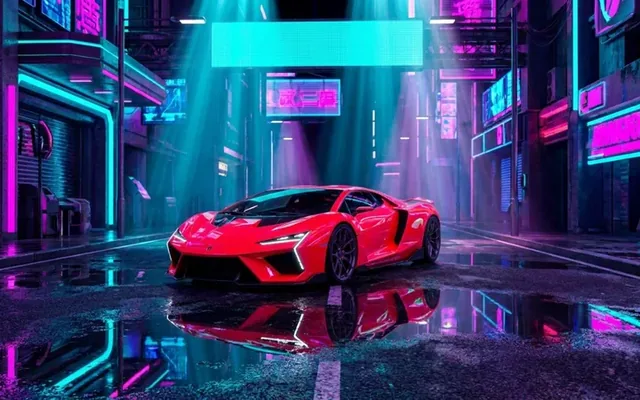

Background removal for ecommerce product photos
Selling products online requires flawless photography. When a customer browses an online store, they cannot pick up the item or examine the texture. The product…
 EnhanceIT
PRO
EnhanceIT
PRO
📚 Complete Guide: The Complete Guide to AI Background Removers in 2026
For decades, removing a background from an image was the ultimate test of patience. Graphic designers spent hours mastering the “Pen Tool” in Photoshop. They clicked pixel by pixel to separate a subject from its surroundings. Today, Artificial Intelligence has completely disrupted this workflow, offering in seconds what used to take hours.
But is the “Old School” method truly dead? Does manual masking still offer precision that AI can’t match?
This article compares the traditional Manual Masking technique against modern AI Background Removers. It reviews the top tools of 2026, which include EnhanceIT PRO, Remove.bg, and Adobe Express.
Try it yourself! Use our free AI Background Remover tool – no signup required.
Try AI Background Remover Free →
Manual masking refers to using software like Adobe Photoshop or GIMP to hand-draw a choice around a topic. This is typically done using tools like the Pen Tool, Lasso Tool, or Magic Wand.
AI Background Removers use machine learning (neural networks) to “see” the image. They are trained on millions of photos to distinguish between a “Topic” (a person, car, or product) and the “Background.”
You simply upload the image. The AI analyzes the contrast and depth, detects the foreground focus, and instantly creates a transparent PNG. The entire process takes 3 to 5 seconds.
We tested the leading online tools. We wanted to see which one offers the best balance of accuracy, speed, and cost to replace manual masking.
EnhanceIT PRO takes the top spot in 2026 because it addresses the biggest issue with free tools: Resolution. Most competitors force you to download a blurry “preview” unless you pay. EnhanceIT PRO, however, maintains high fidelity on its free tier.

Remove.bg was one of the first to market and remains a reliable standard. It is incredibly fast and has plugins for almost every software (Figma, Photoshop, etc.).

If you already pay for the Adobe Creative Cloud suite, Adobe Express offers a powerful background remover. This tool is powered by the same engine as Photoshop.
| Feature | EnhanceIT PRO (AI) | Remove.bg (AI) | Manual Masking | Winner |
|---|---|---|---|---|
| Time Per Image | ~5 Seconds | ~5 Seconds | 10 – 30 Minutes | AI Tools |
| Skill Level | Zero (Automatic) | Zero (Automatic) | High (Expert) | AI Tools |
| Cost Efficiency | Freemium (High Value) | Expensive (Per Image) | Subscription ($20/mo+) | EnhanceIT PRO |
| Max Resolution | High (Web Optimized) | Low (Free) / 4K (Paid) | Unlimited | Manual Masking |
| Hair/Fur Detail | Excellent (Refined) | Good | Perfect (If skilled) | Tie (Context) |
For 95% of users, Manual Masking is no longer necessary. This includes Amazon sellers, social media managers, and bloggers. Manual Masking is no longer necessary. The time investment simply doesn’t pay off when AI can achieve 99% of the quality in 1% of the time.
Manual masking still holds a place in high-end print advertising. This is true, especially where every pixel on a billboard matters. Tools like EnhanceIT PRO have democratized the process. It offers the professional clarity you need without the expensive Adobe subscription or the steep learning curve.
📖 More in Background Removal
Selling products online requires flawless photography. When a customer browses an online store, they cannot pick up the item or examine the texture. The product…

Clean product images sell more. This fact drives billions of dollars in e-commerce revenue annually. Cluttered backgrounds distract buyers from what actually matters. Professional e-commerce…
In 2026, removing a background is only half the battle. The real magic happens when you replace it. Whether you are an e-commerce seller needing a clean white…
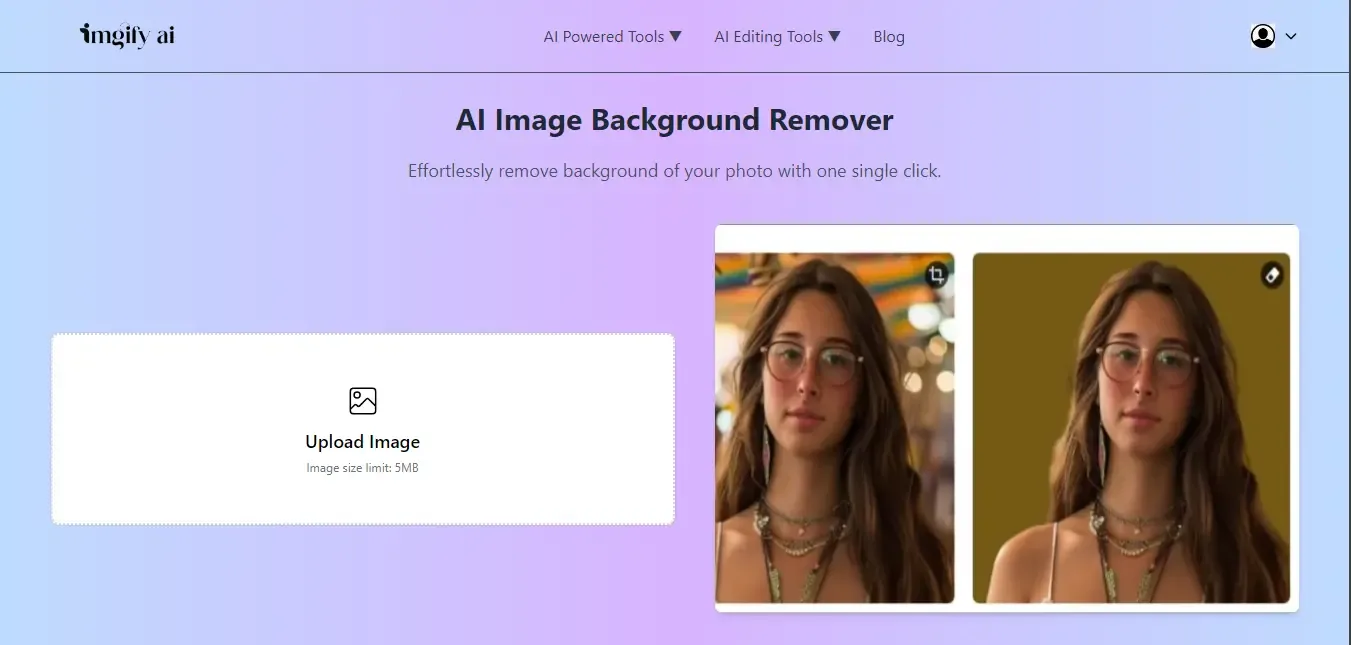
While clicking the image, sometimes the background isn’t as good as we expected, and that background makes our overall image dull. The background is the…