



Background removal for ecommerce product photos
Selling products online requires flawless photography. When a customer browses an online store, they cannot pick up the item or examine the texture. The product…
 EnhanceIT
PRO
EnhanceIT
PRO
In 2026, removing a background is only half the battle. The real magic happens when you replace it. Whether you are an e-commerce seller needing a clean white backdrop, or a creator wanting to transport yourself to a neon city, modern AI tools now combine Removal and Replacement into one seamless workflow.
We tested the top tools on the market to find out which ones let you not just erase the past, but create a new future. Here are the 8 Best AI Background Tools of 2026.
📚 Complete Background Removal Guide Series
Try it yourself! Use our free AI Background Remover tool – no signup required.
Try AI Background Remover Free →
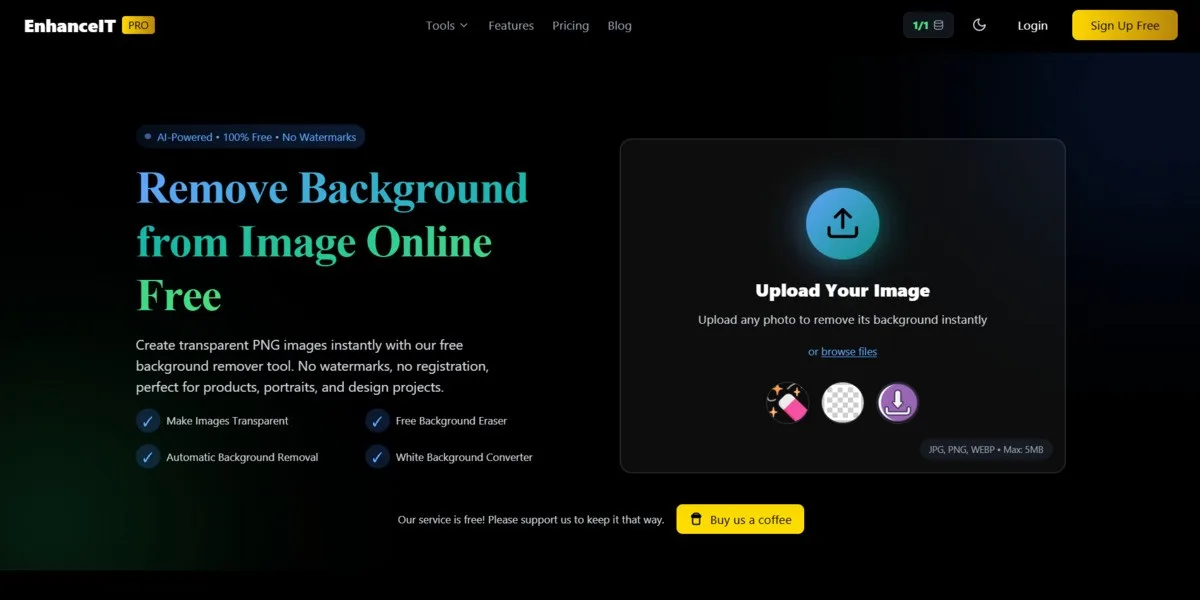
EnhanceIT PRO takes the top spot because it understands that “transparent” is rarely the final goal. Once the AI cleanly removes the background (preserving tricky details like hair and glass), the built-in editor lets you instantly reimagine the scene.
Verdict: The most complete tool for users who want to Remove, Replace, and Download without switching apps.Try it here: EnhanceIT PRO Background Remover
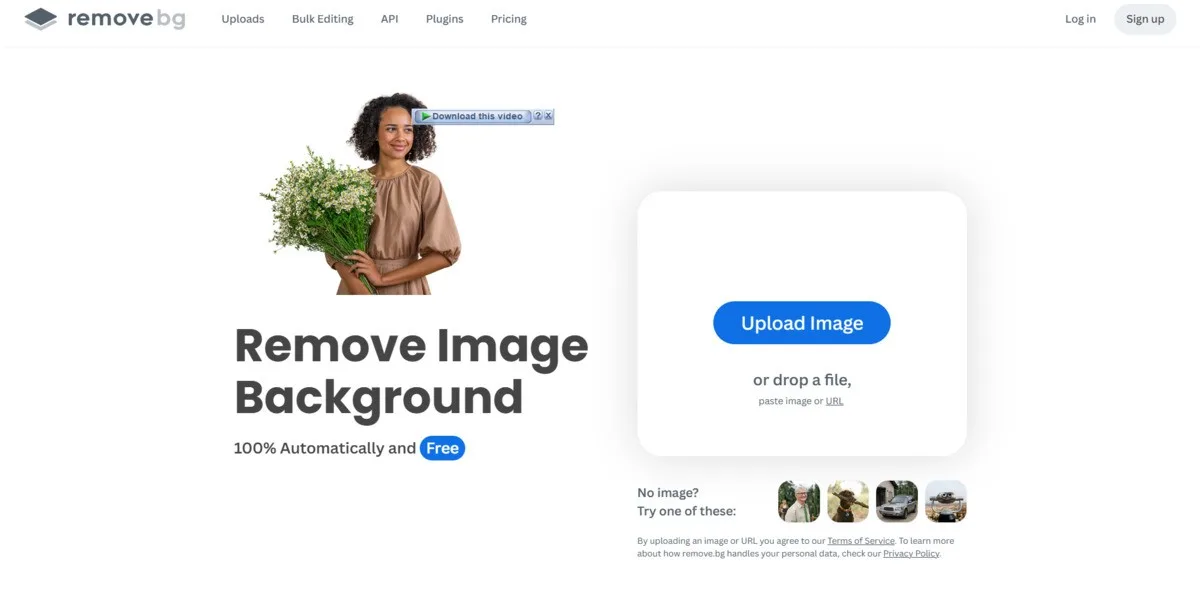
Remove.bg is an industry veteran known for pure speed. While primarily a remover, it does offer basic editing tools to superimpose your cutout onto simple backgrounds or photos.
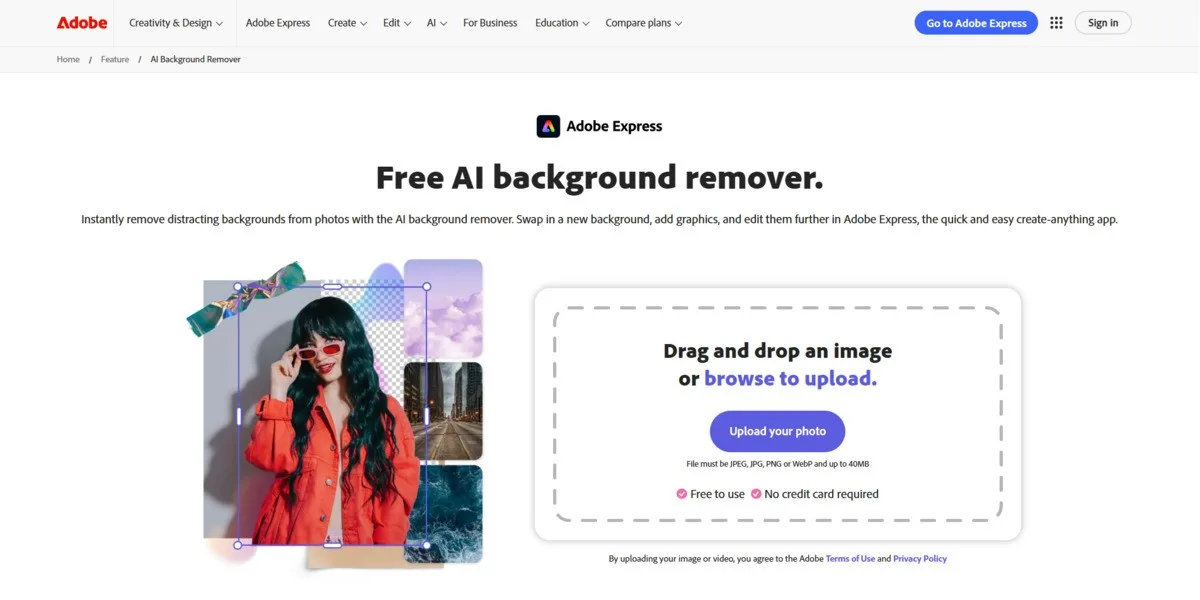
If you need to add text, stickers, or complex design elements around your new background, Adobe Express is powerful. It uses the Photoshop engine to mask subjects effectively.
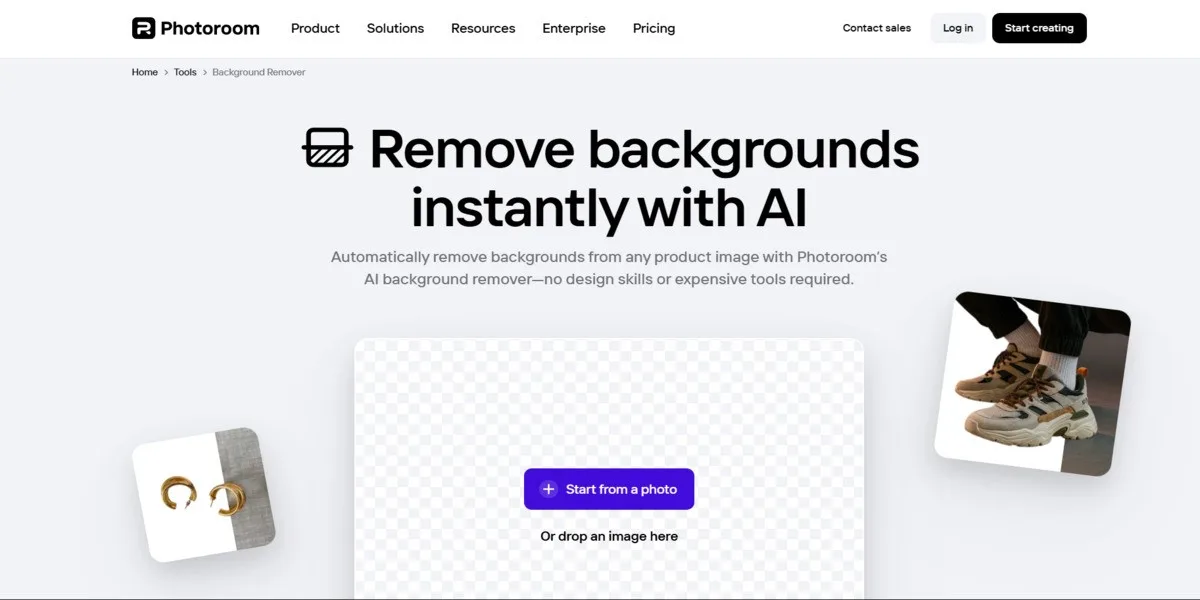
PhotoRoom is built for phone users. It excels at “Instant Backgrounds,” where it uses AI to generate a scene under your product (e.g., placing a shoe on a marble podium).
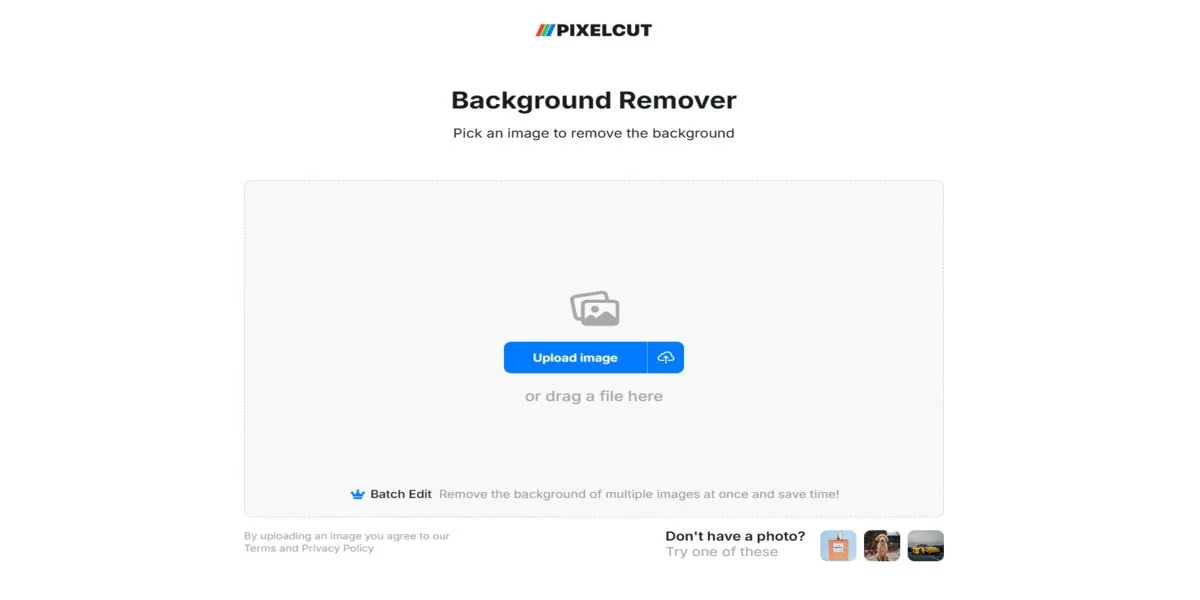
Pixelcut shines when you have 50 items to process at once. It can remove backgrounds and apply a consistent white backdrop to a whole batch of photos simultaneously.
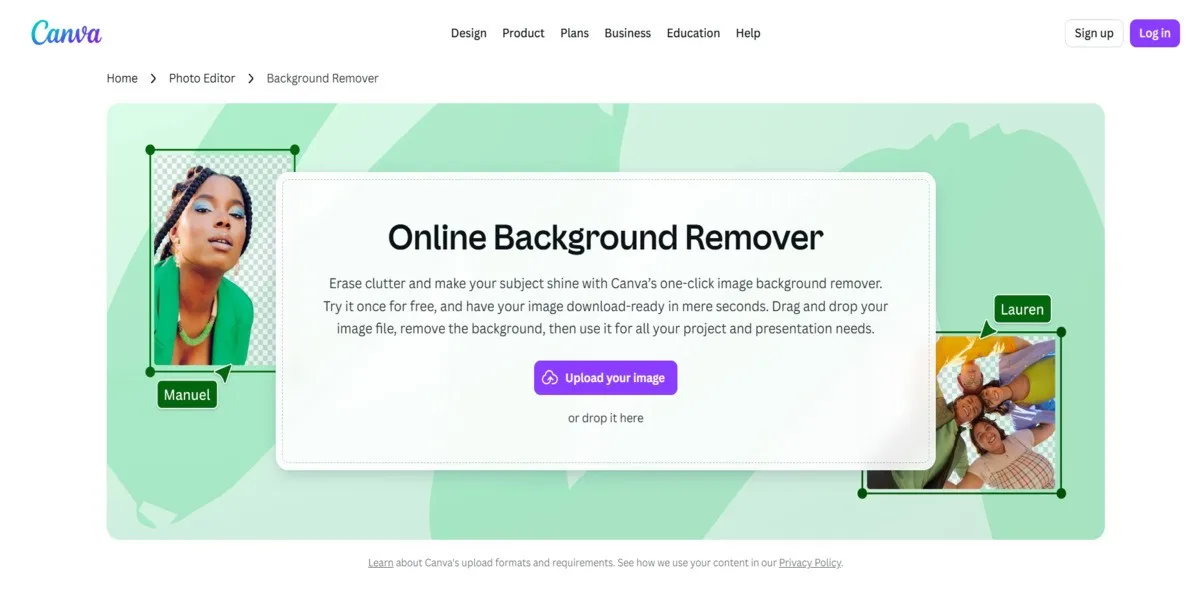
Canva’s “Magic Eraser” is great because of the ecosystem. You can remove a background and immediately drop the subject into a YouTube thumbnail template.
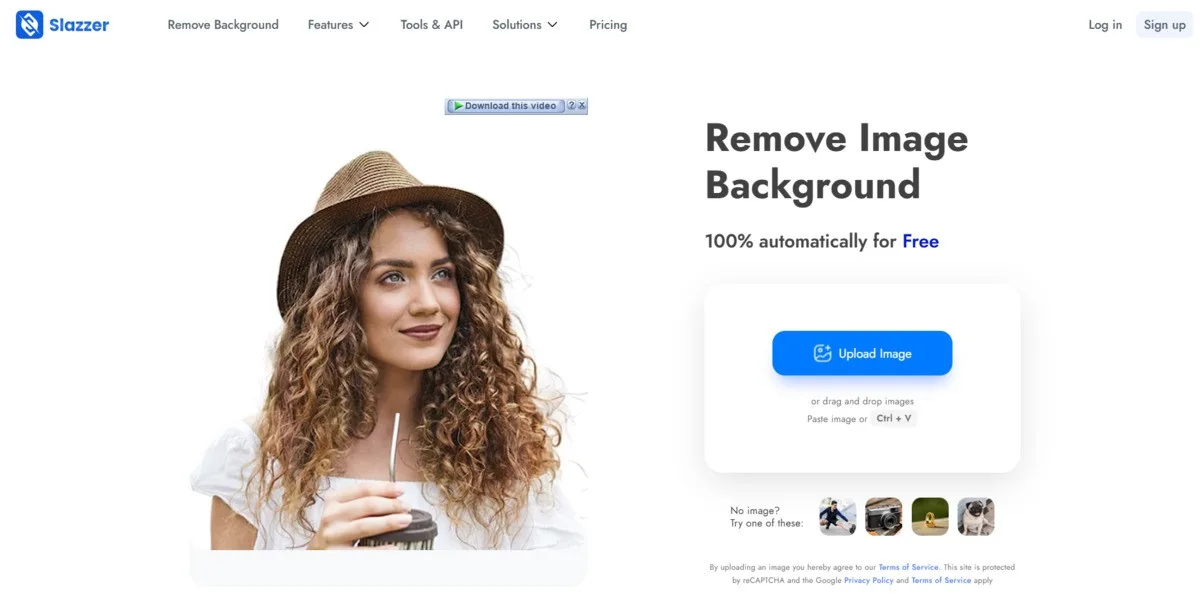
Slazzer is a strong choice to Remove.bg, offering similar automatic removal and replacement features. It allows for basic background swapping directly in the browser.
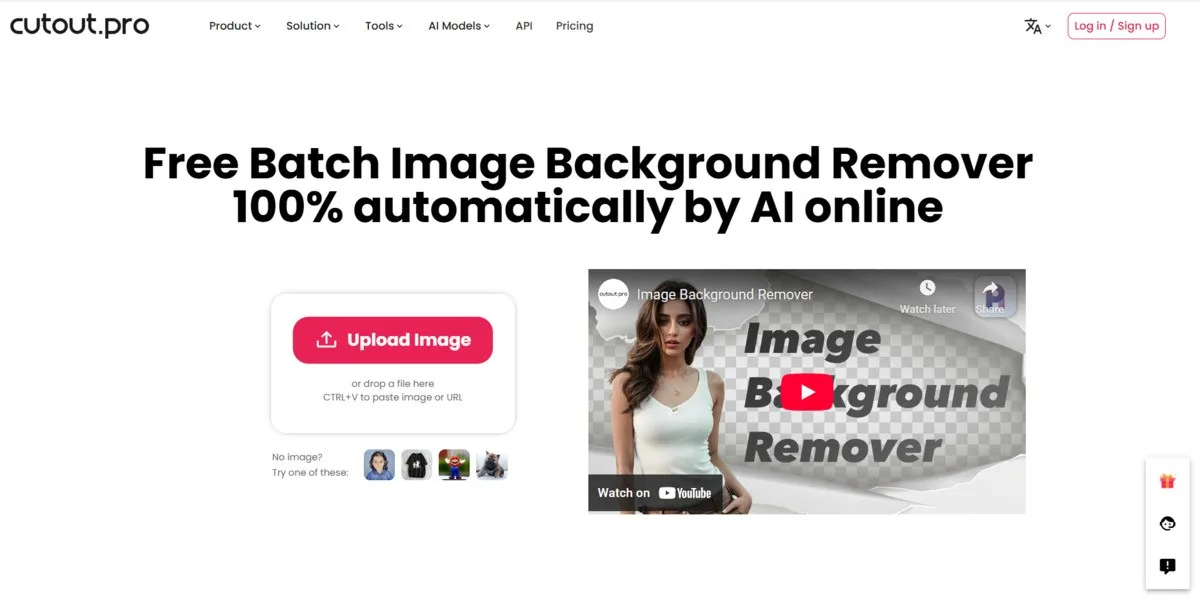
While decent at photos, Cutout.pro is unique because it also tackles video background removal. For static images, it offers standard replacement tools.
| Feature | EnhanceIT PRO | Remove.bg | Adobe Express |
|---|---|---|---|
| Background Editing | Library + Custom + Solid Colors | Basic Replacement | Full Design Suite |
| Image Quality | High | Low (Free) / 4K (Paid) | High |
| Cost Value | Low (Freemium) | Expensive (Per Image) | Subscription Required |
| Best For | Creative & E-Commerce | Speed & API | Complex Design |
If you just need to delete a background, any tool on this list will work. But if you want to transform your image—placing your product on a white studio background or transporting yourself to a new location—EnhanceIT PRO offers the best balance of creative features and high-resolution quality.
📖 More in Background Removal
Selling products online requires flawless photography. When a customer browses an online store, they cannot pick up the item or examine the texture. The product…
Clean product images sell more. This fact drives billions of dollars in e-commerce revenue annually. Cluttered backgrounds distract buyers from what actually matters. Professional e-commerce…
📚 Complete Guide: The Complete Guide to AI Background Removers in 2026 For decades, removing a background from an image was the ultimate test of…
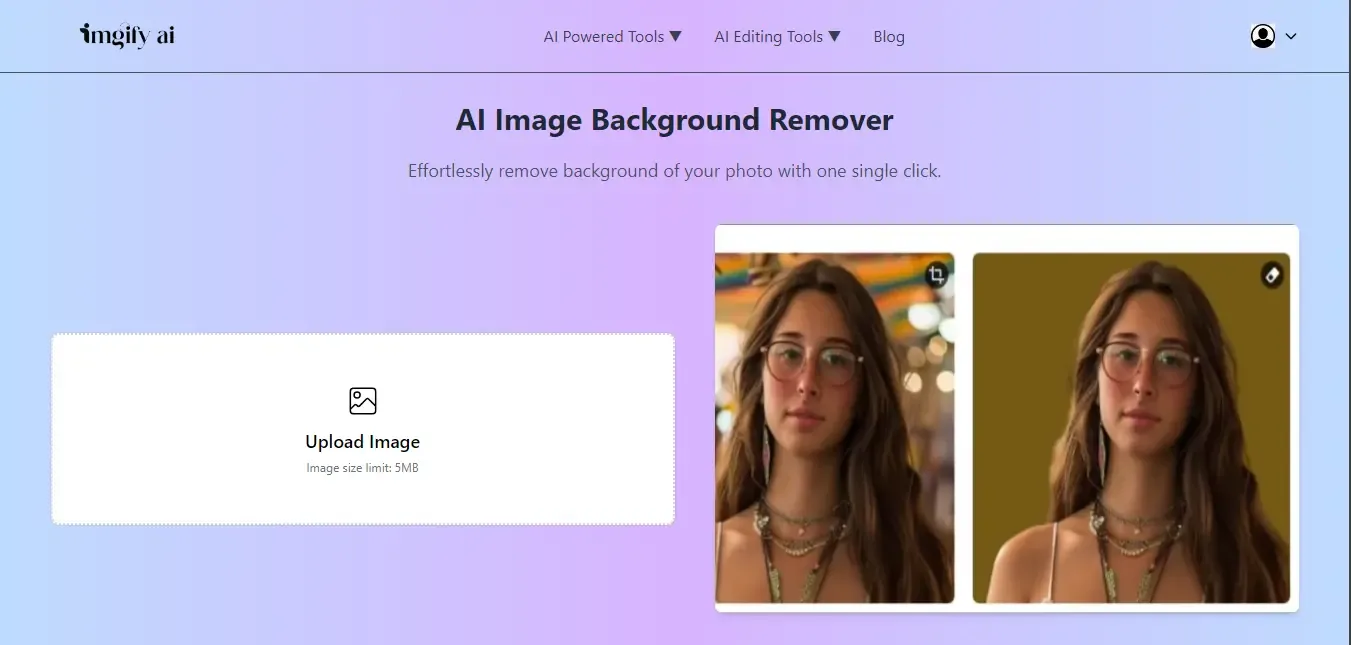
While clicking the image, sometimes the background isn’t as good as we expected, and that background makes our overall image dull. The background is the…