
Pixel Enhancer
Pixelation is missing information, not dirt on the image — the AI rebuilds the detail the pixels lost, edge by edge.

Pixelation is the most recognisable way an image fails: smooth lines turn into staircases, faces into Minecraft, text into shimmer. It happens whenever an image is displayed larger than the pixels it actually has — and once it is baked into the file, no amount of zooming out fixes it.
A pixel enhancer treats the blocks as evidence rather than damage. The model reads what the low-resolution region is depicting and redraws it with the detail that a proper-resolution capture would have had — smooth curves, sharp corners, faces that are faces again.
Common pixelation rescues
Enlarged thumbnails
The full photo is gone and a 200-pixel thumbnail is all that survives — the classic case.
Blocky faces
Faces in cropped or zoomed shots, rebuilt from squares into features.
Jagged graphics
Logos and UI art scaled up for a banner or slide without the source file.
Game and pixel-art upscales
Deliberate pixel art enlarged cleanly — or reimagined smoothly, your choice of tool.
Anti-pixelation habits
- Track down the largest copy before repairing — email attachments and cloud backups often hide a bigger one.
- Repair pixelation before doing anything else to the image; every other edit bakes the blocks in deeper.
- After the repair, use the upscaler if you also need more size — repair and enlargement are separate jobs done best in that order.
All tools
 HOT
HOT
Image Enhancer
Instantly improve image quality.
1 credits · Free 4K
4K
Image Upscaler
Upscale images up to 4K resolution.
1 credits · Free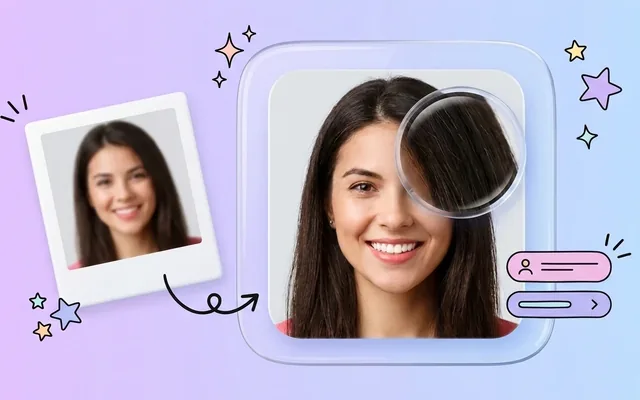
Image Sharpener
Fix blurry and out-of-focus photos.
1 credits · Free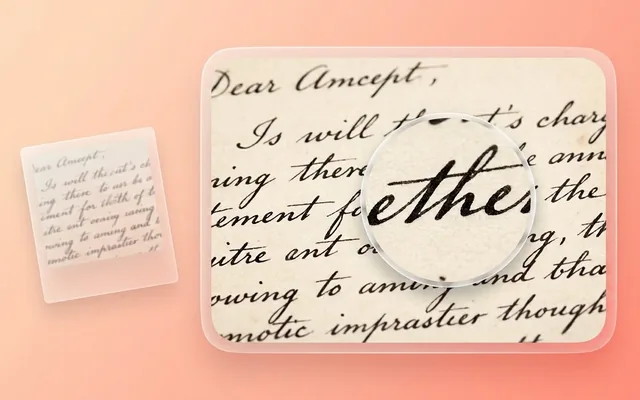
Text Clarifier
Make blurry text in photos and scans readable.
7 credits · Free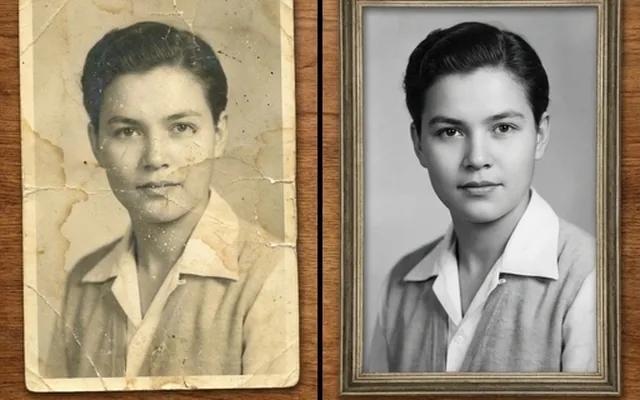
Photo Restore
Repair tears, creases, stains and fading in old photos.
2 credits · Free
AI Face Enhancer
Sharpen and restore faces in blurry or low-resolution photos.
1 credits · Free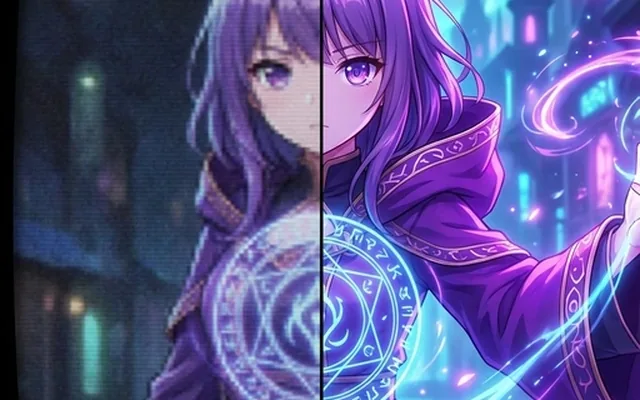
AI Anime Enhancer
Enhance and upscale anime images.
1 credits · Free HOT
HOT
Background Remover
Remove backgrounds automatically.
1 credits · FreeFrequently asked questions
What causes pixelation?
Too few pixels asked to do too much — an image enlarged past its size, a tiny thumbnail saved instead of the original, a heavy crop, or brutal compression. The square blocks are the image's actual pixels becoming visible.
Can pixelation really be reversed?
The lost pixels cannot be un-lost, but they can be convincingly rebuilt. The AI recognises what the blocky region depicts — an eye, a letter, a fence line — and redraws it at proper resolution. For most real photos the repair is complete enough that no one would guess.
Does it work on pixelated text and logos?
Yes, often spectacularly — hard edges are what the model is most certain about. Stair-stepped logo curves and shimmering small text come back clean. (It restores degraded text; it does not decode deliberately censored blurs.)
What should I upload for the best repair?
The least-damaged copy you can find. If the pixelated version came from a bigger original, always start from the original — and never screenshot the image first, which adds a second layer of damage.