
Picture Enhancer
Upload a picture, get it back clear and sharp in seconds. Works on your phone, nothing to install, free to start.

Everyone has pictures they wish were clearer — the one where the moment is perfect but the focus is not, the one taken in a dark room, the one that is twenty years old. A picture enhancer takes any of them and gives you back a clear, sharp version in a few seconds.
There is nothing to learn. You do not choose filters or move sliders; the AI looks at the picture, works out what is wrong with it, and fixes it. Most people get a result they keep on the first try.
Pictures people enhance most
Phone pictures
Shots from older phones, or new ones taken in bad light — the biggest group by far.
Old pictures
Scans and re-photographed prints from albums, brought back to life for family.
Received pictures
Pictures sent over WhatsApp or Messenger that arrived small and fuzzy.
Profile pictures
The one picture everyone sees — worth making properly sharp.
Simple tips
- Send yourself the original picture, not a screenshot of it, before enhancing.
- If the picture is tiny, use the upscaler after the enhancer to make it bigger too.
- Enhance a copy any time you are nervous — your original never changes.
All tools
 HOT
HOT
Image Enhancer
Instantly improve image quality.
1 credits · Free 4K
4K
Image Upscaler
Upscale images up to 4K resolution.
1 credits · Free
Image Sharpener
Fix blurry and out-of-focus photos.
1 credits · Free
Text Clarifier
Make blurry text in photos and scans readable.
7 credits · Free
Photo Restore
Repair tears, creases, stains and fading in old photos.
2 credits · Free
AI Face Enhancer
Sharpen and restore faces in blurry or low-resolution photos.
1 credits · Free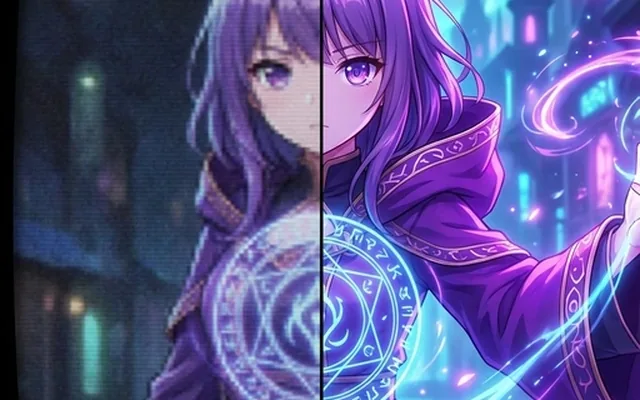
AI Anime Enhancer
Enhance and upscale anime images.
1 credits · Free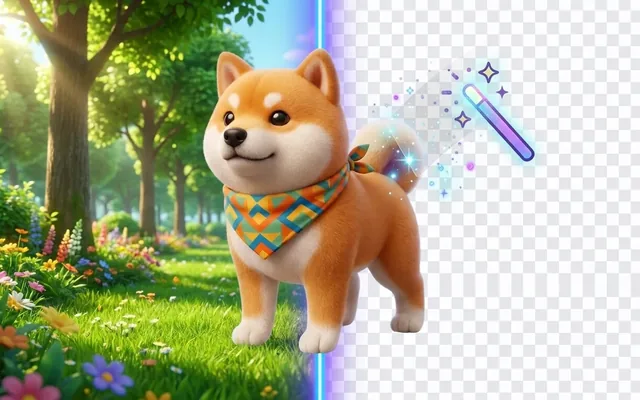 HOT
HOT
Background Remover
Remove backgrounds automatically.
1 credits · FreeFrequently asked questions
How do I enhance a picture?
Three steps: upload the picture, wait a few seconds while the AI works, then compare the result with the slider and download. No settings to understand — the AI decides what the picture needs.
Does it work on a phone?
Yes. The whole site works in your phone's browser — no app to install. Upload straight from your camera roll and download the result back to it.
What kinds of pictures can it fix?
Blurry pictures, dark pictures, old scanned pictures, pictures that got compressed by messaging apps, and small pictures that need to be bigger. Each kind has a tool, and your free credits work on all of them.
Do I need to pay to see my result?
No. You always see the full enhanced picture with a comparison slider first. Downloading with a watermark is free; removing the watermark takes any paid plan, starting at a one-time $3.99.