
Photo Quality Enhancer
Grain, compression blocks, washed-out colour — quality problems the AI fixes together in a single pass, not with ten sliders.

Poor photo quality is rarely one problem. A photo that looks bad usually has three or four things wrong at once — a little blur, a little noise, compression damage, colour that has gone flat. Fixing them one at a time in an editor makes each fix undo part of the last.
A quality enhancer trained on millions of image pairs corrects them together. Upload the photo, and the model decides where detail can be recovered, which grain is noise and which is texture, and how far colour can be pushed before it stops looking real.
Quality problems it handles
Low-light grain
Night and indoor shots where the sensor gave up. Noise is removed without the plastic, over-smoothed look.
JPEG artifacts
Blocky 8×8 patterns and ringing around edges from aggressive compression — reconstructed, not blurred over.
Faded colour
Photos that look grey and lifeless. Contrast and saturation are rebuilt scene-aware, so skies deepen without skin turning orange.
Re-shared images
Pictures that lost quality being passed through WhatsApp, Facebook or email — the most common quality damage of all.
Advice for the best result
- Fix quality before you crop: the model works best with the full frame's context.
- If a photo is both low quality and small, enhance first, then upscale — in that order.
- Extremely damaged areas (blown-out highlights, solid black shadows) hold no data to recover; everything between them usually does.
All tools
 HOT
HOT
Image Enhancer
Instantly improve image quality.
1 credits · Free 4K
4K
Image Upscaler
Upscale images up to 4K resolution.
1 credits · Free
Image Sharpener
Fix blurry and out-of-focus photos.
1 credits · Free
Text Clarifier
Make blurry text in photos and scans readable.
7 credits · Free
Photo Restore
Repair tears, creases, stains and fading in old photos.
2 credits · Free
AI Face Enhancer
Sharpen and restore faces in blurry or low-resolution photos.
1 credits · Free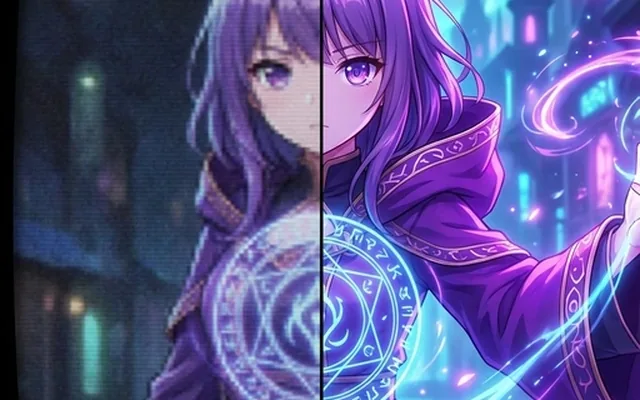
AI Anime Enhancer
Enhance and upscale anime images.
1 credits · Free HOT
HOT
Background Remover
Remove backgrounds automatically.
1 credits · FreeFrequently asked questions
What quality problems does it fix?
Noise and grain from low light, JPEG compression artifacts, soft focus, flat or shifted colour, and the general mushiness photos pick up after being shared and re-saved a few times. It handles them in one pass, together.
How is this different from editing the photo myself?
A manual edit adjusts the pixels you have. The AI model has seen millions of sharp originals and reconstructs what the degraded areas most plausibly looked like — texture, edges and detail that no slider can bring back.
Will it change how people in the photo look?
The enhancer restores detail; it does not beautify. Faces stay recognisably the same person — it recovers the eyes and skin texture the camera captured poorly rather than inventing a new face.
What resolutions does it output?
The enhancer keeps your photo's dimensions while improving quality. If you also need it bigger, run the result through the upscaler — the two chain naturally and each costs one credit.