
Image Resolution Enhancer
Go from small to 2× or 4× the resolution with detail that holds up — AI upscaling, not pixel stretching.

Resolution is the hard limit on what you can do with an image: how large it prints, how it survives cropping, how it looks on a 4K screen. When an image is too small, ordinary resizing just makes small blurry — every pixel is stretched into four.
An AI resolution enhancer generates the new pixels instead. Trained on pairs of small and full-resolution images, it knows what a sharp edge, a strand of hair or a patch of fabric looks like at the higher size, and fills the new pixels with that — so the enlarged image looks captured at the new resolution, not inflated to it.
What higher resolution unlocks
Printing
Web-resolution images become print-resolution — 300 DPI at sizes that used to be impossible.
Cropping room
Upscale first, then crop tight; the crop keeps enough pixels to stay sharp.
Modern screens
Images made for 2010-era displays, re-rendered for 4K without visible softness.
Marketplace photos
Product listings that meet the minimum-resolution rules on Amazon, Etsy and eBay.
Resolution advice
- Know your target: A4 print at 300 DPI needs about 3500 pixels on the long side.
- Clean first, enlarge second — noise upscaled 4× is very confident noise.
- Between 2× and 4×, choose the smallest factor that reaches your target size.
All tools
 HOT
HOT
Image Enhancer
Instantly improve image quality.
1 credits · Free 4K
4K
Image Upscaler
Upscale images up to 4K resolution.
1 credits · Free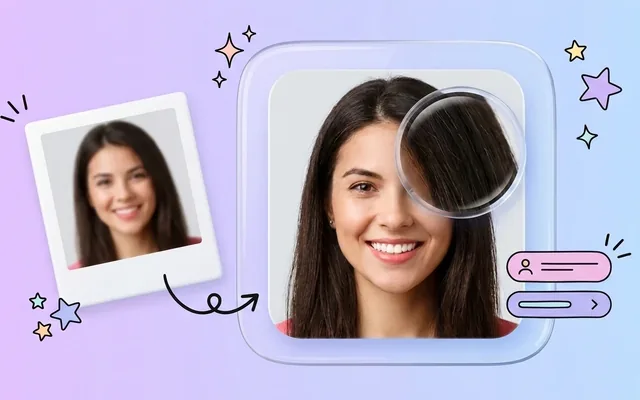
Image Sharpener
Fix blurry and out-of-focus photos.
1 credits · Free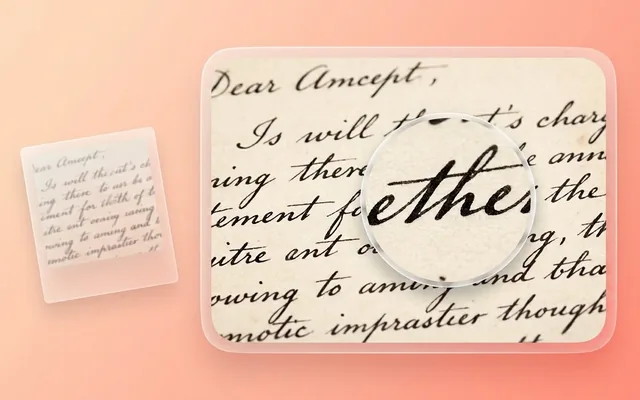
Text Clarifier
Make blurry text in photos and scans readable.
7 credits · Free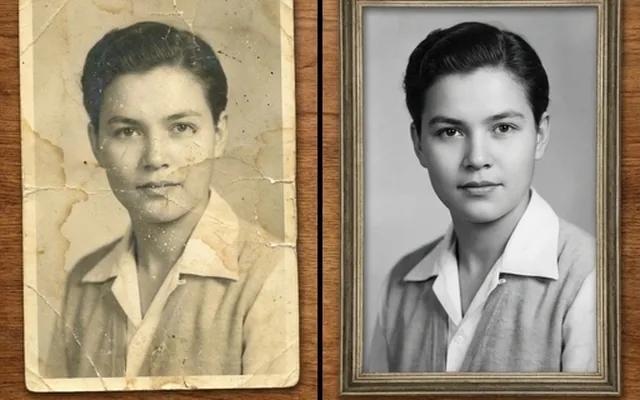
Photo Restore
Repair tears, creases, stains and fading in old photos.
2 credits · Free
AI Face Enhancer
Sharpen and restore faces in blurry or low-resolution photos.
1 credits · Free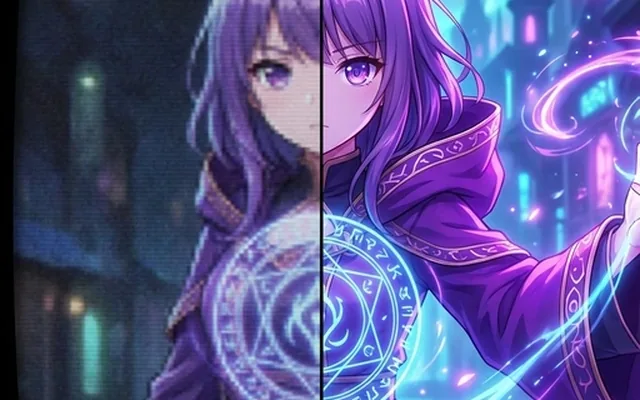
AI Anime Enhancer
Enhance and upscale anime images.
1 credits · Free HOT
HOT
Background Remover
Remove backgrounds automatically.
1 credits · FreeFrequently asked questions
How is this different from resizing in an editor?
An editor interpolates: it stretches the pixels you have, which is why resized images look soft. The AI generates the missing pixels from learned detail — edges stay crisp and texture stays texture at the new resolution.
How much can I increase resolution?
2× or 4× per run. A 1000×800 image becomes 4000×3200 at 4× — enough to turn a web image into a printable one. Runs can be chained for extreme cases.
What inputs work best?
Anything reasonably clean upscales well. If the source is also blurry or noisy, run the photo enhancer first and upscale the result — resolution enhancement amplifies whatever quality it is given.
Does it work on graphics and art, not just photos?
Yes — logos, illustrations, game art and anime all upscale, and flat-colour art often looks even better than photos because edges are the whole story.