
HD Photo Enhancer
Make any photo HD: the AI lifts resolution and cleans detail together, so the result looks shot in HD rather than converted to it.

“HD” stopped being a technical term and became what people mean by “actually sharp”. When a photo is not HD — when it looks soft on a modern screen, when the TV stretches it into mush — the fix needs more than enlargement, because an enlarged soft photo is just bigger softness.
An HD photo enhancer does the two halves together: it brings the pixel count up to modern-screen resolution and reconstructs the detail so those pixels show something. The result reads as HD in the way that matters — sharp on the screen you are actually looking at.
Where HD conversion matters
TV slideshows
Family photos that looked fine on a phone but fall apart on a 55-inch screen.
Video calls and streams
Backgrounds, overlays and profile shots that need to hold up at 1080p.
Social sharing
Platforms re-compress everything; starting from HD keeps the posted version sharp.
Old digital cameras
Photos from the 2–5 megapixel era, moved up to modern resolution.
Quick guidance
- Full HD is 1920×1080 — check your photo's current size to see how far it needs to go.
- For photos both small and blurry, the enhancer alone often reaches HD; add the upscaler for 4K targets.
- Judge sharpness at 100% zoom, not fit-to-screen — fit-to-screen flatters everything.
All tools
 HOT
HOT
Image Enhancer
Instantly improve image quality.
1 credits · Free 4K
4K
Image Upscaler
Upscale images up to 4K resolution.
1 credits · Free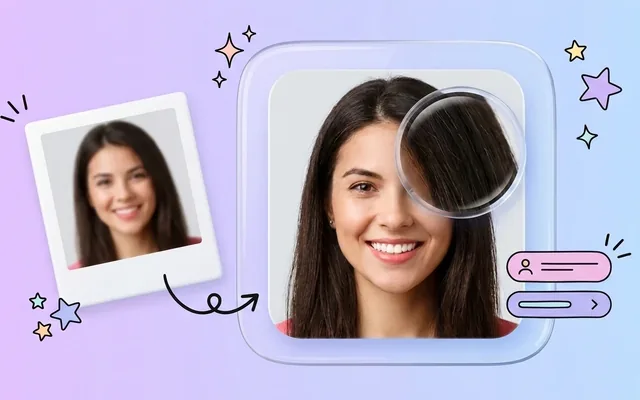
Image Sharpener
Fix blurry and out-of-focus photos.
1 credits · Free
Text Clarifier
Make blurry text in photos and scans readable.
7 credits · Free
Photo Restore
Repair tears, creases, stains and fading in old photos.
2 credits · Free
AI Face Enhancer
Sharpen and restore faces in blurry or low-resolution photos.
1 credits · Free
AI Anime Enhancer
Enhance and upscale anime images.
1 credits · Free HOT
HOT
Background Remover
Remove backgrounds automatically.
1 credits · FreeFrequently asked questions
What does “making a photo HD” actually mean?
Two things at once: enough pixels (1280×720 minimum, and usually well past 1920×1080 Full HD) and detail that deserves them. The enhancer handles both — it raises the resolution and reconstructs sharpness so the extra pixels carry real detail.
Can I make a photo from an old phone HD?
Yes — that is the most common use. A 2-megapixel photo from an old phone comes out at HD-and-beyond resolution with faces and edges rebuilt. The older and smaller the photo, the more dramatic the difference.
Is the HD version safe to print?
Usually. HD resolution prints cleanly at typical photo sizes (4×6, 5×7). For larger prints, run the 4× upscaler and check the result at 100% zoom before ordering.
How many photos can I try free?
Three, with a new account. Free credits work on every tool, never expire, and each conversion shows a before/after slider before you download anything.