
Audio to Video AI for Marketers: Turn Podcasts into Video Ads
You already have great audio. Maybe it's a 40-minute podcast episode where your founder explains why the product exists, a customer testimonial recorded over Zoom, or a catchy jingle your agency delivered last spring.
It could also be a polished voiceover for your next product launch. But social feeds are visual, and many people scroll with the sound off. Audio on its own tends to disappear.
Turning it into video the traditional way means hunting for stock footage, animating waveforms, and syncing every cut to the beat. That's hours in an editor most marketers barely know.
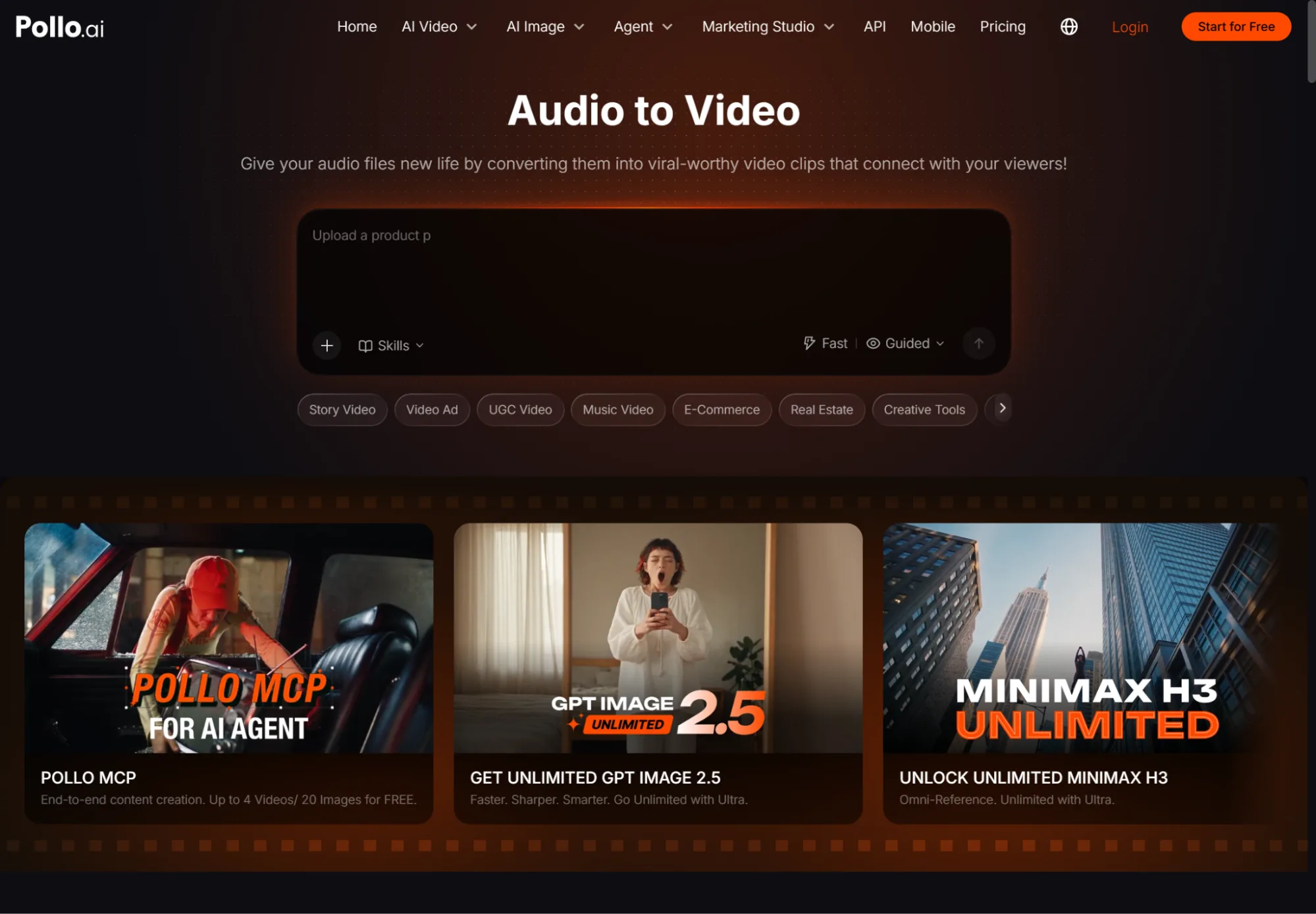
This is where AI becomes a creative superpower. With Pollo AI's Audio to video AI, you upload a voiceover, podcast clip, or music track and generate visuals that follow its rhythm and message. You get a video ready to post or promote in minutes.
For SMBs and small marketing teams that already produce audio, it's a real game-changer: every recording becomes a steady source of video content.
Why Audio-First Content Deserves a Visual Upgrade
Audio is one of the most efficient formats a small team can produce. A single 30-minute interview can hold a dozen strong soundbites: a bold opinion, a customer story, a quick how-to tip.
The problem is distribution. TikTok, Instagram Reels, and YouTube Shorts are built for video, so audio-only content rarely gets the reach it deserves.
Audio-to-video tools close that gap. The voice carries the message, and the AI handles the visuals. Because the scenes are built around the audio, the pacing feels natural. Transitions follow the rhythm of the speech or music, and key moments get visual emphasis instead of sitting on a static waveform.
Quality works in both directions here. Clean, clear audio produces better results, just as a sharp, enhanced image makes a better thumbnail. The better your source material, the more polished the final video.
Upgrading Your Visuals in Creative Studio
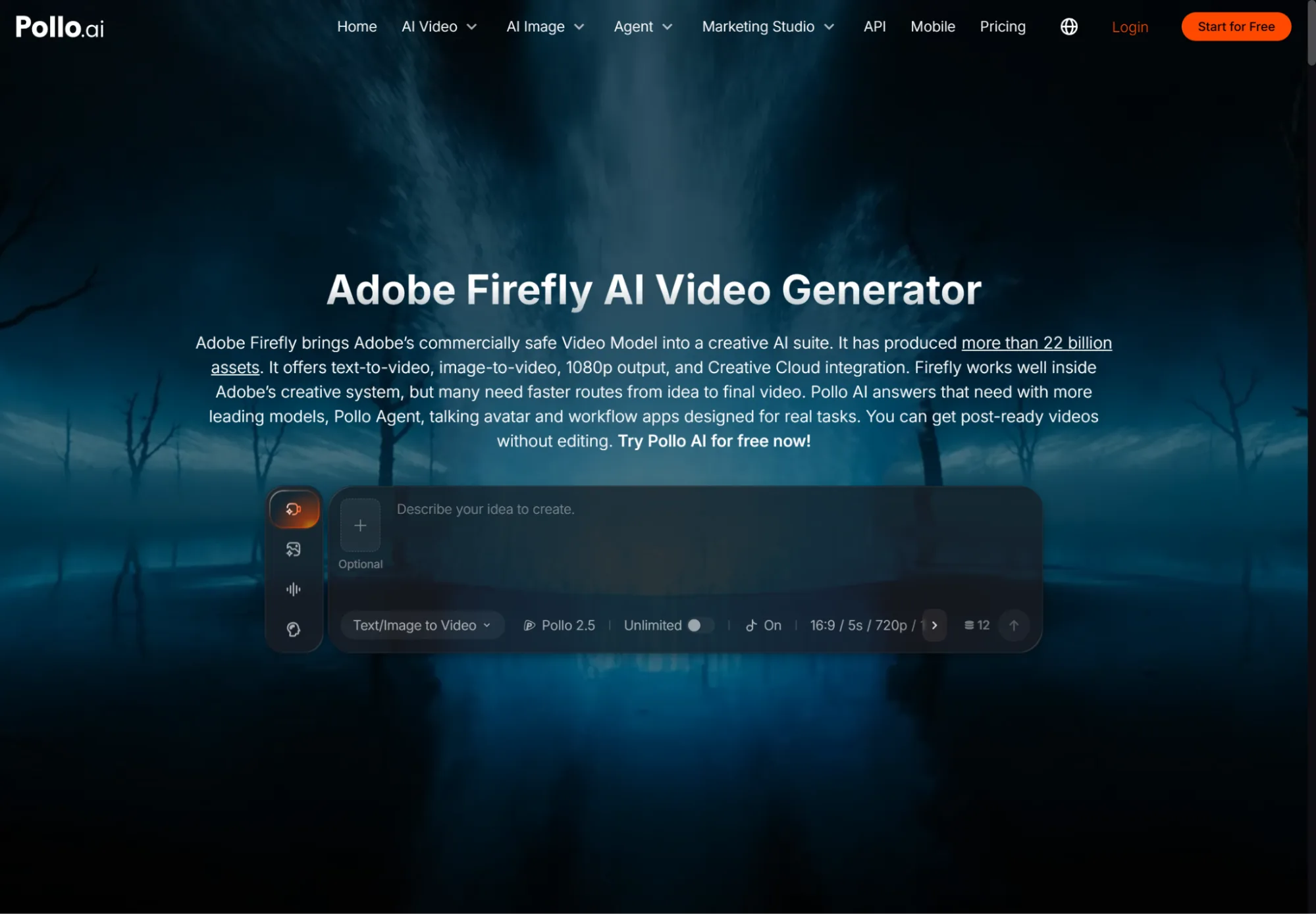
Sometimes you want more control over individual scenes, like a specific product shot, a branded background, or a cinematic B-roll clip to layer under a voiceover.
Pollo AI's Creative Studio is built for this. It's an all-in-one creative toolbox that combines one of the widest lineups of image and video models with practical editing tools.
One highlight is Adobe Firefly, Adobe's commercially safe video model, available right inside Pollo AI. It supports text-to-video and image-to-video generation with 1080p output.
For brands, "commercially safe" matters. You can create product scenes, lifestyle B-roll, and background loops for paid campaigns with more confidence. And because everything lives in one workspace, you can upscale a product photo, swap its background, and animate it into a clip that sits right under your podcast soundbite. You don't have to switch tools to do any of it.
Turning Audio into Ad Campaigns with Marketing Studio
A good video gets views, but a structured ad drives sales. Pollo AI's Marketing Studio is designed for marketers rather than video editors. It breaks proven, high-performing ads down into reusable scaffolds, so you never start from an empty timeline. Choose a structure, add your product and audio, and you can have a ready-to-run ad video in about a minute.
Pollo Asset keeps it all organized in one library with three asset types: Uploads, Elements (products, characters, scenes, styles), and Creations. A unified asset picker lets the product from your Firefly-generated B-roll appear as the same Element in every ad variation.
Pollo Agent handles the harder parts. It works out what you're trying to create, suggests creative angles, and stitches clips into a finished video. Every studio runs on one shared credit system, so you manage one budget instead of a stack of subscriptions.
How to Turn Audio into a Video Ad: Step by Step
Step 1: Pick Your Strongest Audio Moment
Listen back and find a 15 to 60 second segment that works on its own. Good candidates include a clear benefit statement, an emotional customer quote, or a memorable hook from your podcast.
Step 2: Clean Up the Audio
Remove background noise, long pauses, and filler words. Even out the volume so the voice sounds confident and clear. Clean input leads to smoother, better-timed visuals.
Step 3: Generate the Base Video
Upload the clip to the audio-to-video tool and choose a visual style that fits your brand, such as bold and energetic or calm and minimal. Review the result and regenerate any scenes that don't match the message.
Step 4: Add Product Scenes and Save Elements
Use Creative Studio to generate B-roll or product visuals, then save your best shots in Pollo Asset. Future videos can pull from the same approved visuals without starting over.
Step 5: Build Ad Variations and Test
In Marketing Studio, choose a scaffold such as a problem-solution story, a testimonial, or a product reveal. Create two or three versions, then track click-through rate and conversions to see which one wins.
Best Practices for Audio-Driven Video Ads
1. Hook in the first three seconds. Start with your boldest line or most surprising claim. Viewers decide quickly whether to keep watching.
2. Always add captions. Many viewers watch with the sound off. On-screen text makes sure your message still lands.
3. Match visuals to tone. An upbeat jingle calls for fast cuts and bright colors, while a heartfelt testimonial works better with slower pacing and warm scenes.
4. Keep your brand consistent. Use the same colors, fonts, and product Elements across every video so your audience recognizes you instantly.
5. Repurpose one recording many times. A single podcast episode can become ten short clips, three ads, and a trailer. Treat your audio library as a content goldmine.
The Future: From One Recording to a Full Campaign
The next big leap is connected workflows. Pollo AI plans to link its studios through an interactive creative agent. You'll be able to describe a goal, such as "turn this week's podcast into a launch campaign," and let the agent coordinate video clips, ads, and design assets together.
For small brands and creators, that means your voice becomes your biggest marketing asset. If you have podcasts, voiceovers, or testimonials sitting unused, now is the time to put them to work. Upload your best clip, generate your first video, turn it into an ad, and let your audio finally reach the audience it deserves.