


How to Use AI to Remove Unwanted Objects from Photos
We have all experienced the intense frustration of taking what looks like the perfect photograph, only to realize a stranger is walking through the background….
 EnhanceIT
PRO
EnhanceIT
PRO
In 2026, removing a watermark is no longer about smudging pixels—it is about reconstruction.
For years, older tools would simply “blur” the text, leaving behind an ugly, distorted ghost. But the latest generation of AI has changed the standard. The new technology is called Generative Inpainting. Instead of just deleting the watermark, modern AI “hallucinates” the missing pixels. It could be skin texture, brick patterns, or complex gradients. This technology fills the gap perfectly.
We tested the most popular tools on the market to see which ones actually deliver invisible results. Here are the 5 Best AI Watermark Removers you can use right now.
📚 Complete Object & Watermark Removal Guide Series
Try it yourself! Use our free AI Object Remover tool – no signup required.

Most tools on this list are “erasers,” but EnhanceIT PRO is a “rebuilder.”
In our testing, EnhanceIT PRO was the only tool that consistently handled Texture Reconstruction. When you remove a watermark from a textured surface, such as a sweater or a brick wall, other tools often leave a patch that is flat and blurry. EnhanceIT PRO’s Context-Aware Inpainting engine analyzes the surrounding pixels and generates new high-definition texture to fill the hole seamlessly.
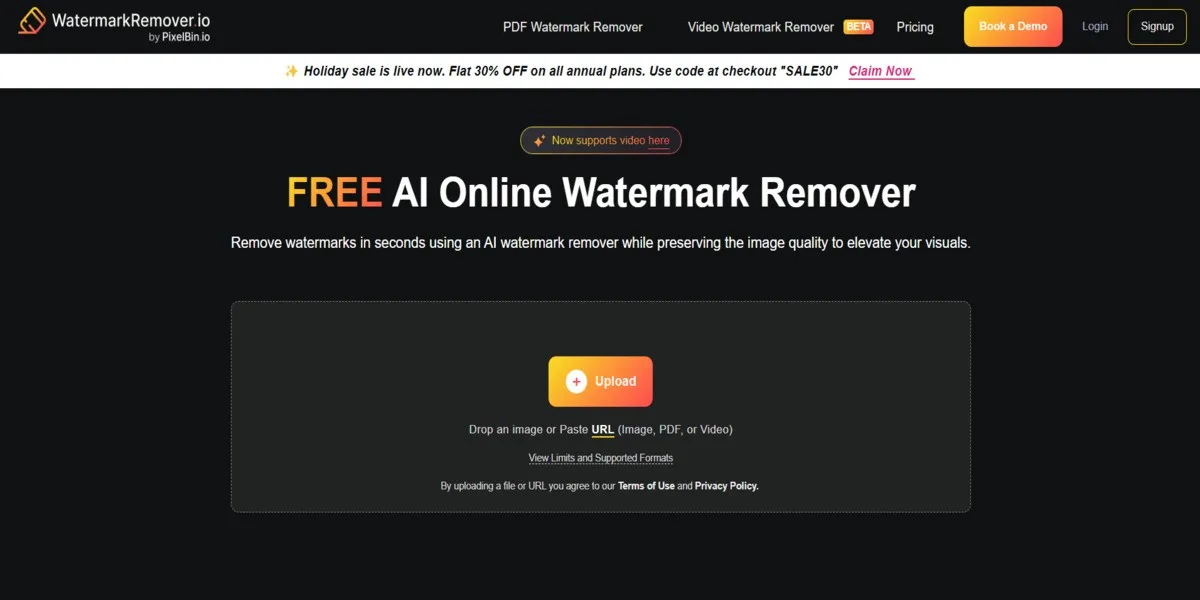
If you search for “remove watermark,” this tool is likely the first result you see. It has become famous for its Auto-Detection capabilities.
Unlike other tools where you have to manually brush over the text, WatermarkRemover.io is trained to recognize the specific diagonal patterns used by major stock photo sites. You simply upload the image, and it automatically finds the text. However, because it relies on pattern recognition, it can sometimes struggle with non-standard logos or custom watermarks in the corner.
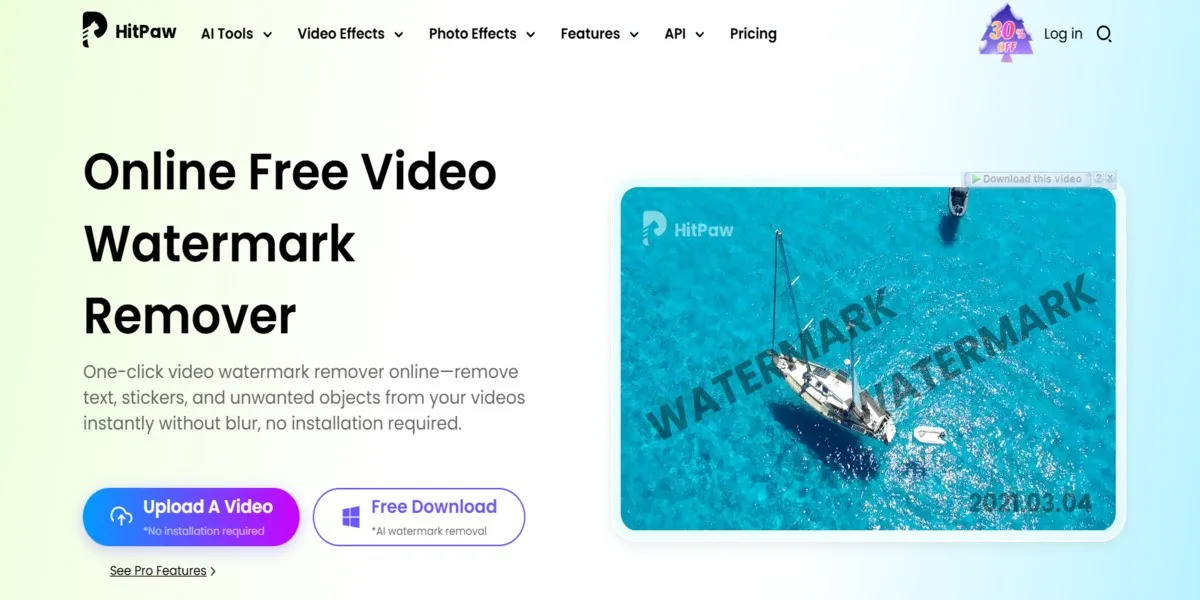
HitPaw is a powerhouse in the content creation space because it tackles the hardest format of all: Video.
Removing a static logo is one thing; removing a moving TikTok watermark is another. HitPaw’s desktop software allows you to track a watermark as it moves across the screen and erase it frame-by-frame. While they offer an online photo tool, their real strength lies in their downloadable software for video editors.

PicWish is built for volume. If you are an Amazon or eBay seller with 50 product photos that all have a supplier’s logo in the corner, you don’t want to edit them one by one.
PicWish excels at Batch Processing. You can upload a folder of images, select the watermark location once, and it will apply that removal to every single photo instantly. It’s a favorite among dropshippers and e-commerce managers.
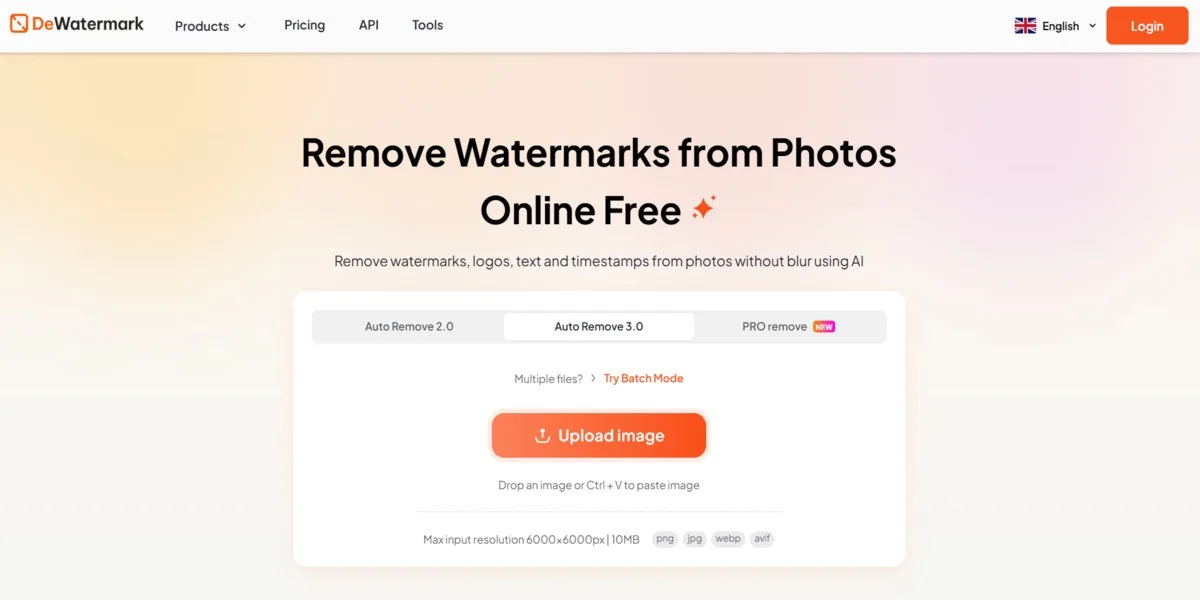
If you are on a strict budget, Dewatermark.ai is a solid browser-based option. It distinguishes itself with a very responsive Manual Brush tool.
While its AI isn’t as advanced at texture reconstruction as EnhanceIT PRO, it offers a good “Manual Mode” that lets you zoom in and clean up pixels pixel-by-pixel. It is often cited as the best “no-frills” free alternative for simple tasks.
| Feature | EnhanceIT PRO | WatermarkRemover.io | HitPaw |
|---|---|---|---|
| Technology | AI Inpainting (Rebuild) | Pattern Detection | Blur / Fill |
| Texture Quality | High (Realistic) | Medium | Medium |
| Best For | Pro Image Quality | Stock Photos | Video Content |
| Cost Model | Freemium | Credit Based | Paid Software |
If you have a video, download HitPaw. If you have 500 product photos, pay for PicWish.
But for the vast majority of users who simply want to remove a logo from a photo without leaving a blurry mess, EnhanceIT PRO is the superior choice for 2026. Its ability to intelligently reconstruct texture makes it the only tool that truly makes the text vanish without a trace.
📖 More in Object & Watermark Removal
We have all experienced the intense frustration of taking what looks like the perfect photograph, only to realize a stranger is walking through the background….
📚 Complete Guide: Remove Anything from Photos with AI: The 2026 Guide We all try to capture unique and crystal clear images, but sometimes some…