
Try Ombré Hair Free Online with AI
Try the ombré hairstyle on your photo with free AI. Upload your portrait and see a natural ombré hairstyle applied in seconds. No signup required.
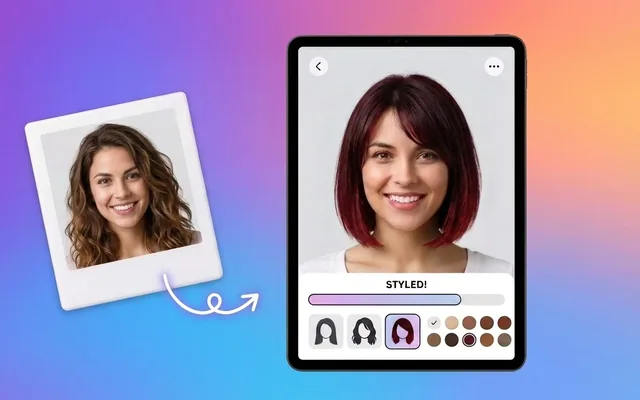
Colour graduating from darker roots to lighter ends. The gradient is the point.
Suits every face shape — one of the few styles here with no real caveat.
Trying it here costs nothing and takes about fifteen seconds. That is the point: seeing a ombr on your own face tells you more than any amount of scrolling through photographs of models who already suit it.
The details
- Suits
- All face shapes
- Hair type
- All hair types
- Length needed
- Shoulder or longer
- Upkeep
- Refresh every 3–4 months
- Styling time
- Under 5 minutes
Wearing a ombr
- The most forgiving colour to grow out — the roots are supposed to be darker, so there is no regrowth line.
- Upload a front-facing photo in even light with your hair back from the face — the model needs to see your hairline.
- Try three or four styles in one sitting. Comparing is far more useful than judging one in isolation.
- Take the result to your stylist. A picture of the cut on your own head is worth more than any reference photo.
All tools
 HOT
HOT
Image Enhancer
Instantly improve image quality.
1 credits · Free 4K
4K
Image Upscaler
Upscale images up to 4K resolution.
1 credits · Free
Image Sharpener
Fix blurry and out-of-focus photos.
1 credits · Free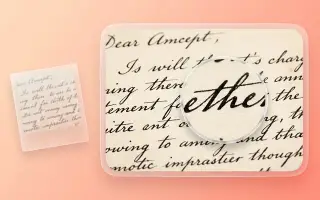
Text Clarifier
Make blurry text in photos and scans readable.
7 credits · Free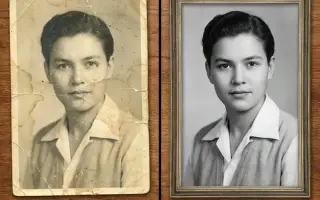
Photo Restore
Repair tears, creases, stains and fading in old photos.
2 credits · Free
AI Face Enhancer
Sharpen and restore faces in blurry or low-resolution photos.
1 credits · Free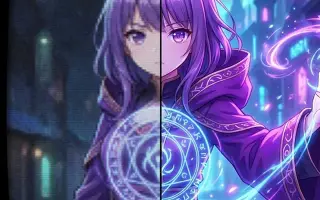
AI Anime Enhancer
Enhance and upscale anime images.
1 credits · Free HOT
HOT
Background Remover
Remove backgrounds automatically.
1 credits · FreeWhat a preview can and cannot tell you
It shows you shape, length and how a ombr frames your face — which is the part most people get wrong when imagining a change. What it cannot show is how your own hair's texture, density and growth pattern will behave in it, and that is the conversation to have with a stylist.
Frequently asked questions
Will a ombr suit me?
Suits every face shape — one of the few styles here with no real caveat. Hair type matters as much as face shape: this style works with all hair types hair. Preview it on your own photo before booking anything.
How much upkeep is a ombr?
Refresh every 3–4 months. Day to day it takes under five minutes to style.
Is the preview accurate?
Accurate enough to make a decision with. Length, shape and colour are reliable. How your specific hair behaves in the style — how it falls, how it holds — is something only a stylist looking at your hair can tell you.