“Nano Banana” is the nickname for Google’s new image tools. The real name is Gemini.
There are two versions you can use:
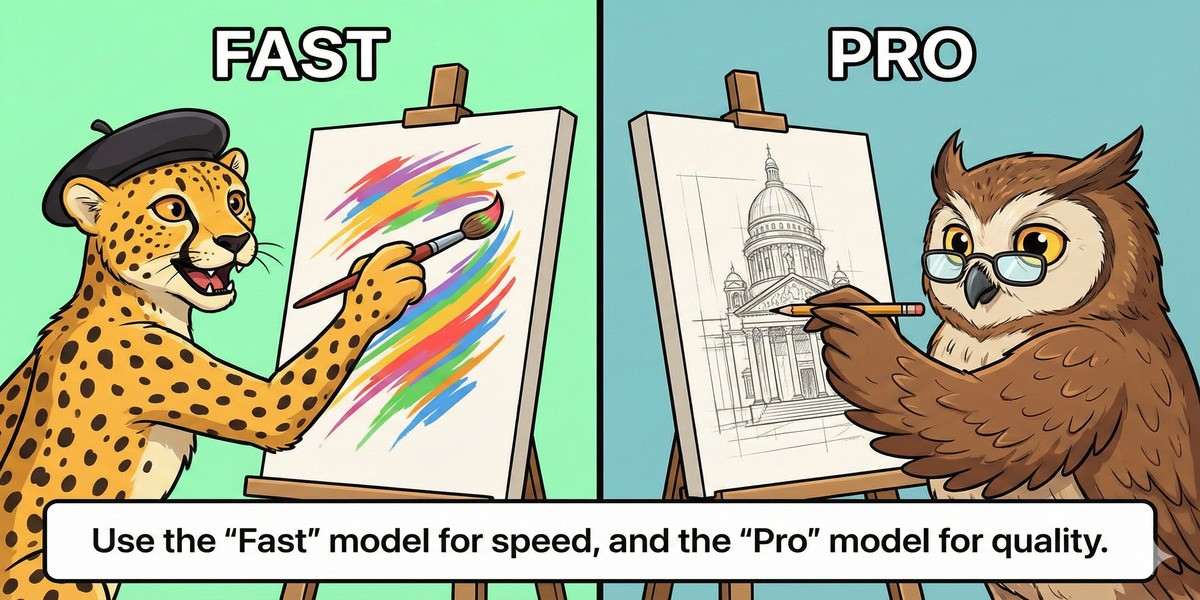
The Fast Model (Flash): Creates images instantly. Good for quick ideas.
The Pro Model (Thinking): Takes about 15 seconds to “think” before it draws. It is much smarter and better at spelling and logic.
Prompt to Generate: A split screen. Left side: A stick figure drawing fast (labeled ‘Fast’). Right side: A detailed artist painting slowly (labeled ‘Pro’).
Caption: Use the Pro model for the best quality.
2. How to Write a Prompt
Don’t just list words. Describe the picture like a story.
The 4-Step Recipe
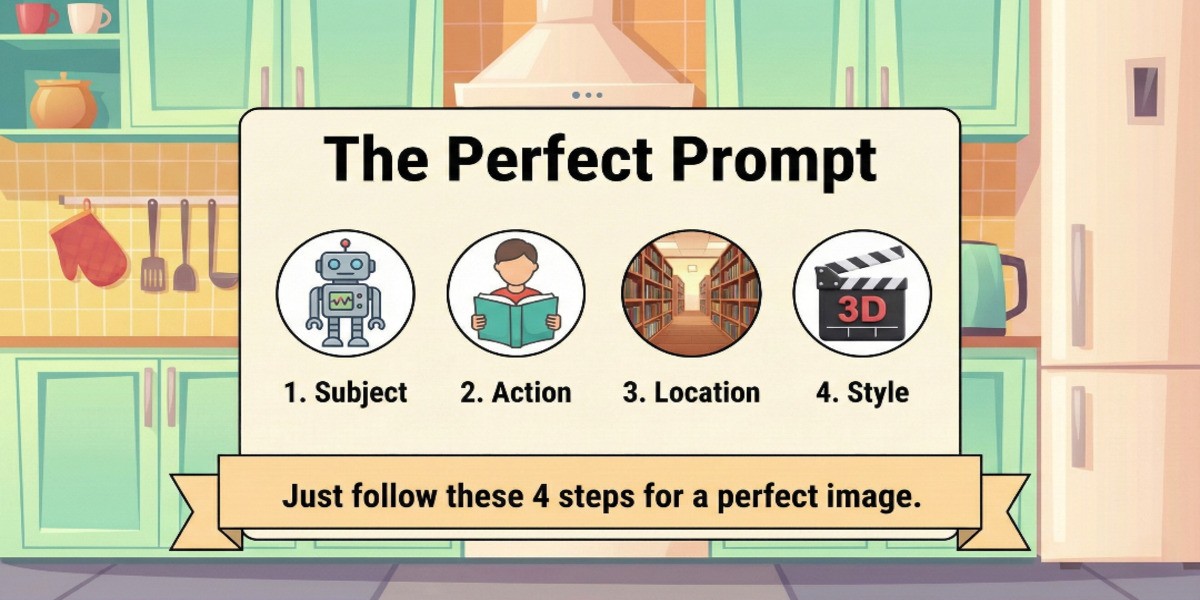
Include these four things in your prompt:
Topic: Who is in the picture?
Action: What are they doing?
Location: Where are they?
Style: What does the image look like? (e.g., “Realistic photo,” “Cartoon”)
Prompt to Generate: A simple recipe card illustration listing 4 ingredients: Topic, Action, Location, Style.
Caption: Follow this recipe for perfect images.
What to Avoid
Don’t use negative words. Instead of “no blur,” say “make it sharp.”
Don’t mix styles. Don’t say “a photo of a sketch.” Choose one or the other.
3. Examples You Can Use
Product Photos
Save money on photographers. Upload a photo of your product and tell the AI where to put it.
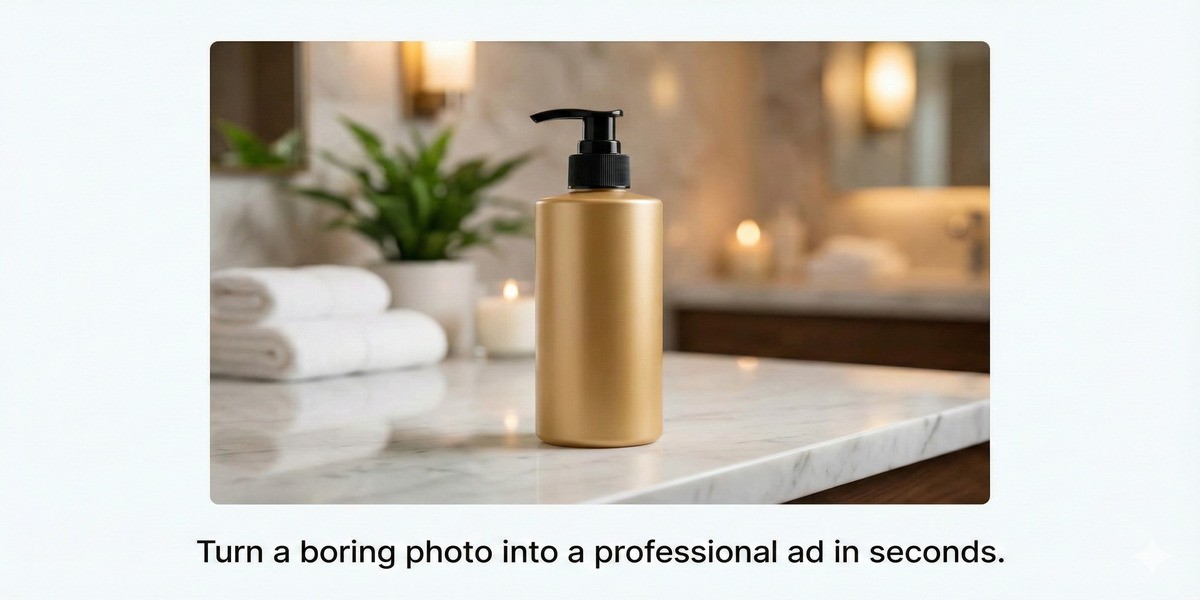
Prompt: “Place this “Your Product” bottle on a marble table. Add soft morning light and flowers in the background.”
Prompt to Generate: A professional photo of a “Your Product” bottle sitting on a white marble table. Sunlight illuminates the scene. Flowers add a touch of nature.
Caption: The AI can put your product in any setting.
Diagrams for Work
This AI can spell correctly, so it is great for charts and posters.
Prompt: “Draw a diagram of a plant cell. Label the ‘Nucleus’ and ‘Wall’ clearly.”
Marketing Posters
You can create ads with text.
Prompt: “A summer sale poster with a beach background. Big yellow text says ‘50% OFF’.”
4. How to Fix Problems
Problem: Plastic Skin
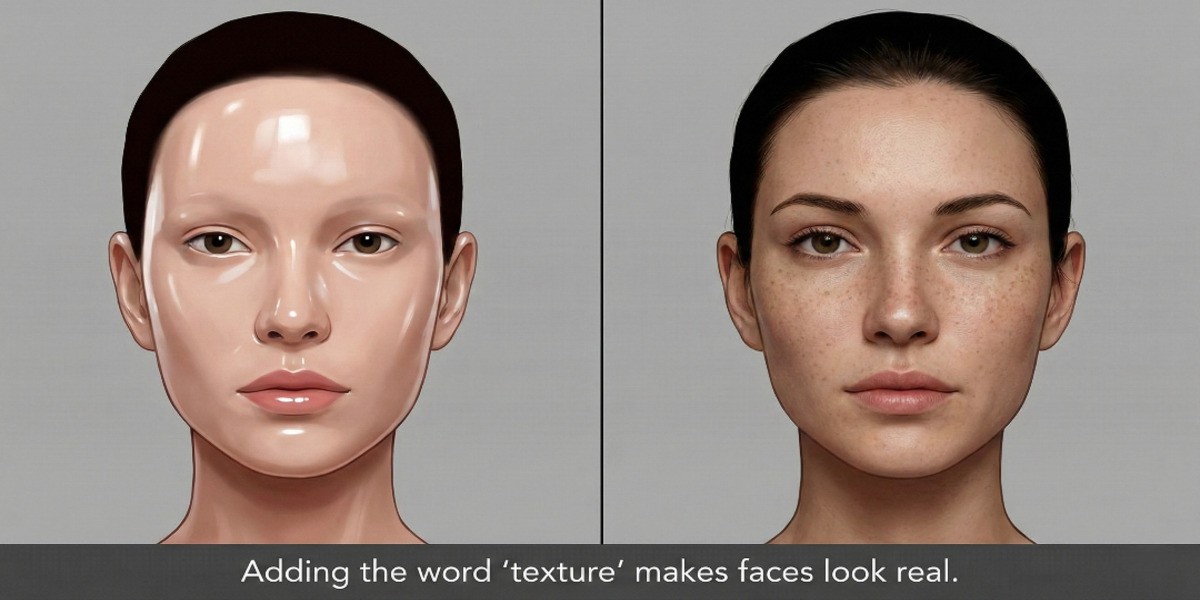
The Fix: If people look too shiny or fake, ask for texture.
Add these words: “Natural skin texture,” “visible pores,” “not airbrushed.”
Prompt to Generate: A close-up of a face. One half is smooth plastic, the other half is realistic skin with pores.
Caption: Adding “texture” makes faces look real.
Problem: Won’t Edit People
The Fix: Google blocks editing real photos of people for safety.
Try this: Instead of “Edit this photo,” say “Create a new image that looks like this person.”
Problem: Bad Spelling
The Fix: Keep it short.
Try this: Put the text in quotes (e.g., “Write ‘Hello’ on the sign”). It works best with short phrases, not long sentences.