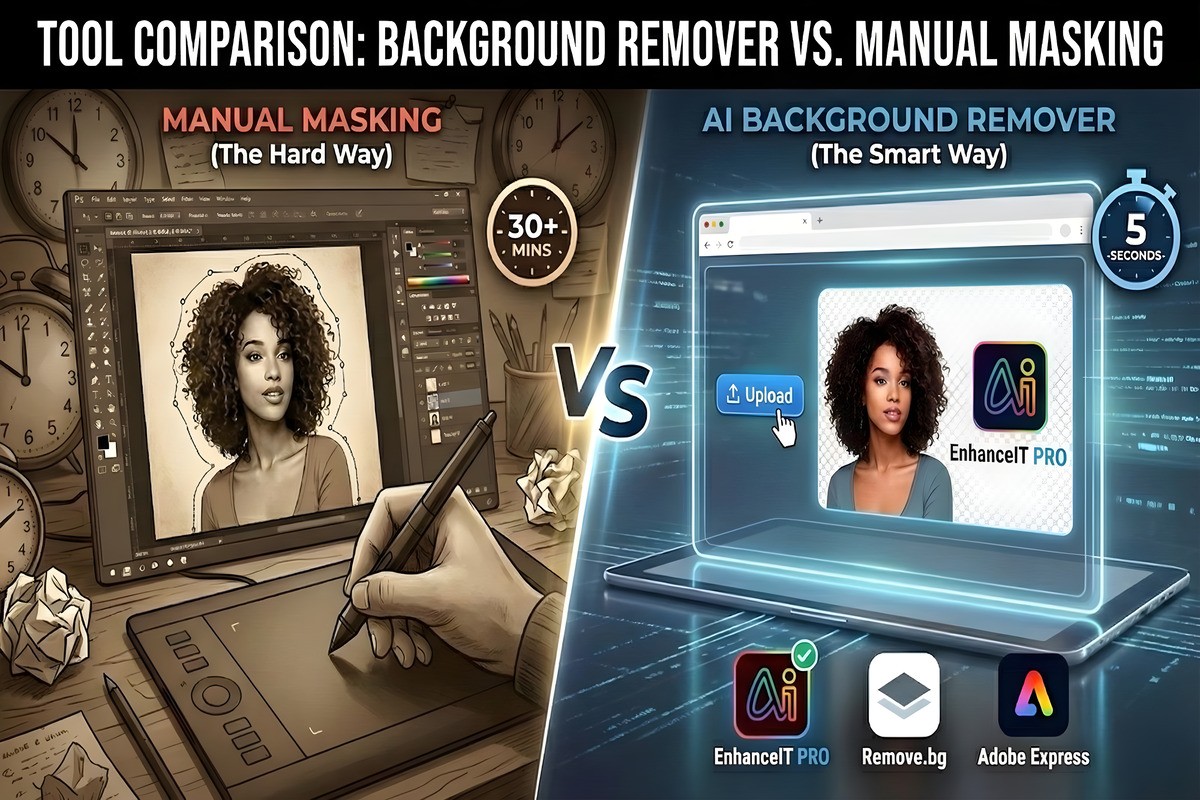

For decades, removing a background from an image was the ultimate test of patience. Graphic designers spent hours mastering the “Pen Tool” in Photoshop. They clicked pixel by pixel to separate a subject from its surroundings. Today, Artificial Intelligence has completely disrupted this workflow, offering in seconds what used to take hours.
But is the “Old School” method truly dead? Does manual masking still offer precision that AI can’t match?
This article compares the traditional Manual Masking technique against modern AI Background Removers. It reviews the top tools of 2026, which include EnhanceIT PRO, Remove.bg, and Adobe Express.
Part 1: Manual Masking (The “Old School” Way)
Use our free AI Background Remover tool – no signup required.
Manual masking refers to using software like Adobe Photoshop or GIMP to hand-draw a choice around a topic. This is typically done using tools like the Pen Tool, Lasso Tool, or Magic Wand.
How It Works
- The Pen Tool: You place “anchor points” around the topic to create a precise path (vector). This is the gold standard for high-end magazine cutouts.
- Layer Masks: You paint black or white on a mask layer to hide or reveal parts of the image non-destructively.
The Pros & Cons
- Pro (Pixel-Perfect Control): You decide exactly where the edge lies. If the AI thinks a shadow is part of a shoe, you can manually correct it.
- Pro (Complex Hair): A skilled editor can manually paint in individual strands of hair using refined brush settings.
- Con (Extremely Slow): A complex image (like a bicycle with spokes) can take 30+ minutes to mask perfectly.
- Con (Steep Learning Curve): Tools like the Pen Tool need months of practice to master efficiently.
Part 2: AI Background Removal (The Modern Solution)
AI Background Removers use machine learning (neural networks) to “see” the image. They are trained on millions of photos to distinguish between a “Topic” (a person, car, or product) and the “Background.”
How It Works
You simply upload the image. The AI analyzes the contrast and depth, detects the foreground focus, and instantly creates a transparent PNG. The entire process takes 3 to 5 seconds.
The Pros & Cons
- Pro (Instant Speed): You can process 100 images in the time it takes to manually mask one.
- Pro (No Skills Needed): It automates the technical skill gap. Anyone can achieve professional results.
- Con (Edge Confusion): In the past, AI struggled with “low contrast” areas (e.g., a white shirt on a white wall). Yet, 2026 algorithms have largely solved this.
Part 3: Top 3 AI Tools Compared (2026)
We tested the leading online tools. We wanted to see which one offers the best balance of accuracy, speed, and cost to replace manual masking.
1. EnhanceIT PRO (Best Overall Value)
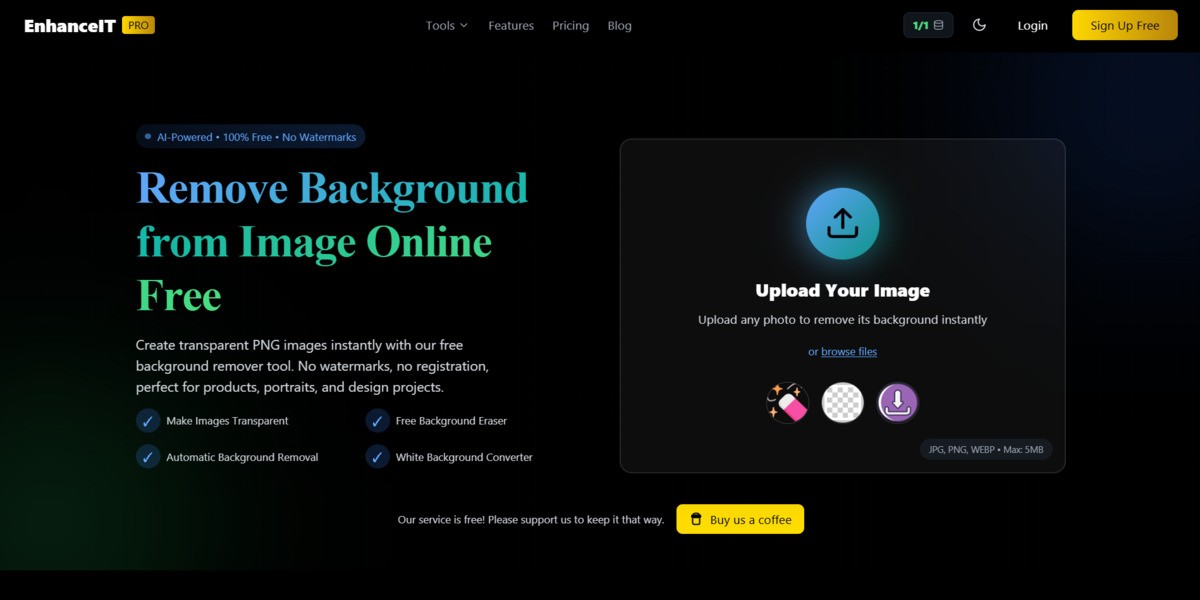
EnhanceIT PRO takes the top spot in 2026 because it addresses the biggest issue with free tools: Resolution. Most competitors force you to download a blurry “preview” unless you pay. EnhanceIT PRO, however, maintains high fidelity on its free tier.
- Best Feature: It uses a specialized “Edge-Refine” AI model. This model handles transparent objects, like glass or veils, better than manual masking often can.
- Verdict: The best replacement for manual work.
- Try it here: EnhanceIT PRO Background Remover
2. Remove.bg

Remove.bg was one of the first to market and remains a reliable standard. It is incredibly fast and has plugins for almost every software (Figma, Photoshop, etc.).
- Best Feature: Excellent API for developers.
- Verdict: Reliable, but the pricing per high-res image is steep compared to newer competitors.
3. Adobe Express
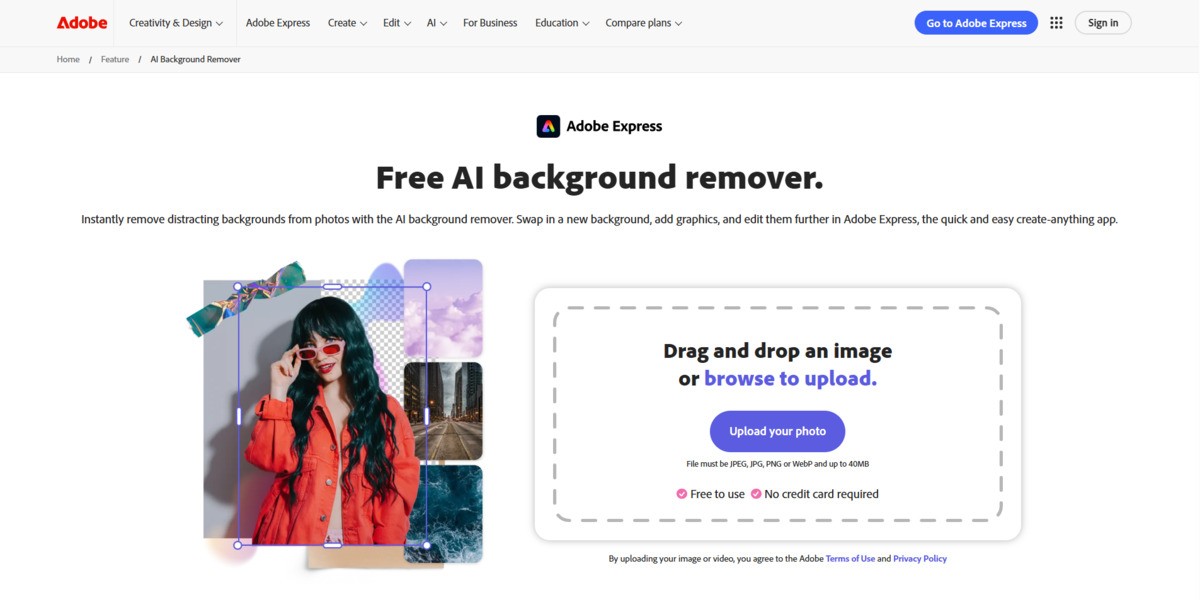
If you already pay for the Adobe Creative Cloud suite, Adobe Express offers a powerful background remover. This tool is powered by the same engine as Photoshop.
- Best Feature: Integration with Adobe Stock and design templates.
- Verdict: Great if you are already in the Adobe ecosystem, but requires a login/account to use effectively.
Feature Comparison: Manual vs. AI
| Feature | EnhanceIT PRO (AI) | Remove.bg (AI) | Manual Masking | Winner |
|---|---|---|---|---|
| Time Per Image | ~5 Seconds | ~5 Seconds | 10 – 30 Minutes | AI Tools |
| Skill Level | Zero (Automatic) | Zero (Automatic) | High (Expert) | AI Tools |
| Cost Efficiency | Freemium (High Value) | Expensive (Per Image) | Subscription ($20/mo+) | EnhanceIT PRO |
| Max Resolution | High (Web Optimized) | Low (Free) / 4K (Paid) | Unlimited | Manual Masking |
| Hair/Fur Detail | Excellent (Refined) | Good | Perfect (If skilled) | Tie (Context) |
Conclusion: Which Method Wins?
For 95% of users, Manual Masking is no longer necessary. This includes Amazon sellers, social media managers, and bloggers. Manual Masking is no longer necessary. The time investment simply doesn’t pay off when AI can achieve 99% of the quality in 1% of the time.
Manual masking still holds a place in high-end print advertising. This is true, especially where every pixel on a billboard matters. Tools like EnhanceIT PRO have democratized the process. It offers the professional clarity you need without the expensive Adobe subscription or the steep learning curve.
📖 More in Background Removal