
The Best Free AI Image Extender Tools to Uncrop Your Photos
Have you ever captured the perfect photograph, only to realize the framing was too tight? In the past, a poorly cropped photo was permanently ruined.
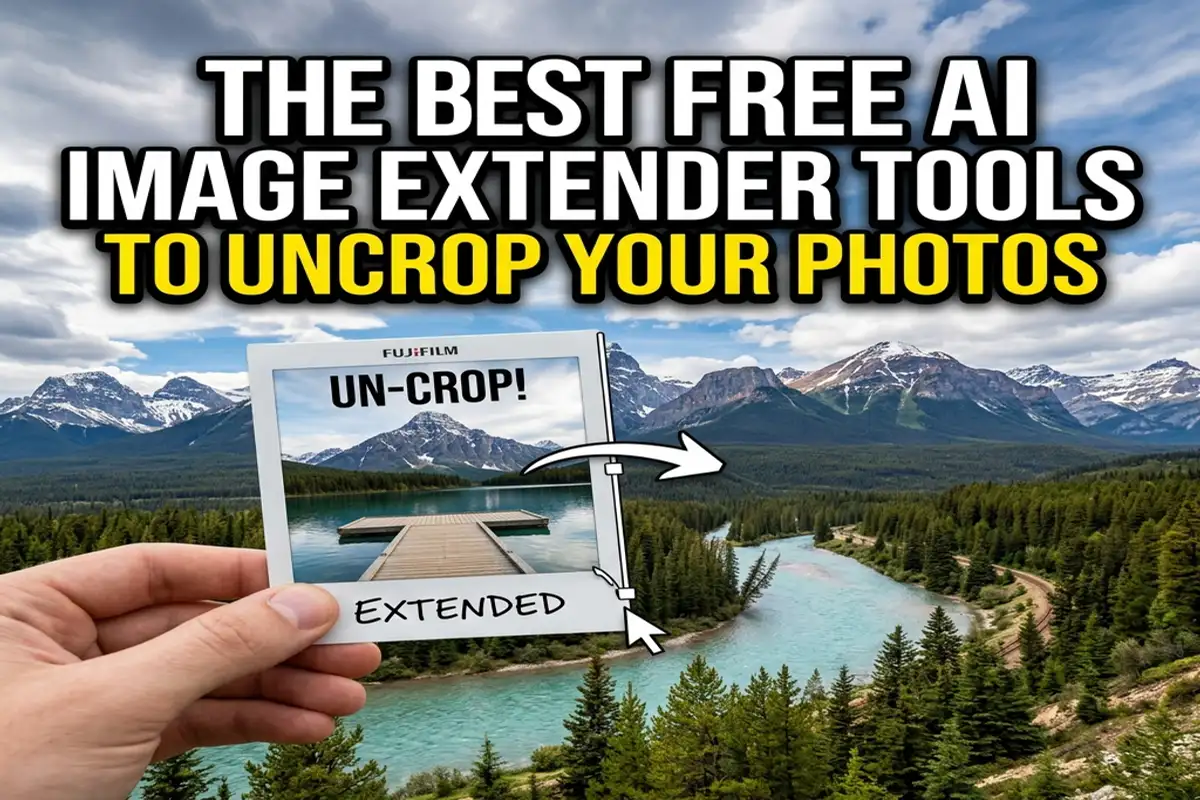
Today, AI image extenders—also known as generative outpainting tools—allow you to magically “uncrop” your photos by synthesizing completely new, realistic pixels outside the original borders.
In 2026, this technology has reached unprecedented levels of photorealism, allowing anyone to expand a vertical smartphone photo into a sweeping cinematic landscape in mere seconds.
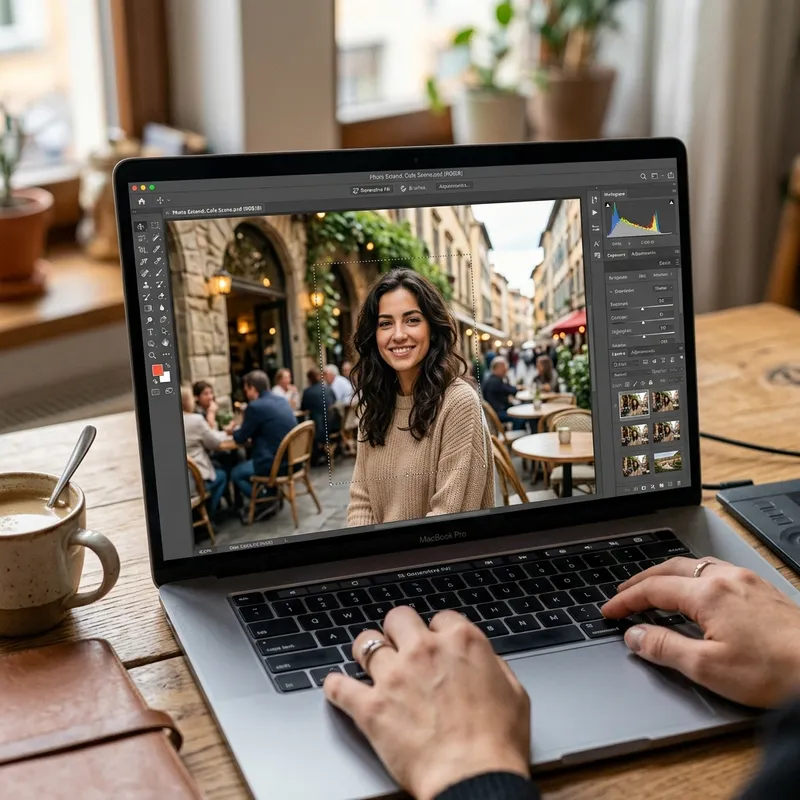
How Generative Outpainting Works
Image extending relies on sophisticated diffusion models that analyze the context, lighting, and textures of your original image. When you expand the canvas, the AI predicts what should naturally exist in that empty space.
If your photo features a beach, the AI will generate realistic ocean waves and sand that seamlessly match the existing lighting.
This is incredibly useful for content creators who need to adapt images for different platforms, such as converting a square Instagram post into a widescreen YouTube thumbnail.
It is the exact opposite of removing elements, though it uses similar underlying AI architecture to the EnhanceIT PRO Object Remover, which fills in gaps left by deleted items.
Top Free Tools for Uncropping Images
You no longer need an expensive Adobe Photoshop subscription to access powerful generative fill features. There are several highly capable, free tools available right now in 2026:
1. Clipdrop Uncrop: Powered by Stability AI, Clipdrop offers one of the most intuitive web-based uncropping tools available. It provides multiple variations of the extended background, allowing you to choose the most realistic option.
2. Canva Magic Expand: Canva has integrated robust AI tools directly into its free tier. Magic Expand allows you to effortlessly stretch an image to fit a specific design template without distorting the main subject.
3. Photoroom: While known for background removal, Photoroom’s generative AI features allow users to instantly extend product photography, making it perfect for e-commerce sellers.
4. Fotor AI Image Extender: Fotor provides a highly accessible, one-click solution for expanding images. It excels at continuing repetitive patterns like brick walls or grassy fields.
If you are expanding a photo that is already low resolution, you should always process it through the EnhanceIT PRO Image Upscaler first to ensure the AI has high-quality data to work with.
Best Practices for Seamless Extensions
While these AI tools are powerful, they are not infallible. To get the best results, start with an image that has a clear, uncluttered edge.
If the edge of your photo is extremely complex or blurry, the AI may struggle to synthesize a realistic continuation.
Furthermore, you should only extend the image in small increments. Drastically expanding a photo all at once often results in strange, repetitive AI artifacts that ruin the illusion.
Once you have successfully extended your image, you can further refine it using our guide on How to Use AI to Remove Unwanted Objects from Photos to clean up any stray AI-generated artifacts.
The Power of Context-Aware AI
The ability to uncrop a photo represents a massive shift in digital photography. We are no longer limited by the physical constraints of our camera lenses.
Generative outpainting allows us to reimagine the context of our memories, expanding narrow portraits into sweeping environmental storytelling pieces.
As these tools become faster and more accurate, they will inevitably become a standard feature on every smartphone camera application.
By mastering these free AI image extenders today, you ensure that you never have to settle for a poorly cropped photograph ever again.