Top 10 D&D AI Art Generators for Character Design in 2026
Top 10 D&D AI Art Generators for Character Design in 2026 Tabletop roleplaying games have always relied heavily on the theater of the mind, but…
 EnhanceIT
PRO
EnhanceIT
PRO
AI art tools have exploded in the past two years. That sounds exciting, but it also creates a problem for new users. Most beginners do not need twenty advanced controls, custom model tuning, or complicated prompt syntax. They need fast results, clear interfaces, and tools that do not punish mistakes.
If you are searching for the best AI image generator for beginners, this guide breaks down what actually matters before you choose a tool. You will learn how to evaluate beginner-friendly platforms, avoid common setup mistakes, and build a simple workflow that gets better output without technical overload.
A beginner-friendly AI tool is not just “easy.” It should reduce cognitive load while still giving you enough quality and control to create useful images. Many tools look simple on the surface but hide confusing defaults that frustrate first-time users.
When testing tools, focus on these criteria first:
The biggest quality signal is iteration speed. If you can generate, compare, and adjust quickly, you learn faster. That matters more than having a giant settings panel on day one.
For most beginners, “good enough now” beats “perfect later.” Start with stable tools that give clean outputs consistently, then add complexity once your prompt habits improve.
A lot of people fail with AI image tools because they start with abstract prompts. They ask for cinematic scenes, mixed art styles, and complex lighting in one sentence. The model tries to satisfy everything and returns muddy results.
Use a simple prompt structure instead:
| Prompt part | What to include | Example |
|---|---|---|
| Subject | Main object or person | “minimalist product photo of sneakers” |
| Scene | Background or context | “on a white studio backdrop” |
| Style | Look and mood | “clean ecommerce style, soft shadows” |
| Quality | Technical hints | “high detail, sharp focus, 4k” |
Start with one clean prompt. Generate 4-6 versions. Pick the best one. Then make only one edit at a time (color, composition, or style), not all three at once.
This single-change method gives better control and makes results predictable. It also helps you understand what each prompt adjustment actually does.
If you are creating visuals for marketing, pair generation with cleanup tools. For example, after generating an image, you can refine sharpness using upscaling techniques covered in How to upscale images to 4K and 8K quality.
You do not need to use AI generation for everything. It works best when speed and variation matter more than pixel-perfect realism.
Top beginner-friendly use cases:
For these tasks, tools like AI Image Generator and Generate give enough creative range without heavy setup. You can produce dozens of ideas in minutes and then choose the strongest direction.
If your final asset needs strict brand consistency, use AI generation as the first step, not the final one. Generate concepts first, then polish chosen images in your normal workflow. This hybrid model usually saves time while preserving quality standards.
Beginners also get better outcomes by using references. Even if your tool does not support full reference image controls, you can mimic references by describing composition and lighting explicitly.
Most beginners think the model is the problem when output looks bad. In reality, prompt structure and expectation mismatches cause most failures.
Here are frequent mistakes and fixes:
Fix: Add subject + scene + style + quality in one line.
Fix: Keep one dominant style per generation.
Fix: Generate at least 4 variants before deciding.
Fix: Apply light enhancement or background cleanup after generation.
Another common issue is legal confusion. Beginners often copy celebrity styles or trademark-heavy prompts and then plan to use outputs commercially. Always check terms, licensing, and brand restrictions in your selected tool.
If you need cleaner commercial visuals, mix generation with practical edits such as background isolation and object cleanup. Tactics from Background removal for ecommerce product photos can help convert rough generations into marketplace-ready assets.
If you want fast progress, use this short plan:
This repetition builds intuition quickly. You will notice which words affect composition, color, and realism. After one week, your prompts become shorter, clearer, and more reliable.
You can then expand into advanced workflows:
If you are also editing generated images for social or client delivery, combine this guide with Comparing AI photo enhancers with Photoshop AI to decide when one-click tools are enough and when manual editing is worth it.
The best beginner strategy is simple: pick one tool, ship small projects, and improve by iteration. You do not need perfect prompts on day one. You need consistent reps and a workflow you can repeat under real deadlines.
Top 10 D&D AI Art Generators for Character Design in 2026 Tabletop roleplaying games have always relied heavily on the theater of the mind, but…
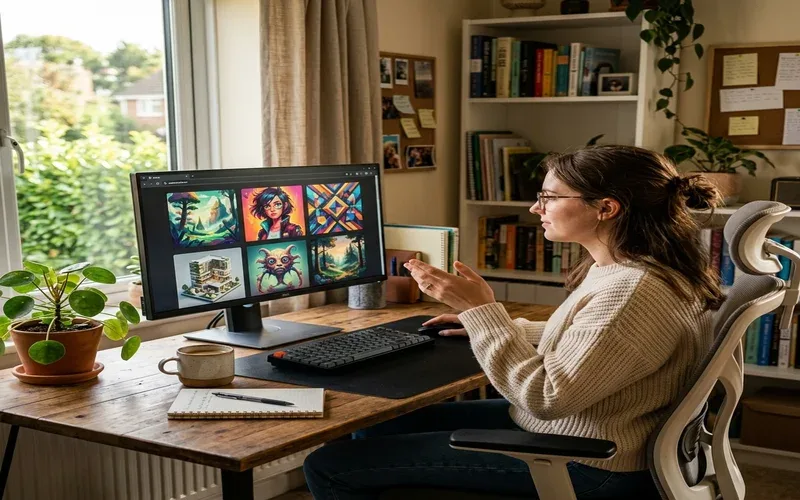
Free AI image generators have gotten genuinely good this year. Not “free with a watermark” good — actually good. I spent several weeks working through…
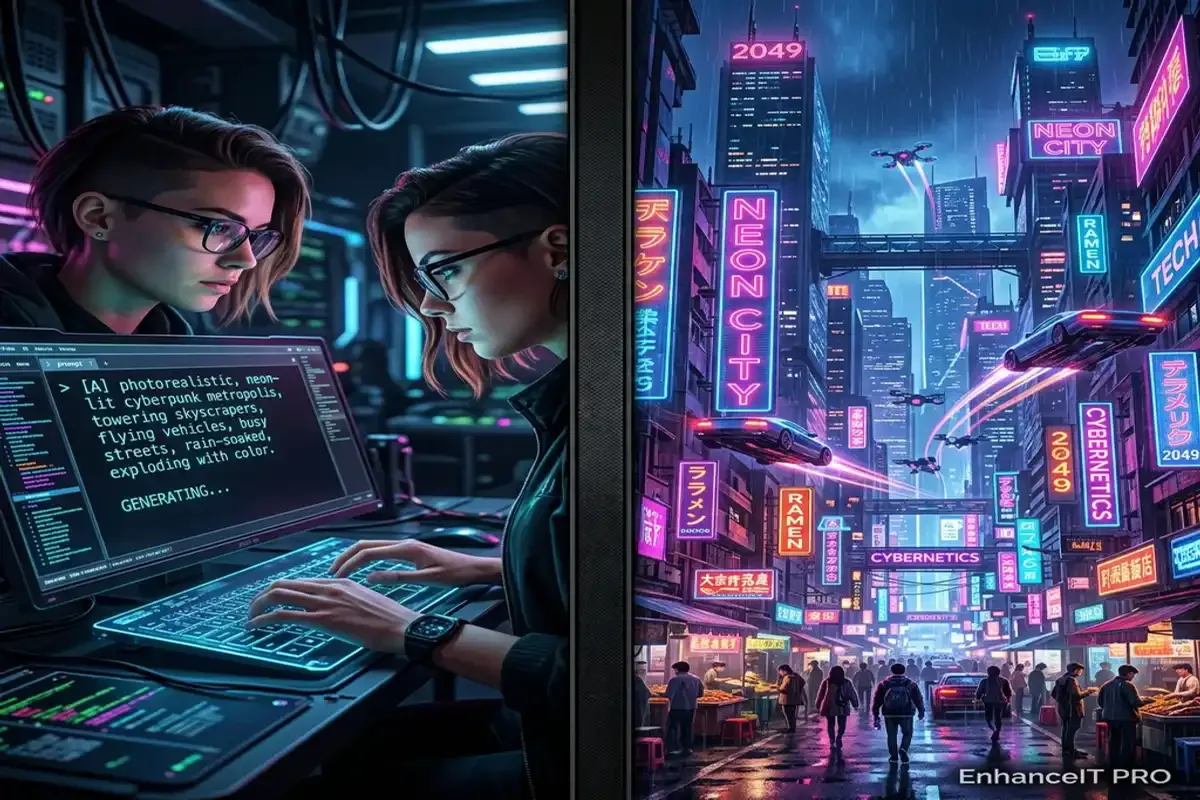
Artificial intelligence has completely revolutionized how we create digital art over the past few years. You no longer need expensive graphic design software or years…
Midjourney completely revolutionized the world of digital art. It allowed absolutely anyone to generate breathtaking, highly detailed images using simple text prompts. However, as the…