AI Watercolor Tattoo Generator
Generate painterly tattoos with translucent washes, vibrant blooms of color, and soft edges that feel like watercolor on skin.
By uploading you agree to our Terms & Privacy Policy
About Watercolor Tattoos
Create watercolor tattoo designs with AI — soft color washes, paint splatters, and artistic bleeding edges beyond the linework.
Example prompt
“Watercolor tattoo of a phoenix rising, soft orange and teal washes bleeding past fine black outlines, artistic paint splash”
Generate with this promptSee Watercolor designs in action
Tap a card to explore how prompts and references become ink-ready watercolor concepts.
Create watercolor tattoo flash from a prompt
Describe your motif, placement, and details — the AI builds a clean watercolor tattoo concept you can download and share with your artist.
How to generate a watercolor tattoo
Three quick steps from idea to ink-ready watercolor concept.
Describe your idea
Type the subject, placement, size, and color notes for your watercolor tattoo — or attach a sketch as reference.
Lock in Watercolor
Keep the Watercolor style selected so every variation stays true to the look you want.
Generate & take to your artist
Create a few options, download your favorite flash, and share it with your tattoo artist as a clear visual reference.
Watercolor tattoo examples
Click any design to open the generator with that prompt and the watercolor style applied.
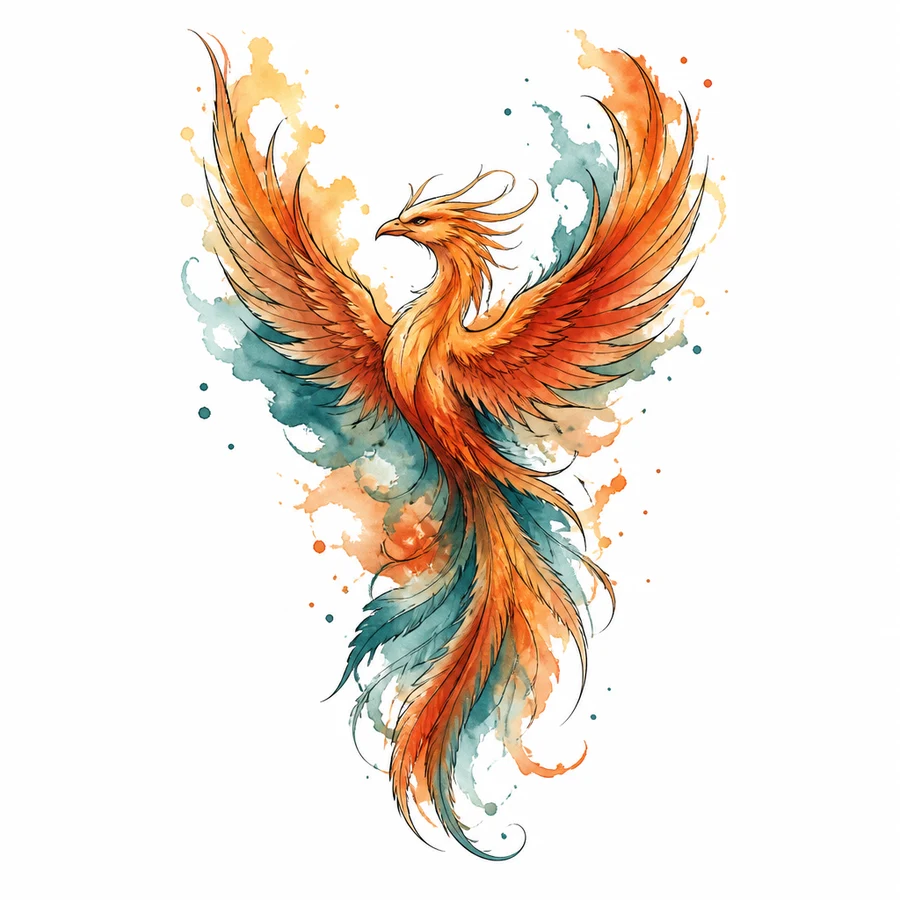
Watercolor Phoenix
Watercolor tattoo of a phoenix rising, soft orange and teal washes bleeding past fine black outlines, artistic paint splash, white background
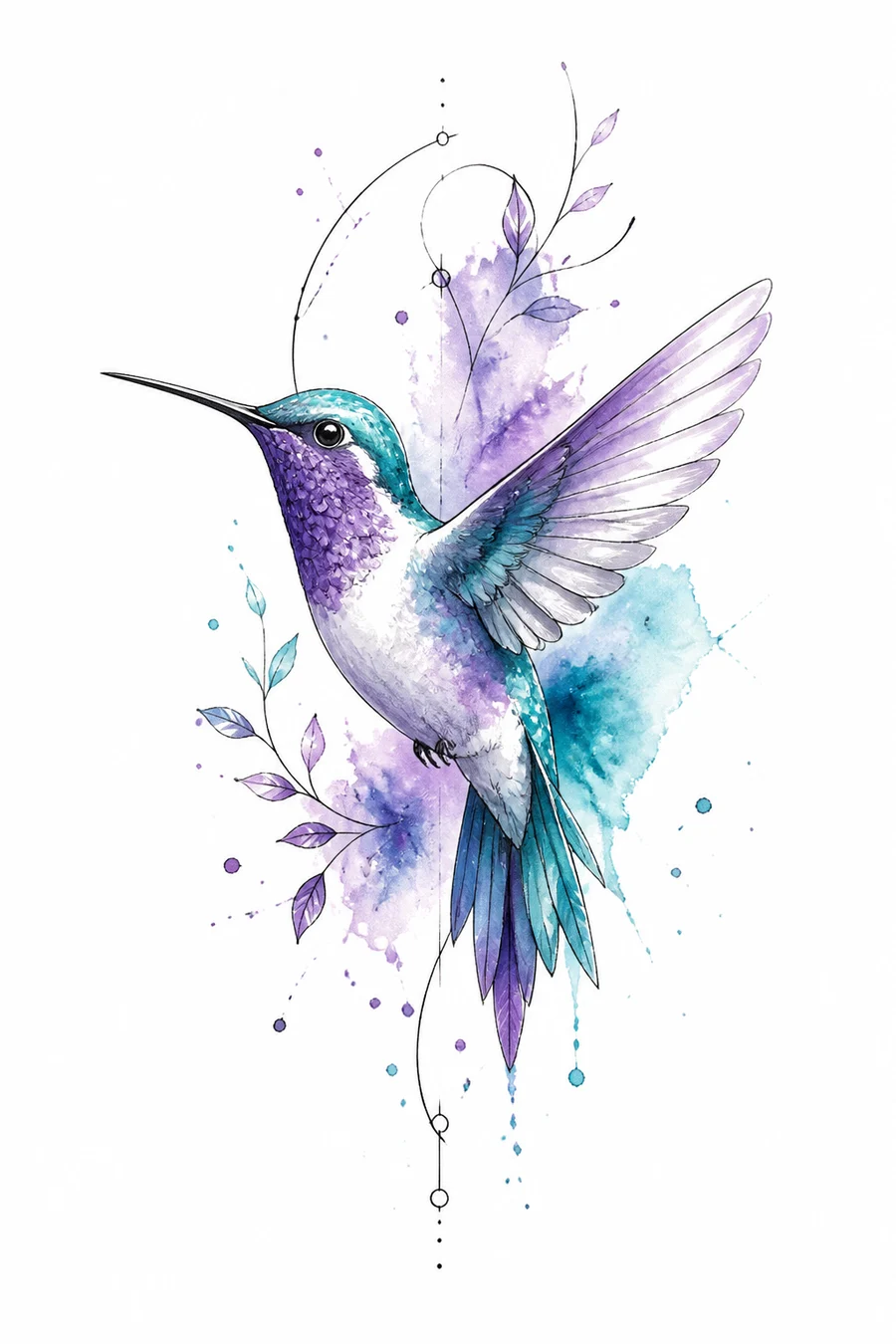
Paint Splash Bird
Watercolor hummingbird tattoo with soft violet and turquoise washes, loose paint splatters outside the linework, artistic tattoo design, white background
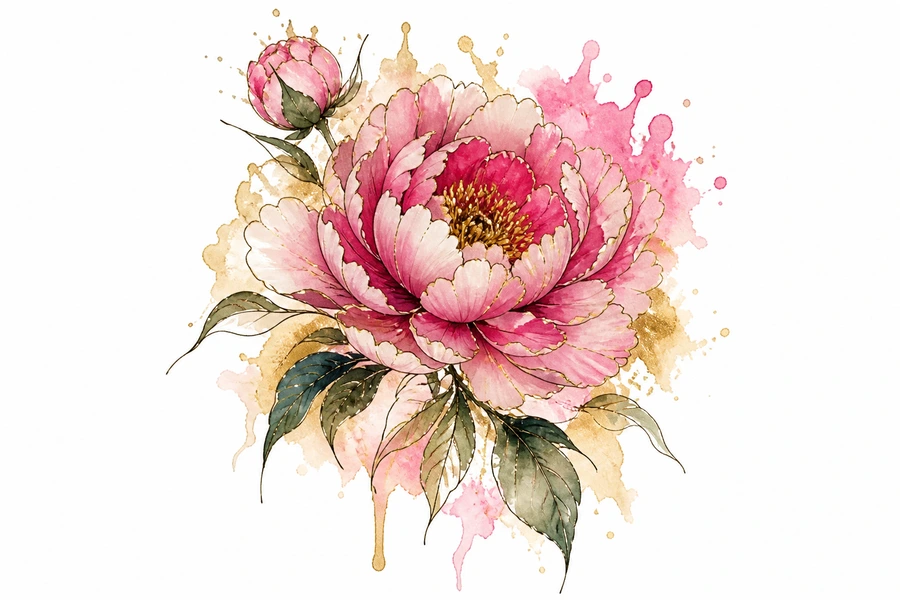
Floral Wash
Watercolor floral tattoo of peonies with pink and gold washes bleeding softly beyond thin outlines, painterly tattoo art, white background
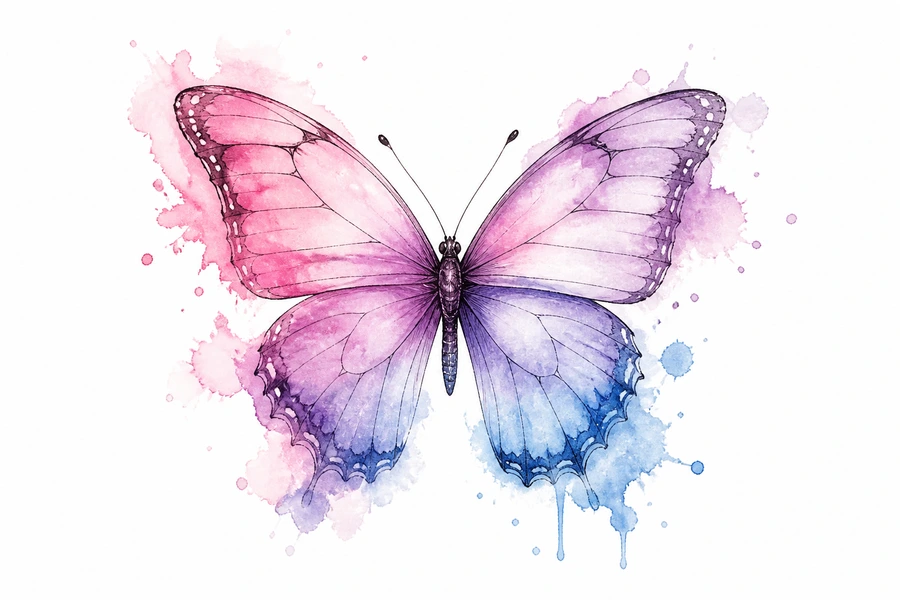
Splash Butterfly
Watercolor butterfly tattoo with soft pastel washes of pink purple and blue bleeding past delicate outlines, white background
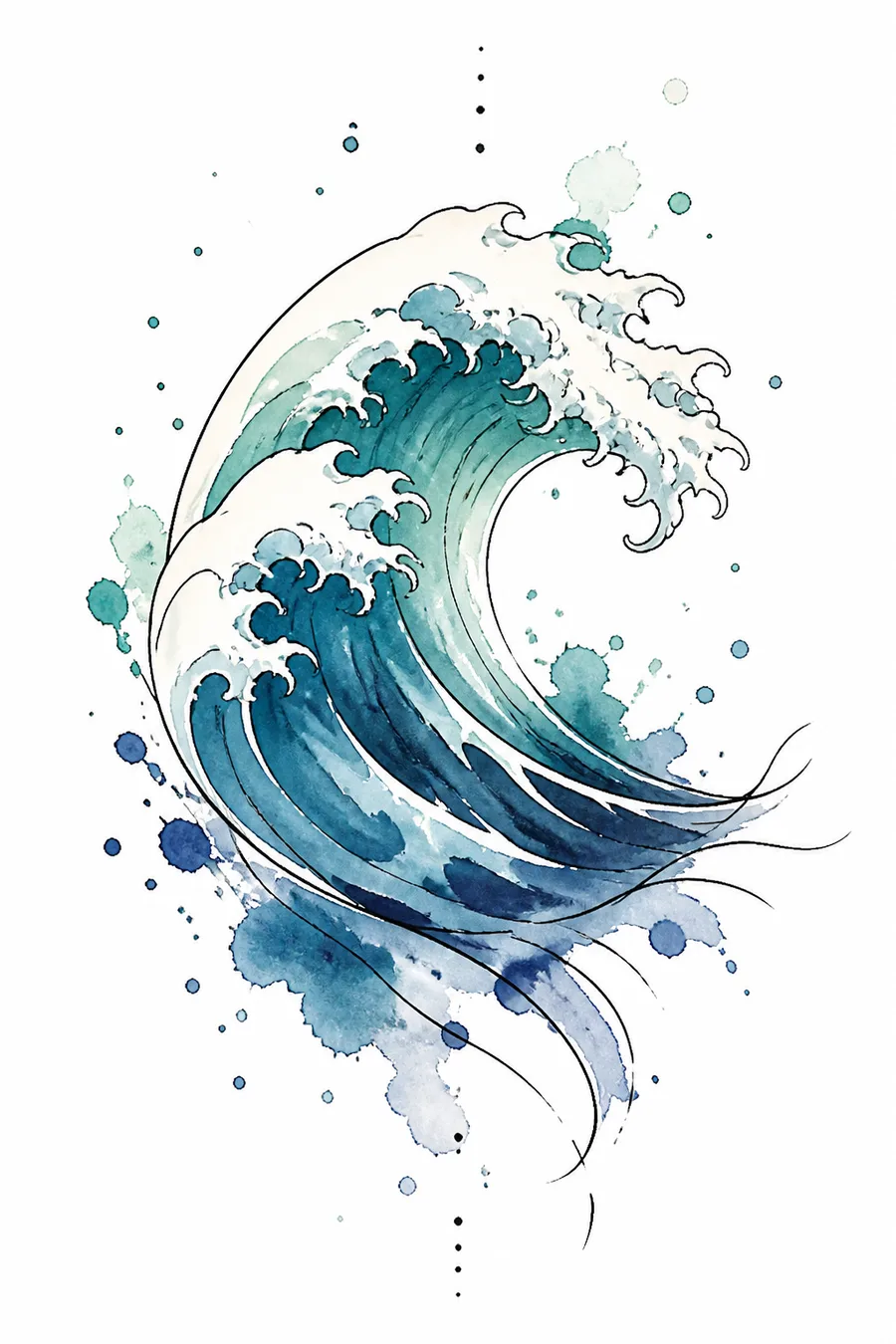
Ocean Wash
Watercolor ocean wave tattoo with soft teal and indigo washes, loose paint splatters, thin outline accents, white background
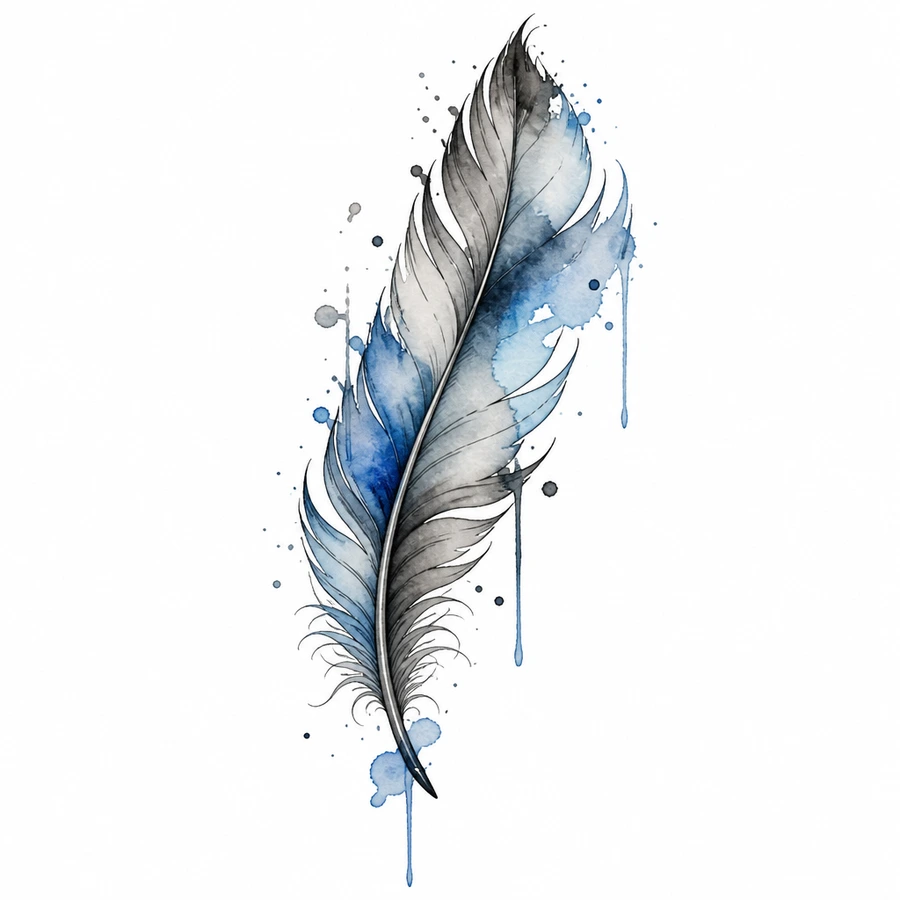
Ink Feather
Watercolor feather tattoo with soft blues and greys bleeding past a fine outline, artistic paint drip effects, white background
Better watercolor results in fewer tries
Small prompt details make a big difference when generating watercolor tattoo flash.
- Mention placement (forearm, rib, sternum) so the watercolor composition fits the body area.
- Add size notes like “small wrist piece” or “full sleeve panel” for better proportions.
- Include color guidance — black & grey only, limited palette, or full color.
- Upload a rough sketch when you already have a shape in mind, then refine with text.
Related Tattoo Styles
Watercolor Tattoo — Frequently Asked Questions
Soft color can fade faster; discuss longevity and touch-ups with your artist.
Yes — prompt for fine outlines plus watercolor fills for a popular hybrid look.
Florals, birds, abstract shapes, and galaxies suit watercolor washes well.
Want to explore all tattoo styles?
Browse All Tattoo Styles